Package: Invicti AppSec Core (on-demand)
Add new report
Periodic reports can be automatically sent by Invicti AppSec in PDF format via email to keep stakeholders informed about security status and progress.
Prerequisites
For the reports section to be used, email integration should first be activated under Integrations.
Create a new report
To introduce a new report, you need to click on the +Add New Report button to the upper right. In the modal that opens, a title is assigned to the report that will appear in the table that lists all reports created in Invicti AppSec.
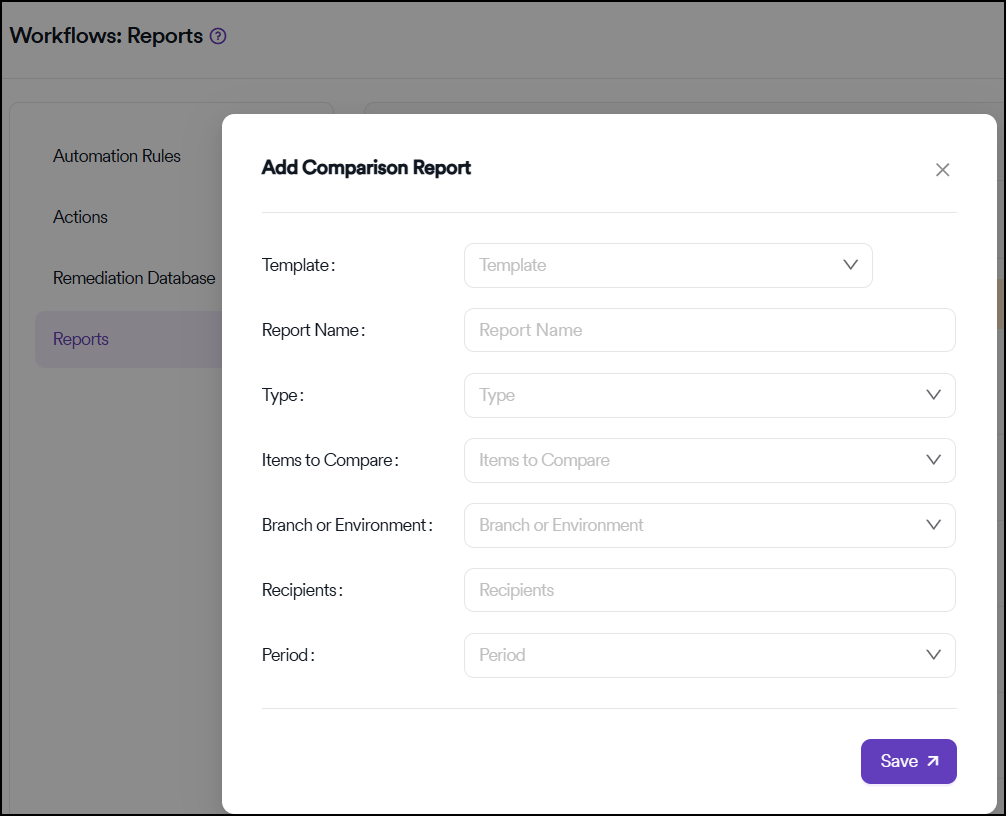
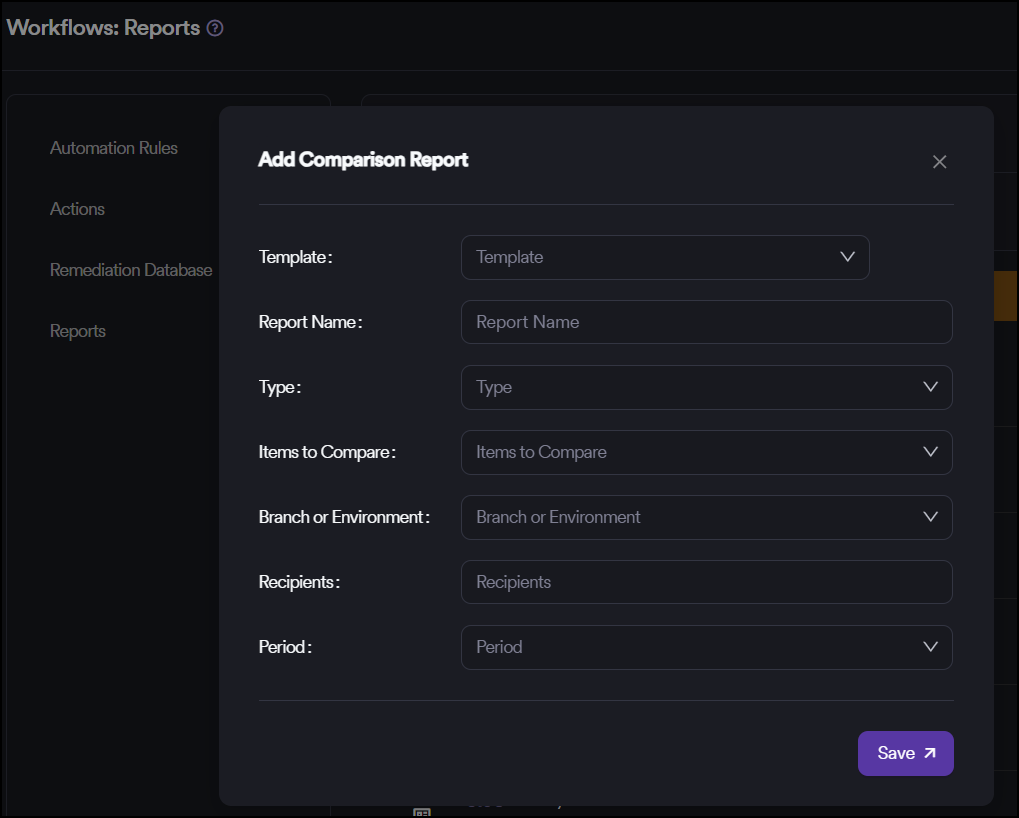
Report types
There are two types of reports to choose from:
Project-based reports
When Project is selected, it's possible to create reports for certain projects by including or excluding specific projects. If a report will be created for all projects, Include All should be selected from the drop-down menu.
Team-based reports
When Team is selected, the same selections need to be made, and custom reports can be created, including or excluding certain teams.
Report configuration
Recipients and scheduling
- Email field: Captures the email addresses of the recipients of the periodic report
- Start date: Defines the first time the report will be created and sent over to the recipients
- Repeat field: Determines the frequency of the reports
Upon clicking on the Save button, the report is added to the reports table in the previous menu.
Report management
In the reports table, previously added reports can be edited, deleted or deactivated. It's also possible to generate reports instantly through the Generate Report button located to the left of Edit button.
Available actions
- Edit: Modify report settings and configuration
- Delete: Remove the report permanently
- Deactivate: Temporarily disable report generation
- Generate Report: Create and send the report immediately
Benefits
- Automated delivery: Schedule reports to be sent automatically at regular intervals
- Flexible scope: Create reports for specific projects, teams, or organization-wide
- PDF format: Professional format suitable for sharing with stakeholders
- Instant generation: Generate reports on-demand when needed
- Easy management: Edit, deactivate, or delete reports as requirements change
Need help?
Invicti Support team is ready to provide you with technical help. Go to Help Center