Package: Invicti AppSec Core (on-demand)
Configure environment fields
The Environment field (optional) under scan parameters works both on the UI and CLI as an optional field. The values of this field can be one of:
- Development
- Staging
- Production
- Feature
- None
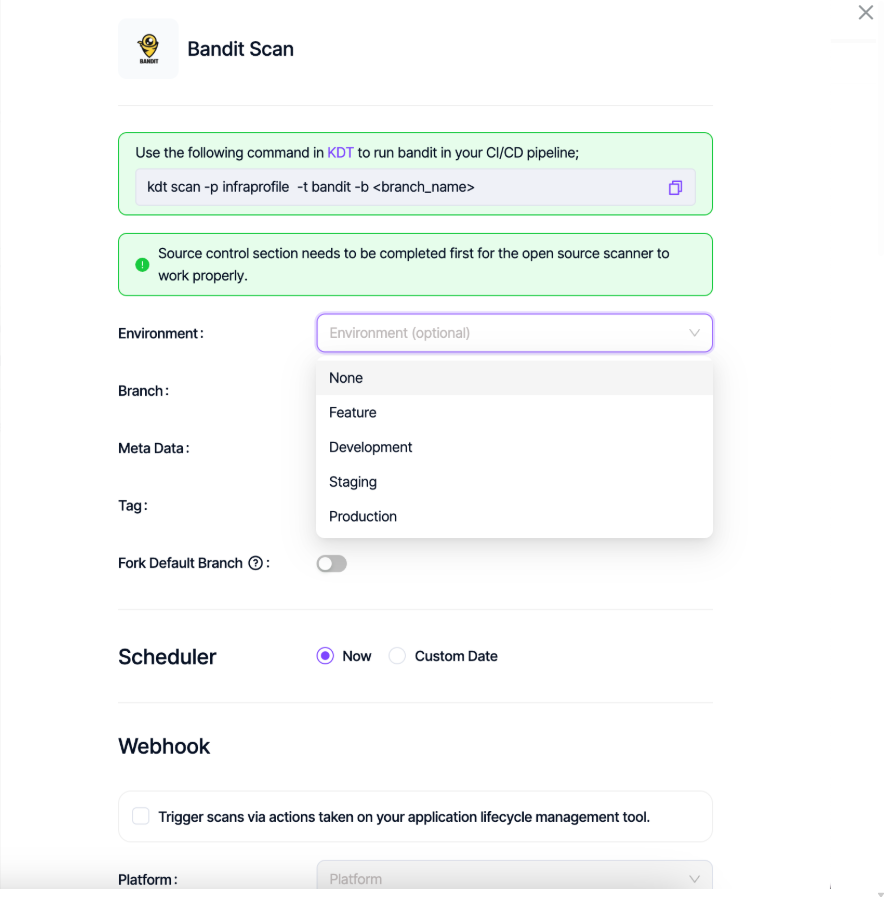
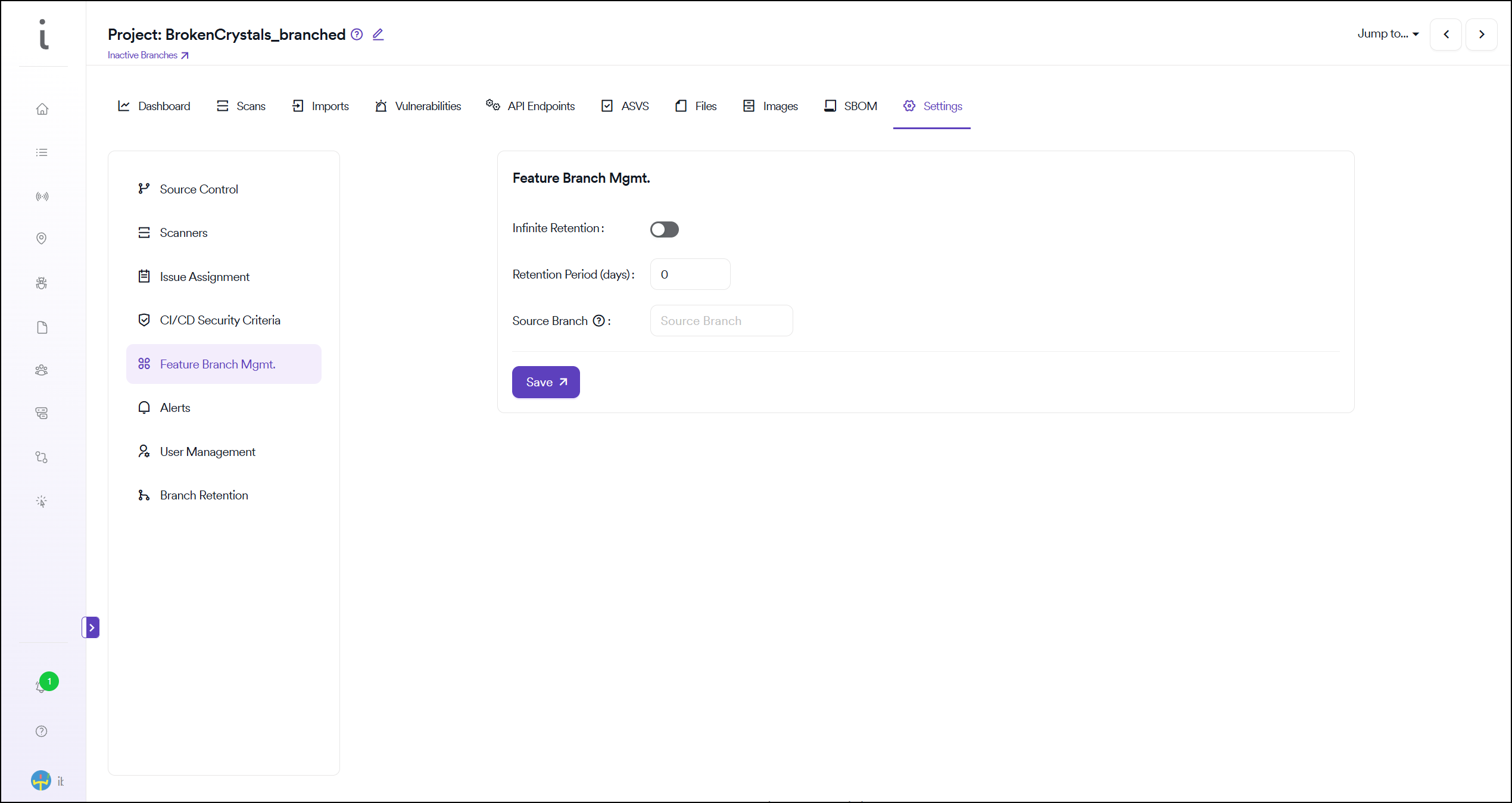
Vulnerabilities belonging to the Feature environment are deleted automatically in the frequency set by the user under the Feature Branch Management setting. This setting is available under global settings and can be overridden under project settings. Invicti AppSec checks for the last scan date of the relevant branch (regardless of the scanner) to decide if the vulnerabilities should be deleted or retained.

Project level feature branch management
Global feature branch management
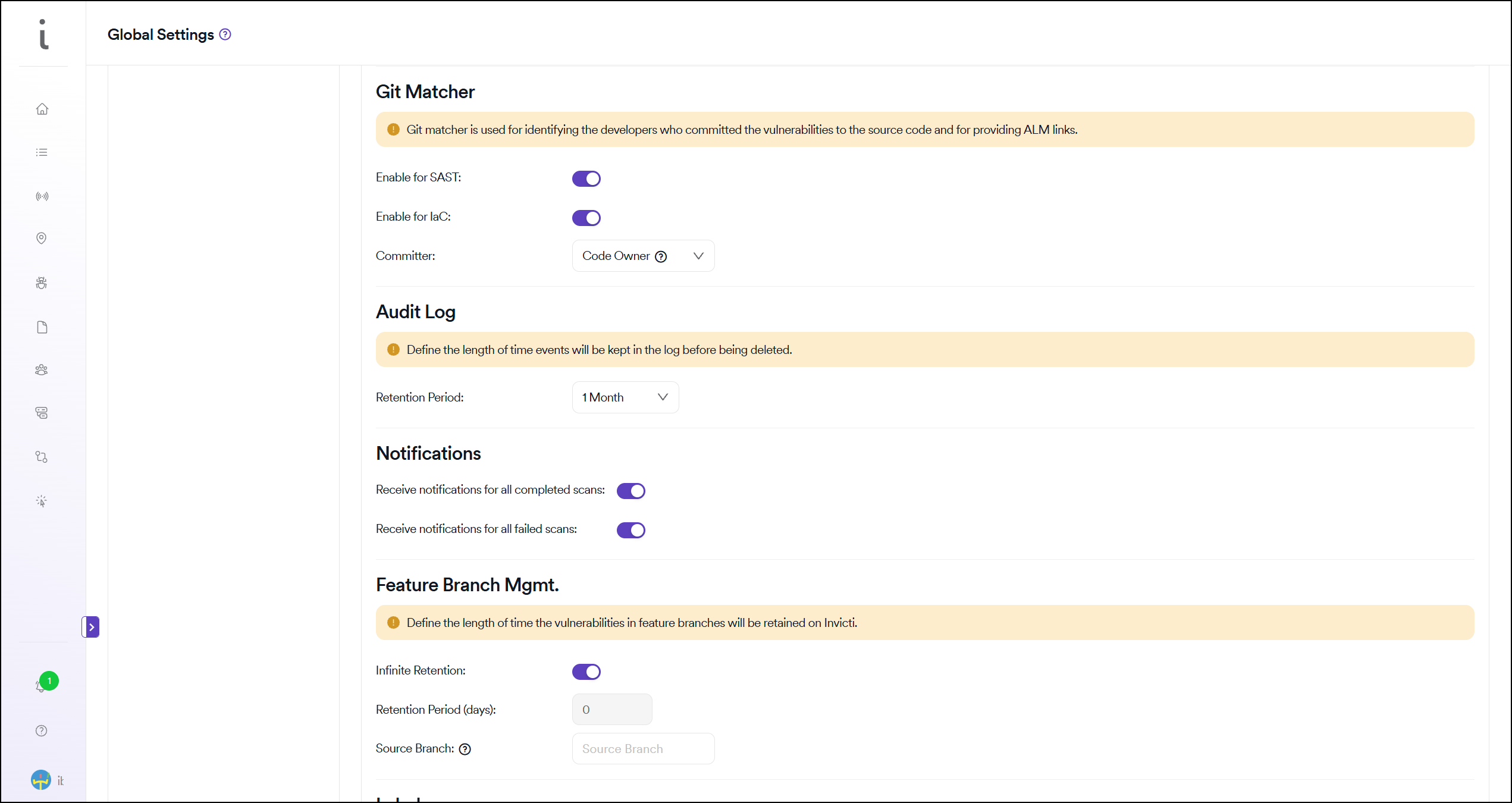
The source branch that's used to compare vulnerabilities discovered in feature branches to those discovered in this source branch can be defined on a global level or can be overridden on the project level from the same settings shown in the screenshots above.
Fork scan is enabled by default for scans where Feature is selected as an environment. Since fork scans require a source branch, if there's no source branch defined on a global or project level, a warning pops up on the UI saying that "Fork source branch is mandatory for feature environments when fork source branch toggle is on. Click here to define the fork source branch for this project."
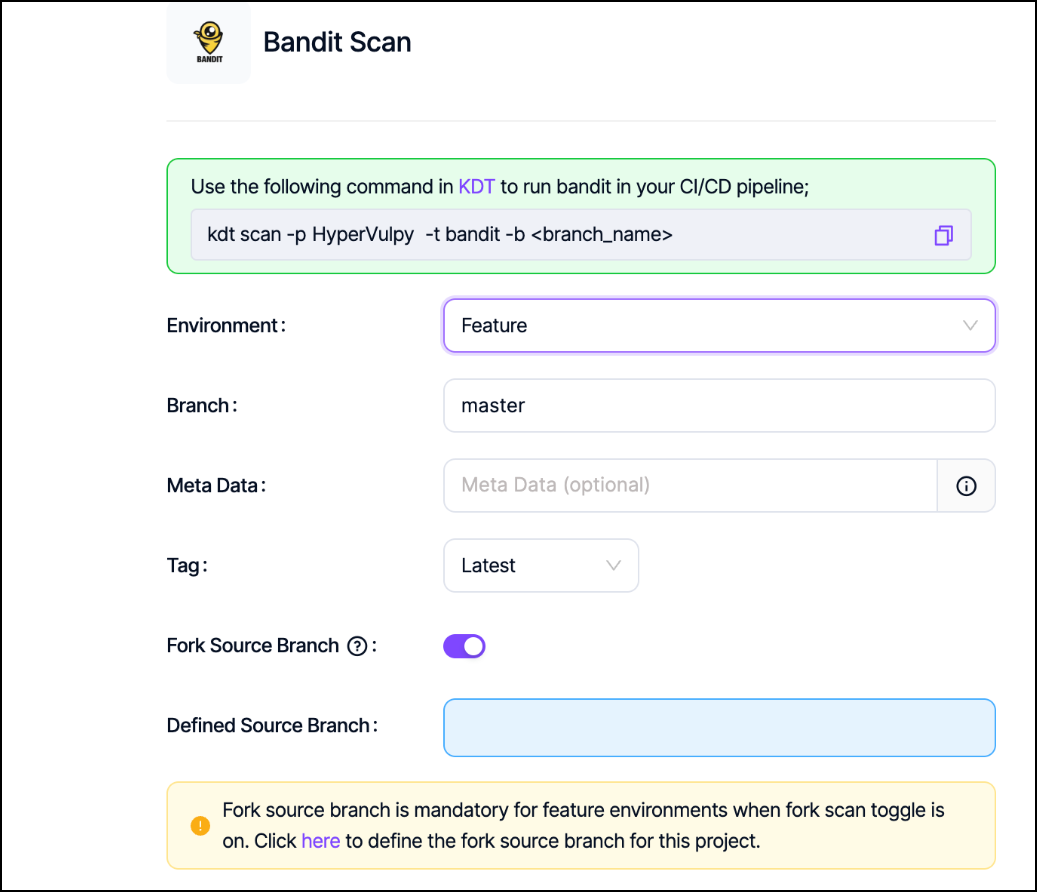
In the KDT, just like on the UI, you can use the env parameter optionally with the --env parameter.
You can enable a fork scan in the CLI by passing the -M or --fork-source parameters to capture the source branch. If you need to save the same branch as the defined source branch of the project, you can use the --override-fork-source parameter.
When fork source branch is enabled, vulnerabilities discovered in feature branches that are the same as the ones in the source branch are marked as Recurrent instead of New.
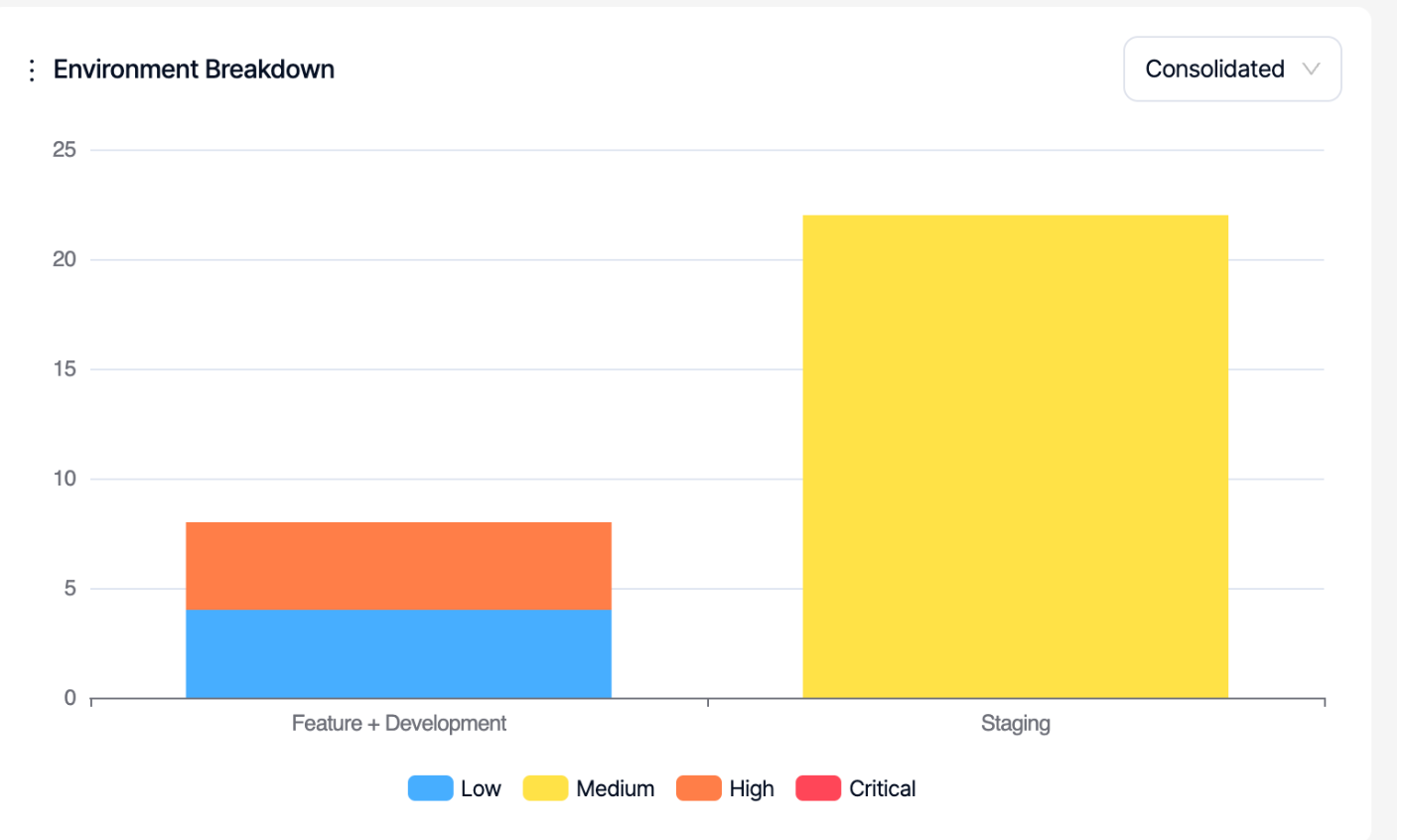
In the project and product dashboards, when "All" branches are selected, there's an Environment Breakdown chart that shows the distribution of vulnerabilities across different environments.
Need help?
Invicti Support team is ready to provide you with technical help. Go to Help Center