Package: Invicti AppSec Enterprise (on-premise, on-demand)
Team lead integrations
For organizations that prefer to allow team leads to use their own tokens instead of global tokens when accessing projects on certain ALM tools or scanners, team lead integrations can be used.
This approach allows team leads to see only a list of projects that their tokens have access to instead of accessing all projects that are reachable through a global token.
Access and availability
Team lead integrations can be accessed by users with a Team Lead role under their profile section in the side navigation menu.
This functionality is currently available for the following integrations:
- MS Defender for Cloud
- MS Azure DevOps Services (ALM and Issue Manager)
- MS Azure DevOps Server (ALM and Issue Manager)
Configuration options
The following configurations may be available under Advanced Settings on the integration page of the relevant tool:
Allow team leads to create new instances
Available for: ALM, Issue Manager, and Scanners
When enabled, team leads can start creating new instances using their tokens. When disabled after enabling, previously added instances can still be seen but new instances can't be added.
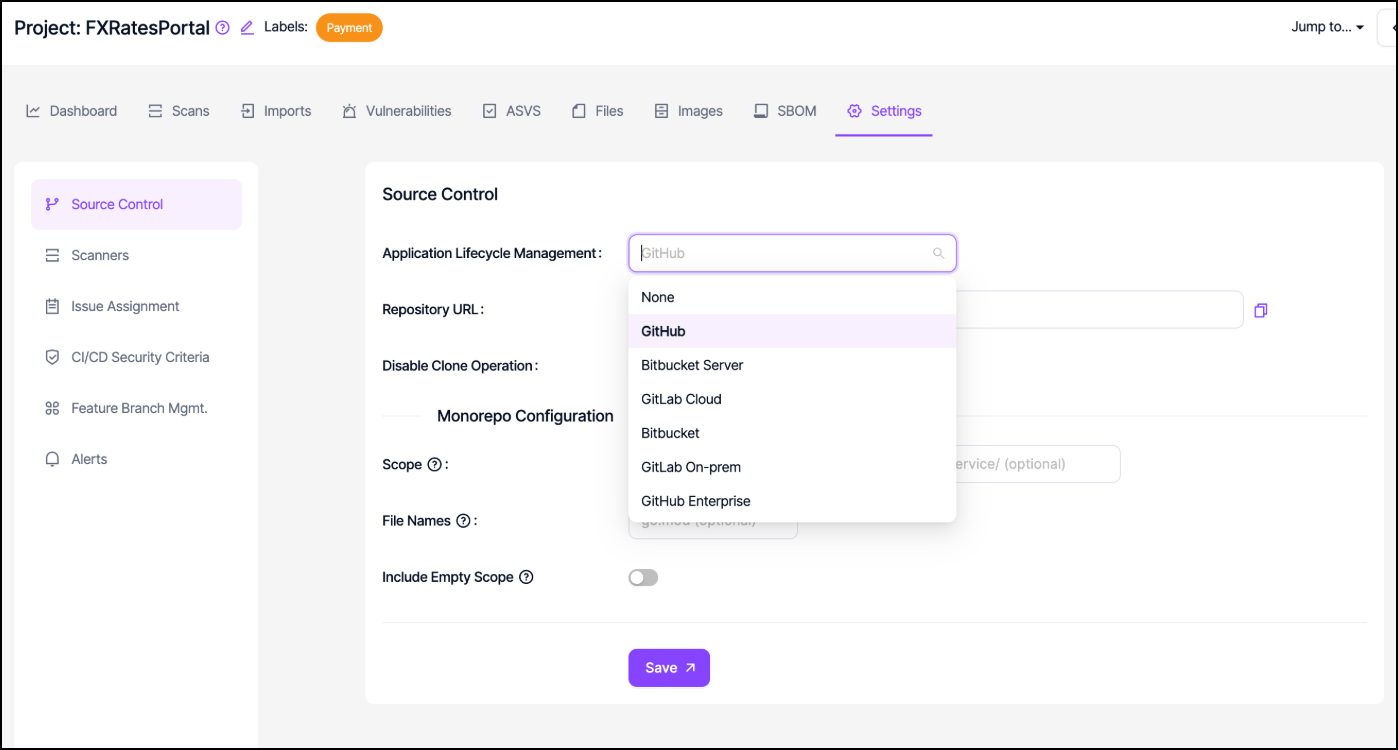
When this option is disabled, integration options like Azure DevOps Services disappear from the available choices since there are no instances other than the default instance.
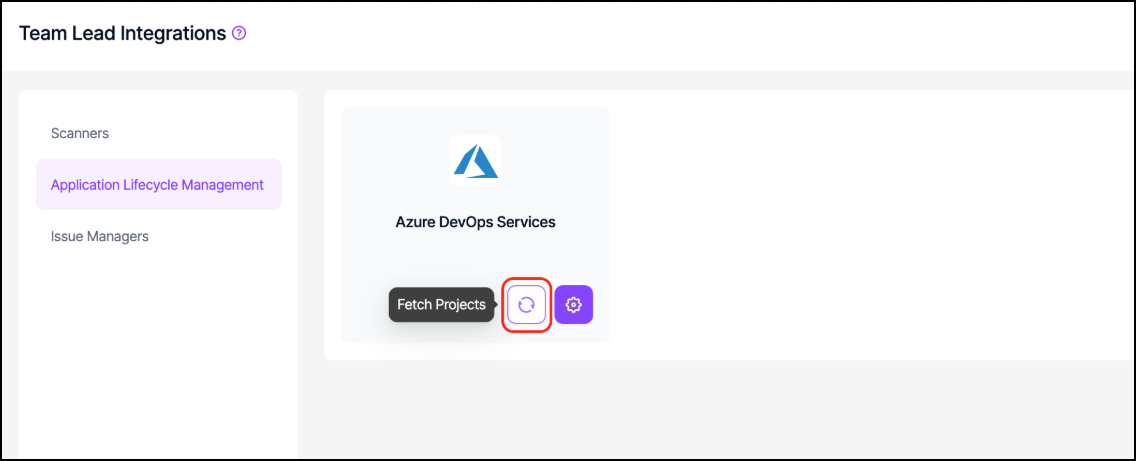
Allow team leads to fetch projects from this instance
Available for: ALM tools
For this configuration to be enabled, the "Allow team leads to create new instances" configuration must be enabled as well. When enabled, team leads can fetch projects that are accessible through the global token which was used to integrate the default instance with Invicti AppSec.
When this option is disabled, the Fetch projects button disappears from the interface.
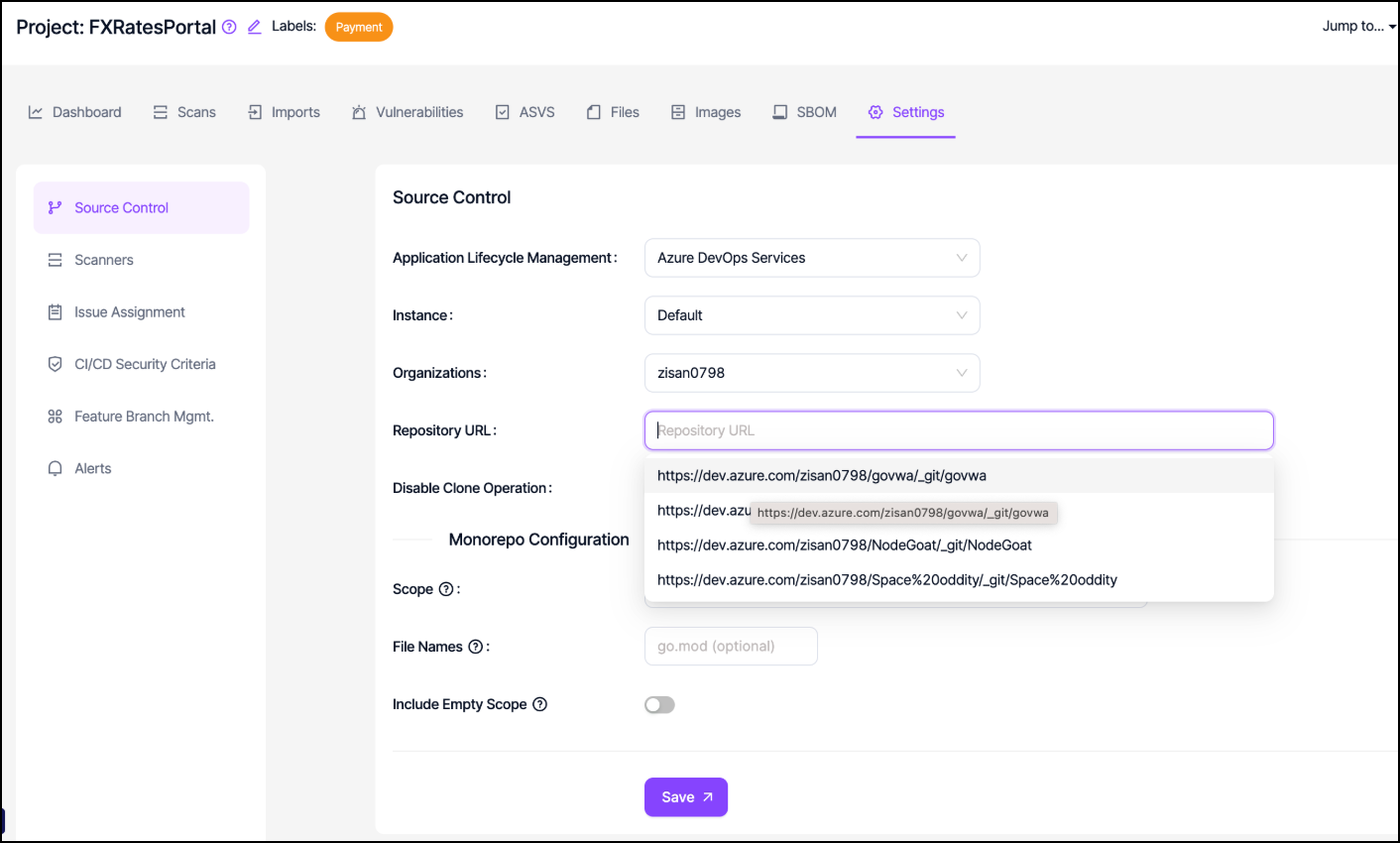
Allow team leads to access projects of this instance
When enabled, team leads can see projects of the default instance in the drop-down menu under project settings where they bind issue managers and ALM tools to their projects.
Allow team leads to scan this instance
Available for: Scanners
When enabled, team leads can run scans on the default instance created by the admin.
Need help?
Invicti Support team is ready to provide you with technical help. Go to Help Center