Log in and reset your password
Access the Invicti Platform by logging in at https://platform.invicti.com for customers in the United States, https://platform-ca.invicti.com/ for customers in Canada or https://platform-eu.invicti.com for customers in the European Union.
This document explains how to log in to Invicti Platform and reset your password.
Log in to Invicti Platform
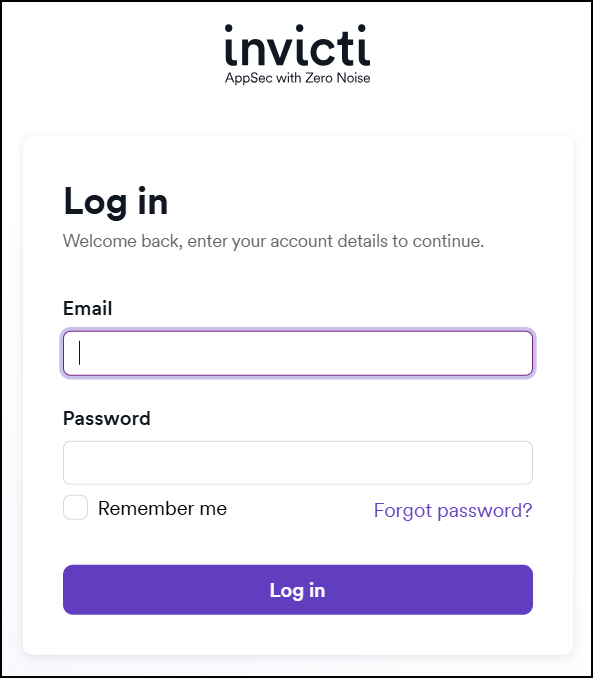
- Navigate to the login page.
- In the email field, enter your email address used during the registration.
- In the password field, enter your password used during the registration.
- Select the Remember me checkbox, if required.
- Click Log in.
tip
Enabling the Remember me checkbox allows you to stay logged in for up to 30 days or until you cancel the session, for example by logging in from another browser, device or by logging out manually.
Reset your password
- On the login screen, select Forgot password? to open a new page.
- Fill in the email field with the email address you used during registration.
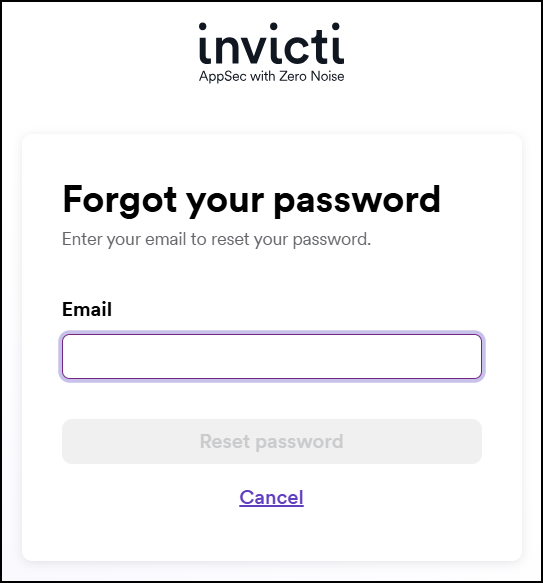
- Click Reset password to receive instructions through email.
- Follow the instructions to set up a new password. Use a unique password that contains a number, a small letter, a capital letter, a special character (! @ # $ %), and has at least 8 characters.
- Log in using the new password.
Need help?
Invicti Support team is ready to provide you with technical help. Go to Help Center
Was this page useful?