Zero configuration API discovery configuration
Zero configuration API discovery automatically discovers and processes API specifications during scans without requiring manual setup. The scanner opens application pages and interacts with UI elements. For applications utilizing backend APIs, it observes API calls and reconstructs a specification based on detected traffic, allowing dynamic API discovery without requiring pre-existing specifications.
Zero configuration API discovery is turned off by default. To discover APIs effectively, a Crawl-only scan is sufficient — the scanner navigates through the application, identifies potential API calls, and reports them in API discovery.
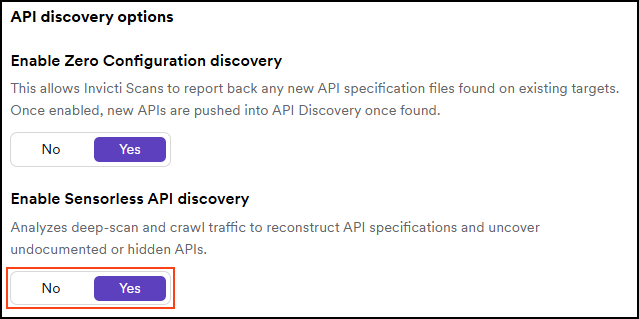
Activate Zero configuration API discovery
- Select Discovery > Configuration from the left-side menu.
- In the API discovery section, choose Zero configuration API discovery.
- Set the Enable Zero configuration API discovery to Yes. No is the default option.
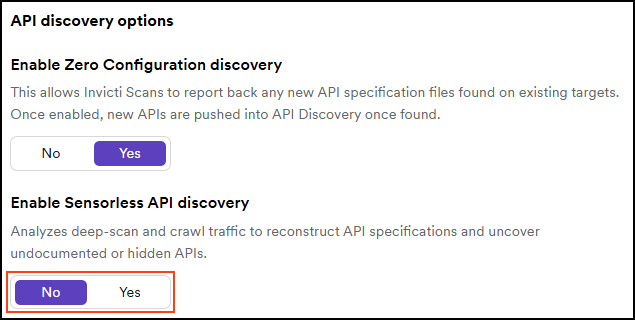
Deactivate Zero configuration API discovery
- Select Discovery > Configuration from the left-side menu.
- In the API discovery section, choose Zero configuration API discovery.
- Set the Enable Zero configuration API discovery to No. No is the default option.
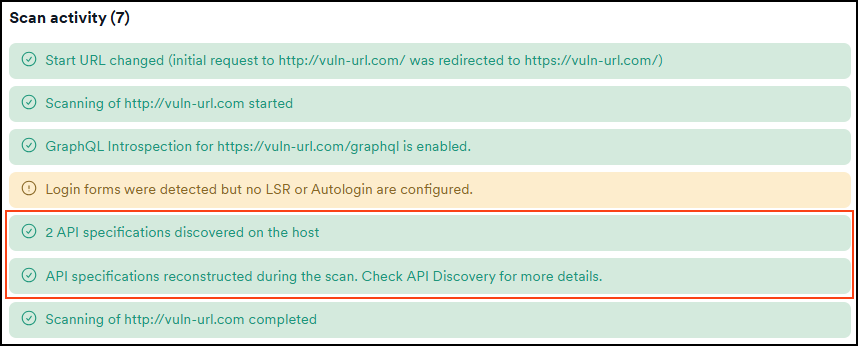
Scan activity examples
When Zero configuration API discovery is active, the scan log includes an entry showing API specifications reconstructed from observed traffic.
The scan activity section on the Scans > DAST scans > Scan details page:
Status codes and reconstructed endpoints
During Zero configuration API discovery, only API endpoints that return a 2xx status code are included in the reconstructed API specification. Endpoints responding with other status codes are excluded.
If a swagger.json or similar API specification file is present on the target, the scanner combines results from the crawler and the reconstructor. While the crawler identifies available specifications, the reconstructor observes traffic and dynamically rebuilds additional API definitions. Note that the reconstructor is not guaranteed to detect every endpoint captured during the scan and should be considered a complementary method for uncovering further APIs.
Need help?
Invicti Support team is ready to provide you with technical help. Go to Help Center