Custom cookies
You can configure custom cookies to be sent to your Target with each request, allowing Invicti Platform to crawl and scan your Target correctly. To set custom cookies for your target:
- Select Inventory > Targets from the left-side menu.
- Locate the target you would like to amend, select the three-dot menu (⋮) > Edit target.
- Select Custom cookies from the menu.
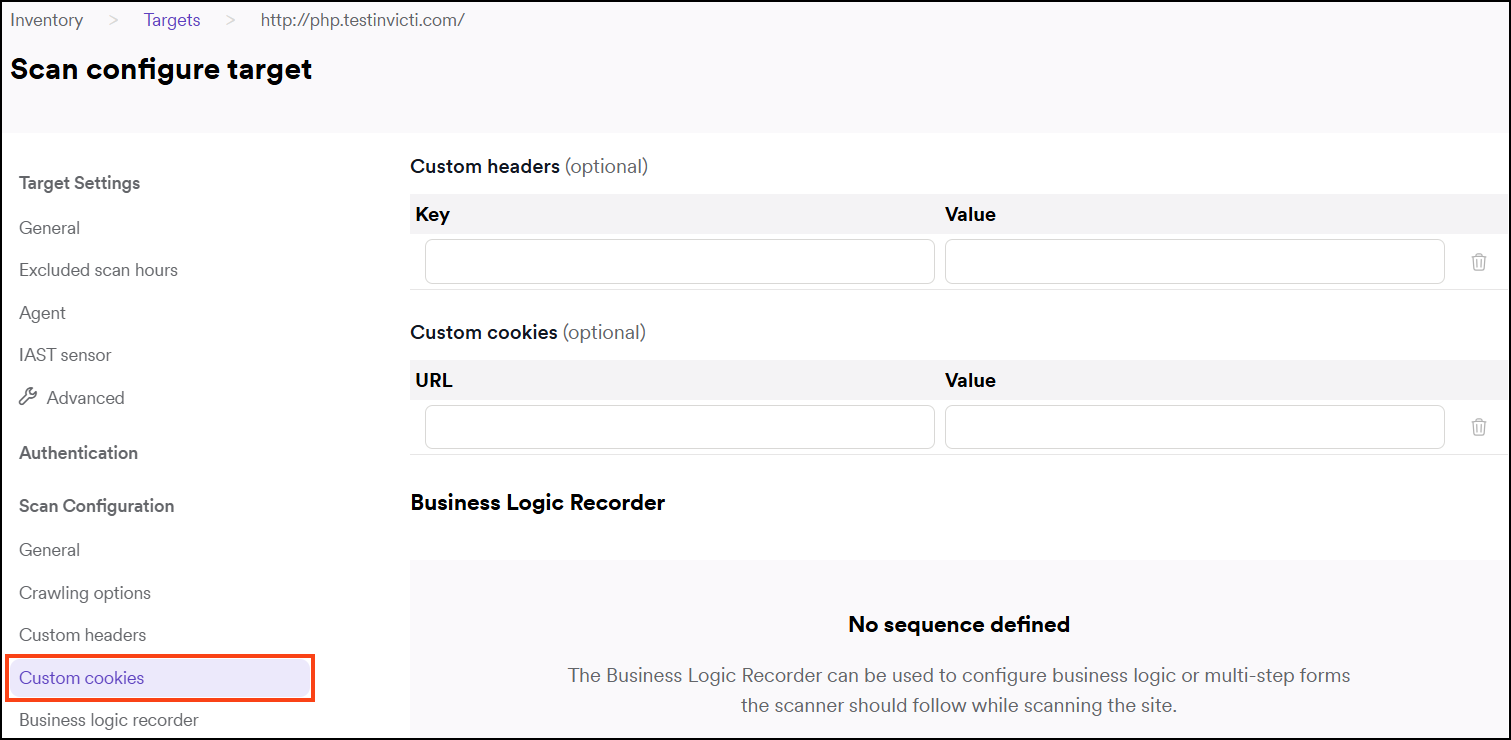
- Enter the URL for the path and your cookie values for the URL.

- Click Save target configuration to confirm.
Need help?
Invicti Support team is ready to provide you with technical help. Go to Help Center
Was this page useful?