this document is for:
Deployment: Invicti Platform on-demand
Package: Ultimate and Professional
PCI ASV report settings
By default, PCI ASV reports use the product details, but you can customize these for improved accuracy.
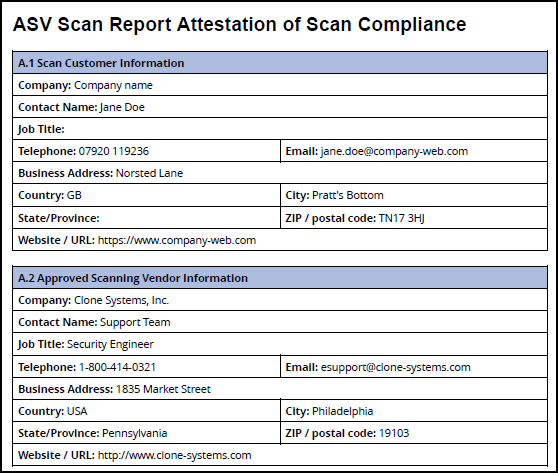
- To ensure accurate reports, configure the organization details:
- Organization name
- Organization URL
- Country
- Organization contact name
- Organization contact title
- Organization contact email
- Organization phone
- Organization address – street, city, ZIP code
- Click Save changes to confirm.
Some of these details appear in the Attestation, Detailed, and Executive reports.
For instructions about how to launch a PCI ASV scan, refer to the linked document.
Need help?
Invicti Support team is ready to provide you with technical help. Go to Help Center
Was this page useful?