Update your email address
This document is for Invicti Platform
On your Profile page, you can change the email address you use to log in to Invicti Platform.
This document explains how to change your email address in Invicti Platform.
Steps to update your email address
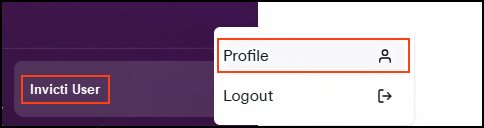
- Click [Your Name] in the bottom left corner of the page, then select Profile.
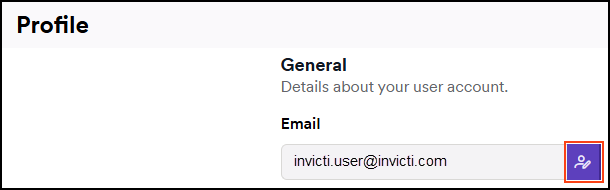
- Locate the Email field and click the edit button.
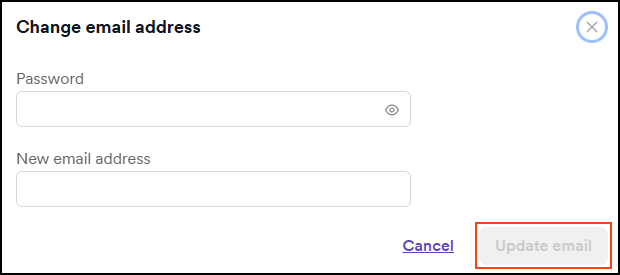
- Enter your current Password and a New email address.
- Click Update email.
Your email address is now changed. Use your new email address next time you log in to Invicti Platform.
Need help?
Invicti Support team is ready to provide you with technical help. Go to Help Center
Was this page useful?