Package: Invicti AppSec Core (on-demand)
Log in to Invicti AppSec
To access Invicti AppSec, navigate to your organization's unique URL in a web browser. The URL follows the format <customer>.invicti.com and is provided to you by email when your organization purchases Invicti AppSec.
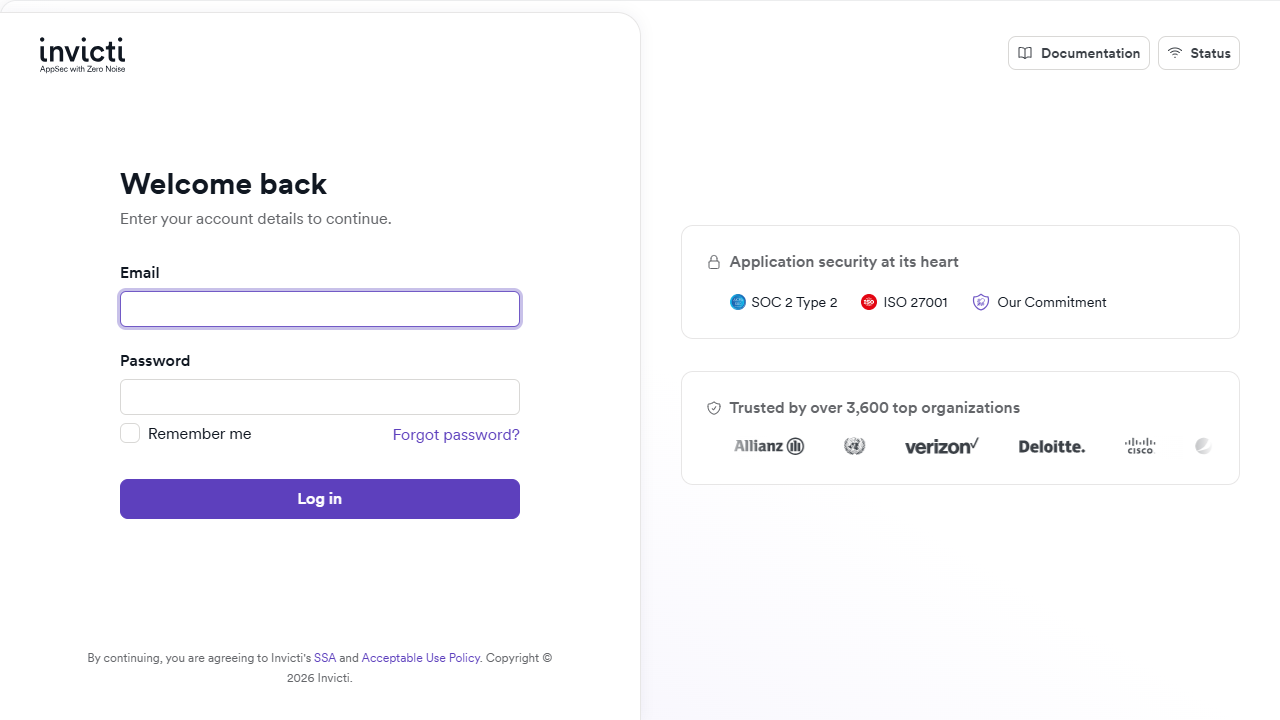
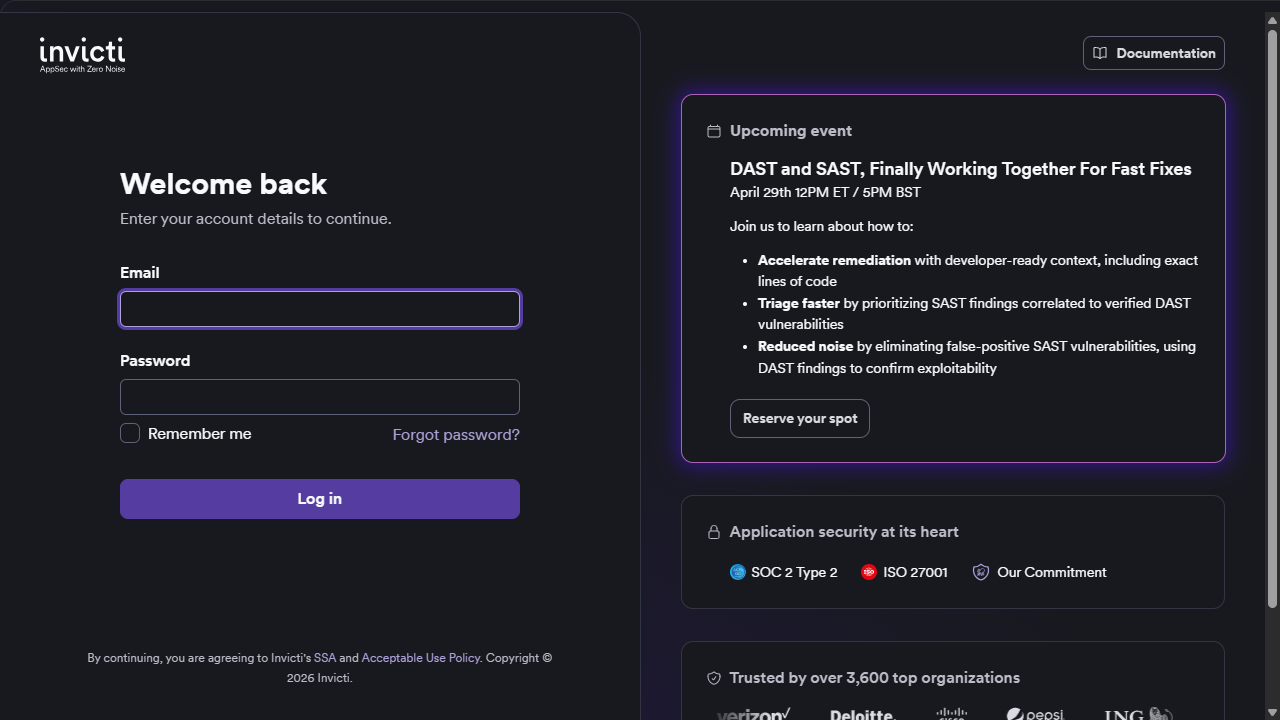
Log in with application credentials
- Enter your Email.
- Enter your Password.
- Select the Remember me checkbox, if required.
- Click Log in.
If you forget your password, click Forgot password? to reset it.
Log in with a single sign-on (SSO) provider
SSO options may be available if your organization's administrator has configured them. If you don't see SSO buttons on your login page, contact your administrator or use the standard email and password login method above.
If your organization has configured SSO, you may see buttons for one or more of the following providers on the login page:
- Log in with Okta
- Log in with Azure Active Directory
- Log in with Google
- Log in with SAML
Click the button for your SSO provider on the login page and follow the authentication prompts.
The SSO options available on your login page depend on which providers your organization's administrator has configured. You may not see all of the options listed above.
Need help?
Invicti Support team is ready to provide you with technical help. Go to Help Center