Package: Invicti AppSec Core (on-demand)
Vulnerability database overview
This interface allows for an in-depth examination of the details of all historical vulnerabilities. In this section, all vulnerabilities identified in the scans executed since the inception of the platform are listed.
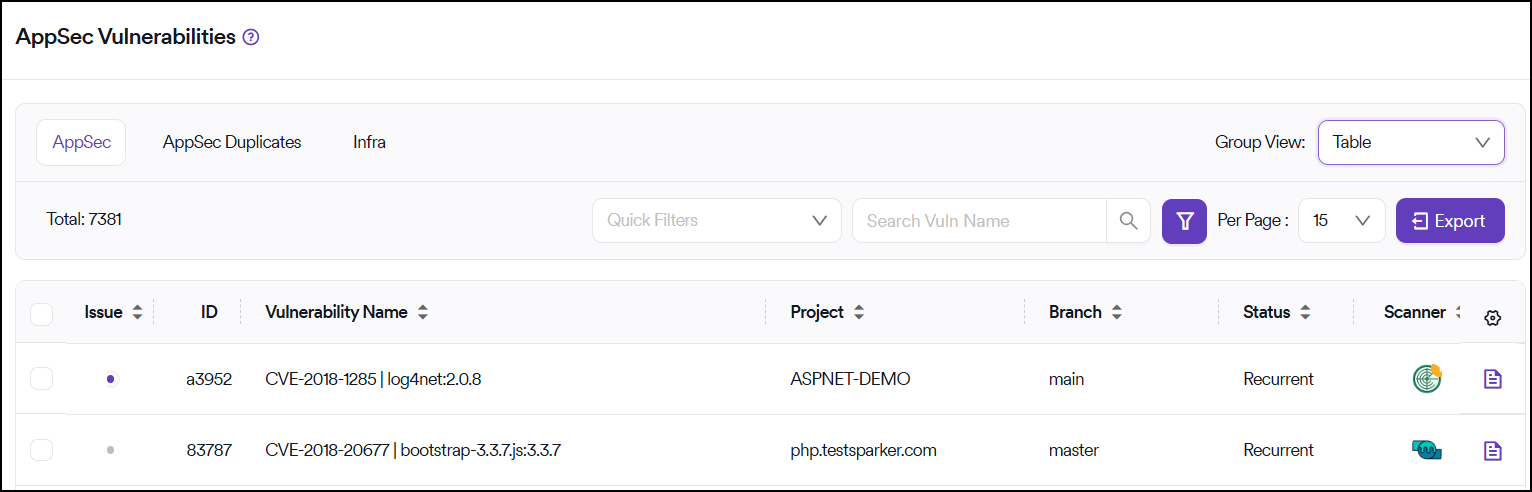
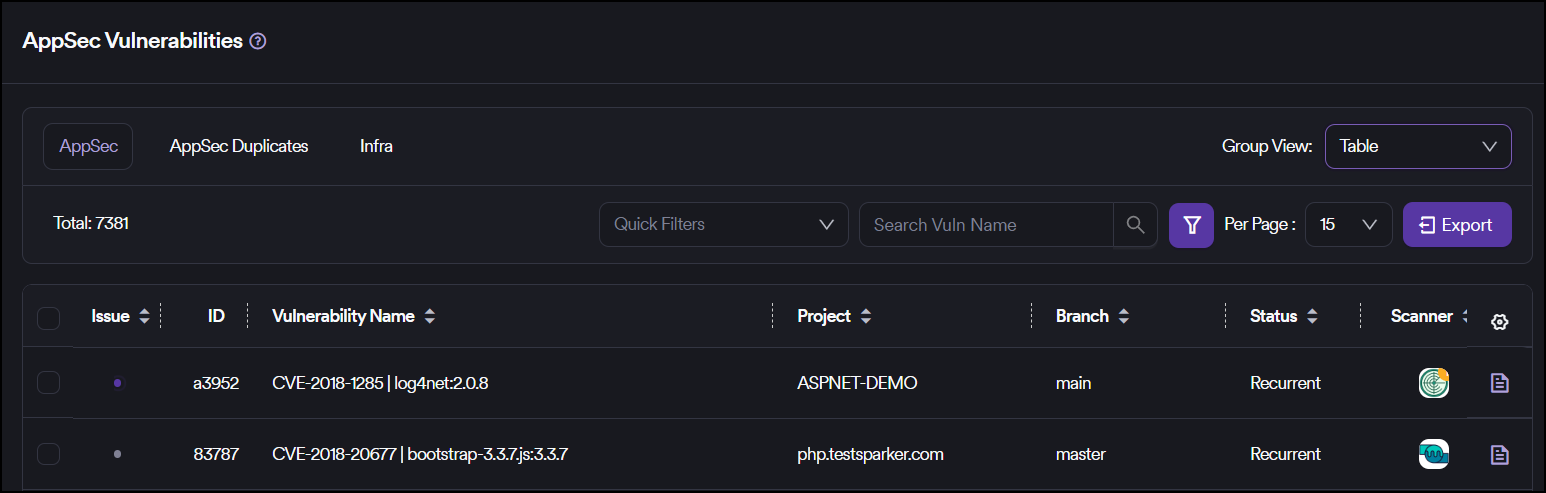
If vulnerability merging is activated in the Global Settings, the system displays a consolidated view of vulnerabilities, excluding any duplicates. If this setting isn't enabled, Invicti AppSec displays all vulnerabilities without exception.
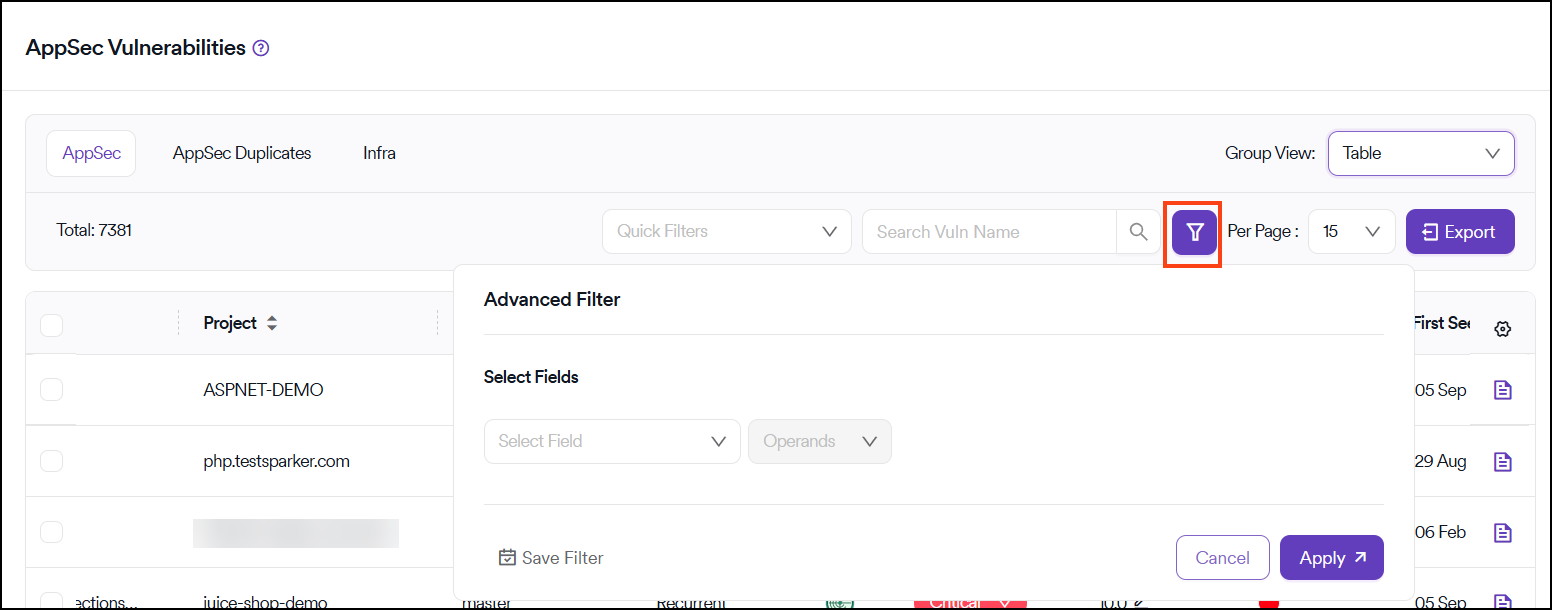
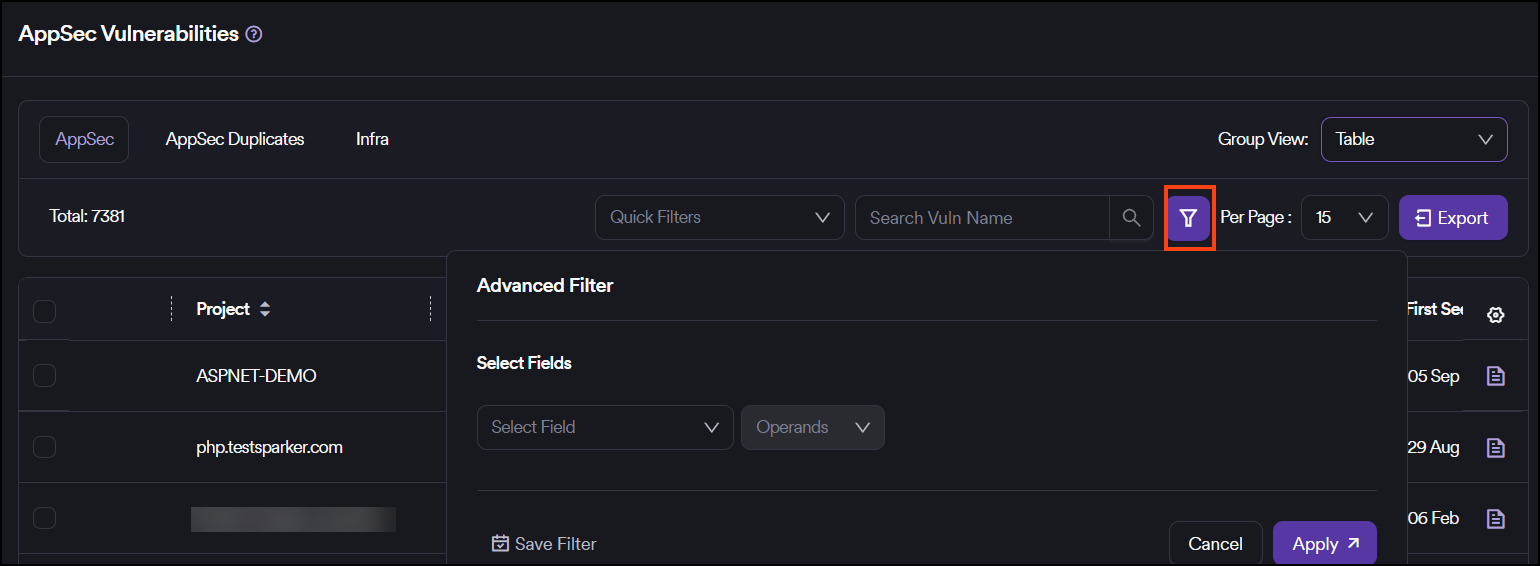
Advanced filtering and search
You can access advanced filtering options via the search box located in the top row, which is highlighted in purple.
You can export each table, formed through sorting and filtering, in CSV format by clicking the Export button situated in the top row.
Need help?
Invicti Support team is ready to provide you with technical help. Go to Help Center