Create a collection
This document is for Invicti Platform
A collection is a flexible grouping mechanism used to organize assets and even applications, making it ideal for creating reusable, business-aligned structures—and for managing access control.
This document describes how to create a new collection in Invicti Platform.
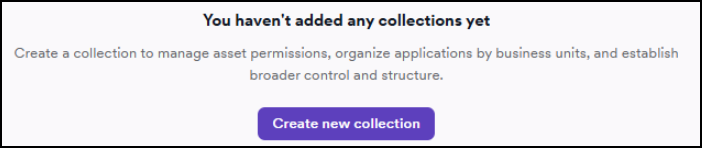
Steps to create a new collection
-
Select Inventory > Collections from the left-side menu.
-
Click Add new collection.

-
Enter a name and description for your new collection.
-
Specify the type and enter any tags. The type can be Business unit, Product family, Region, Team, Other.

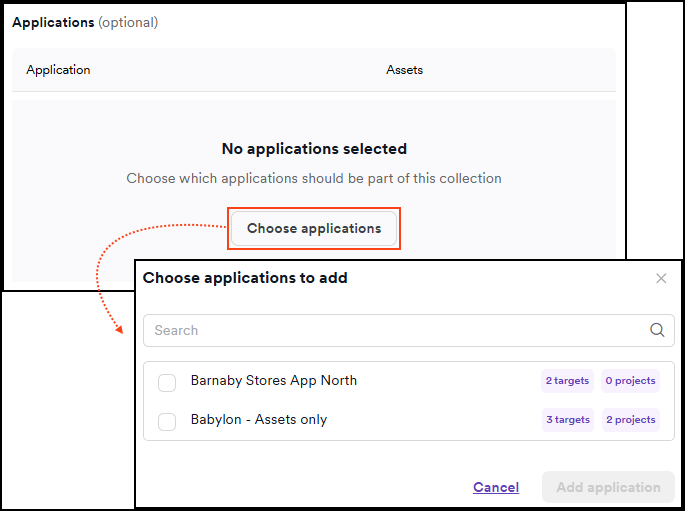
- Select Choose applications to choose applications that should be part of this collection.
- Select Choose assets to choose assets that should be part of this collection.

- Click Add collection to confirm the configuration.

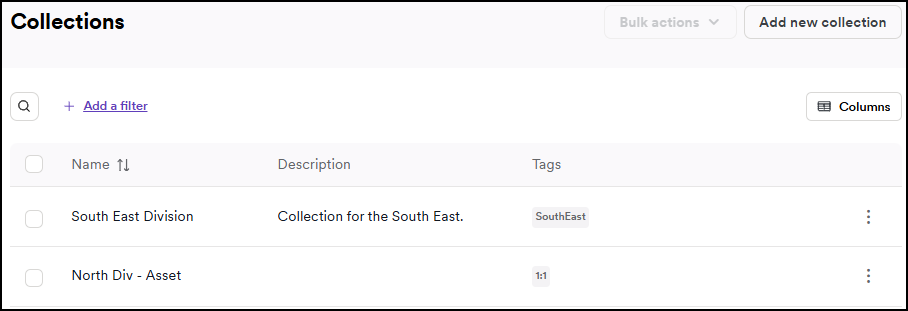
- The collection now appears on the Collections page.
Need help?
Invicti Support team is ready to provide you with technical help. Go to Help Center
Was this page useful?