Delete an application
An application is a logical grouping entity used to organize and visualize assets (projects and targets) that together represent a functional or technical unit—such as a website, service, internal system, or location.
This document describes how to delete an application in Invicti Platform.
Steps to delete an application
- Select Inventory > Applications from the left-side menu.
- Find the application you want to delete, then select the three-dot menu (⋮) on the right and select Delete application.

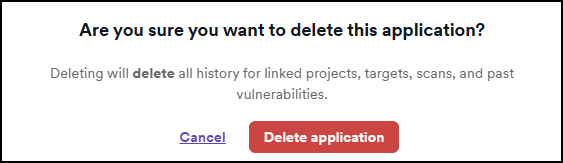
- In the dialog that opens, select Delete application to confirm.
- The application is now deleted.
Need help?
Invicti Support team is ready to provide you with technical help. Go to Help Center
Was this page useful?