Deployment: Invicti Platform on-demand, Invicti Platform on-premises
Discovered hosts
When Invicti scans a target, it may encounter links pointing to other hosts. This document explains how to view those hosts in the scan summary and add them as targets in Invicti Platform.
Why this matters
Hosts discovered during a scan may be part of your web environment but not yet configured for scanning. Adding them as targets lets you include them in future scans, so you get complete visibility into your attack surface without having to find and add each host manually.
View discovered hosts
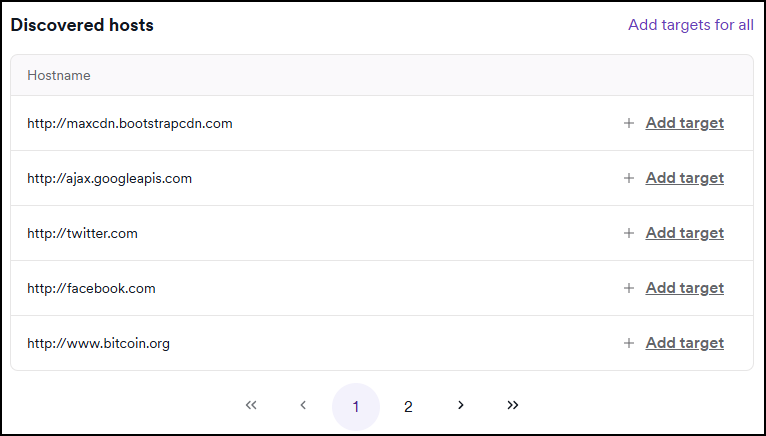
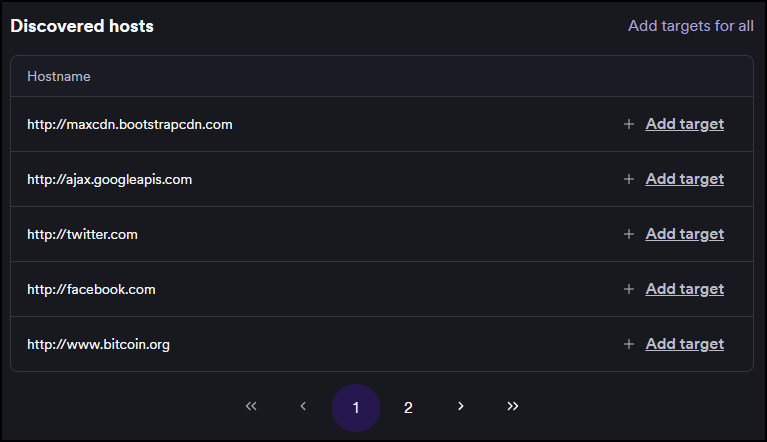
Discovered hosts appear in the Discovered hosts panel on the Scan summary tab after a scan completes.
The Discovered hosts panel doesn't appear for PCI scans.
- Select Scans > DAST scans from the left-side menu.
- Click the target for the relevant scan to open the Scan details page.
- Select the Scan summary tab.
- Scroll to the Discovered hosts panel to see the list of hostnames Invicti encountered during the scan.
Add discovered hosts as targets
You can add one or all discovered hosts as targets directly from the Discovered hosts panel. Adding a host as a target lets you configure and scan it in the future.
You need the Create targets permission to add targets. Contact your Invicti administrator if this option isn't available.
Add a single host
Click Add target next to the host. Invicti Platform opens the target creation page with the host URL pre-filled.
Add all hosts at once
Click Add targets for all at the top of the panel. Invicti Platform opens the target import page with all discovered hosts pre-filled.
Adding a host as a target doesn't automatically include it in the current scan. To scan a newly added target, run a new scan for it.
Troubleshooting
The Discovered hosts panel isn't visible
The Discovered hosts panel doesn't appear for PCI scans. If you're reviewing a PCI scan, this panel won't be available regardless of what the scanner found.
The Add target option isn't available
The Add target and Add targets for all options require the Create targets permission. If they don't appear, contact your Invicti administrator to request access.
Need help?
Invicti Support team is ready to provide you with technical help. Go to Help Center