Generate a new registration token
This document is for Invicti Platform
A new registration token is needed when you are creating new API sources in Invicti Platform.
Steps to create a new registration token
Follow the steps below to generate a new registration token.
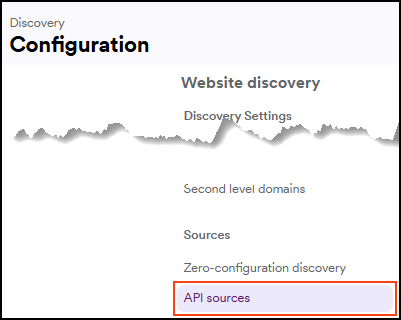
- Select Discovery > Configuration from the left-side menu.
- Further down, select API sources.
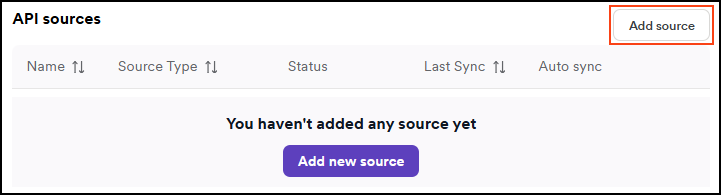
- Click Add source.
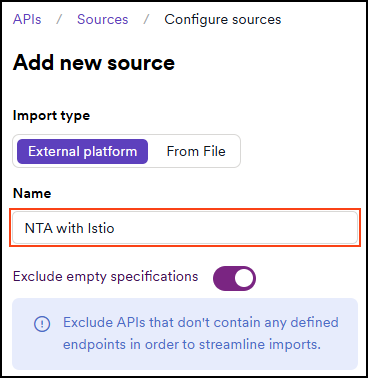
- Leave the Import type as External platform.
- Enter a name for the source configuration. This helps you identify it later in your list of API sources.
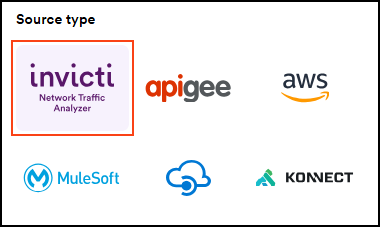
- Select Invicti Network Traffic Analyzer as the Source type.
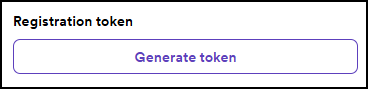
- Click Generate token.
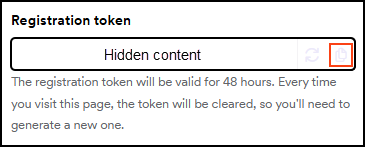
- Click the copy icon next to the newly generated registration token to copy and use.
- Click Save at the bottom of the page. Do not skip this step.

Need help?
Invicti Support team is ready to provide you with technical help. Go to Help Center
Was this page useful?