Deployment: Invicti Platform on-demand, Invicti Platform on-premises
Scanning
This document explains the available scanning settings and their functions. To view and manage them, you must have the relevant permissions or the Owner role.
Why it matters
Scanning settings apply organization-wide and affect how scans behave across all targets and users in your organization. Configuring them intentionally keeps your security program productive: you can pause all scanning instantly during an incident or maintenance window, schedules get protection against repeated failures, verified fixes move out of the queue faster, and teams can access advanced scan behavior when needed.
Scan controls
Use Scan controls settings to configure organization-wide scan behavior, including pausing all scanning activity, automating vulnerability verification, protecting scan schedules, and controlling access to advanced scan options.
Suspend all scanning
When enabled, this setting immediately prevents all new and scheduled scans from starting across your organization. Scans already in progress run to completion. The setting is off by default.


While suspension is active:
- You can't start a new scan.
- On the DAST scan schedules page, affected schedules show a Suspended status badge. Their enable toggle and the bulk Resume selected scans action are unavailable.
- You can't re-enable a schedule that was already turned off while suspension is active.
- API requests to create or trigger scans receive an HTTP 409 error.
Enabling this setting affects all targets and users in your organization. Remember to set it back to No and save your settings when you're ready to resume scanning.
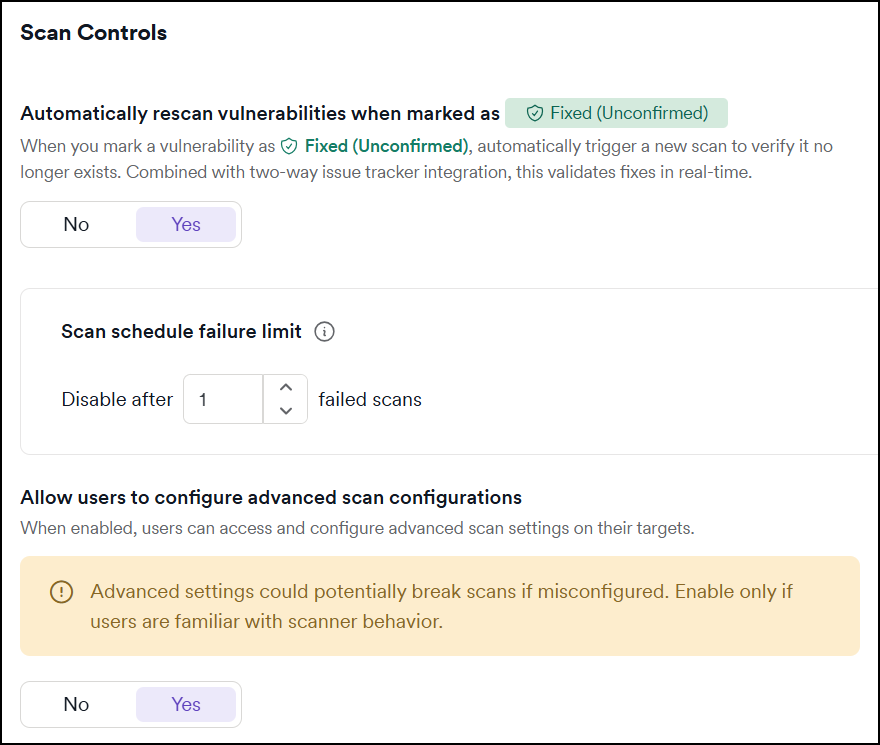
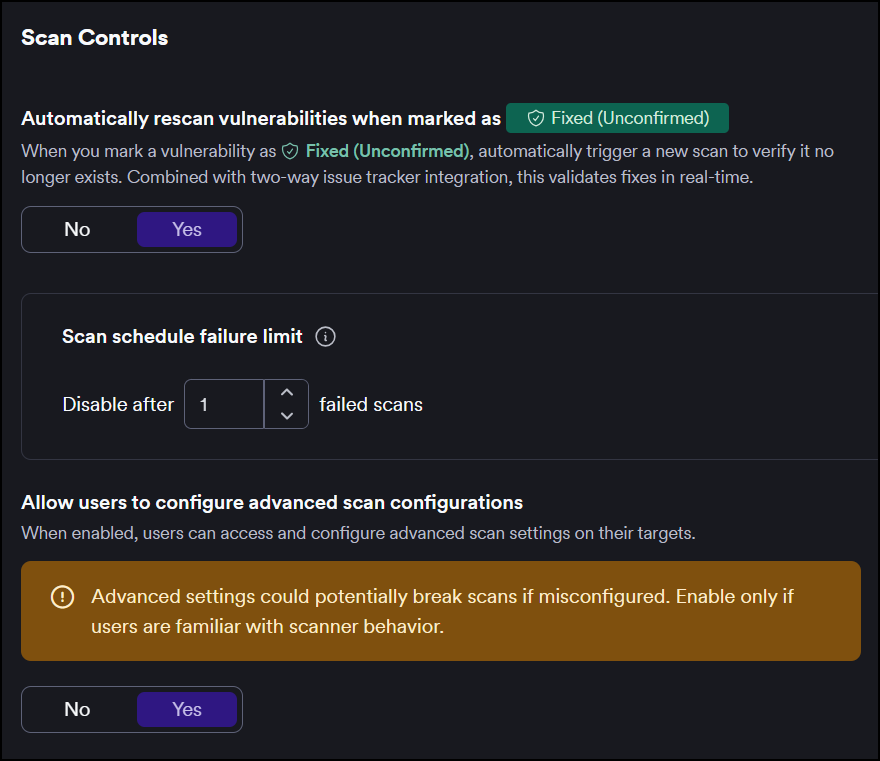
Automatically rescan vulnerabilities when marked as Fixed (Unconfirmed)
When enabled, changing a vulnerability status to Fixed (Unconfirmed), manually or via issue tracker integration, automatically triggers a new scan to verify the fix.
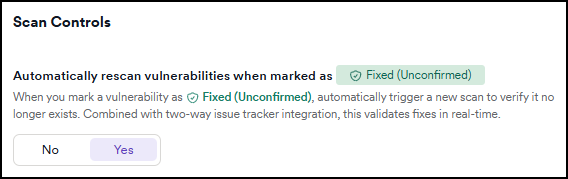
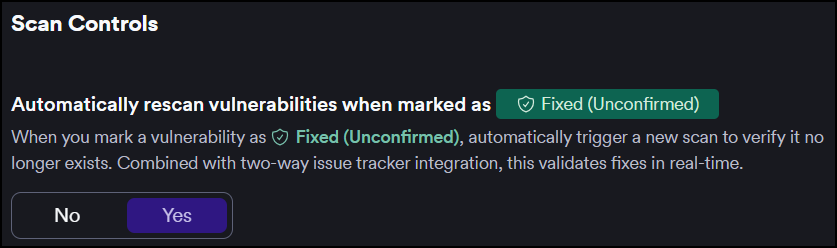
The option is enabled by default and applies to scans across the organization.
Refer to the following documents for information on:
- retesting vulnerabilities
- overview of issue tracker integrations
Scan schedule failure limit
Invicti automatically turns off a scan schedule after a configurable number of consecutive failures. The default is 5 consecutive failures.
For full details on how this setting works, including notification behavior and how to turn a schedule back on, refer to the Scan schedule failure limit document.
Allow users to configure advanced scan configurations
When enabled, this setting allows users to access Advanced settings when editing targets. These advanced settings provide additional exclusion options for more granular scan control, including CSS selector and XPath expression exclusions.
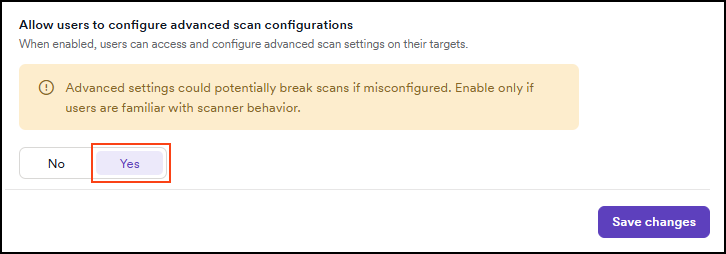
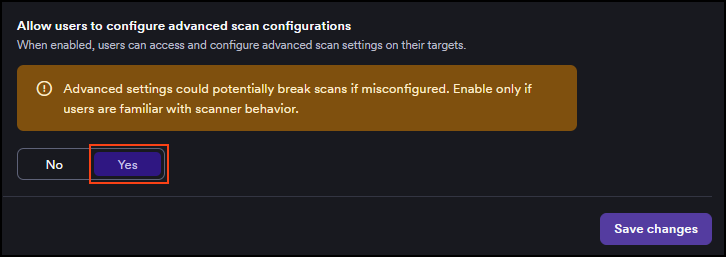
This setting must be enabled before users can access the Advanced settings tab when editing targets.
Need help?
Invicti Support team is ready to provide you with technical help. Go to Help Center