Simple form authentication
This document provides step-by-step instructions to configure Simple form authentication for a selected target within the inventory.
Follow the steps to access the appropriate settings, enable Simple form as the authentication method, and input the necessary credentials.
Steps to configure simple form authentication
- Select Inventory > Targets from the left-side menu.
- Select the target for which you'd like to configure Simple form authentication and select Edit.
- Open the Authentication form.
- In the Authentication method, select Simple form.
- Enter the URL (optional), username, and password.
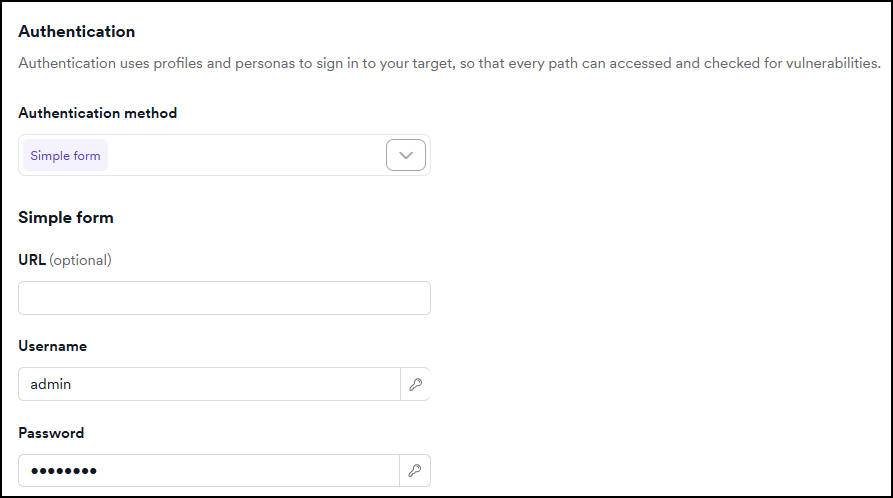
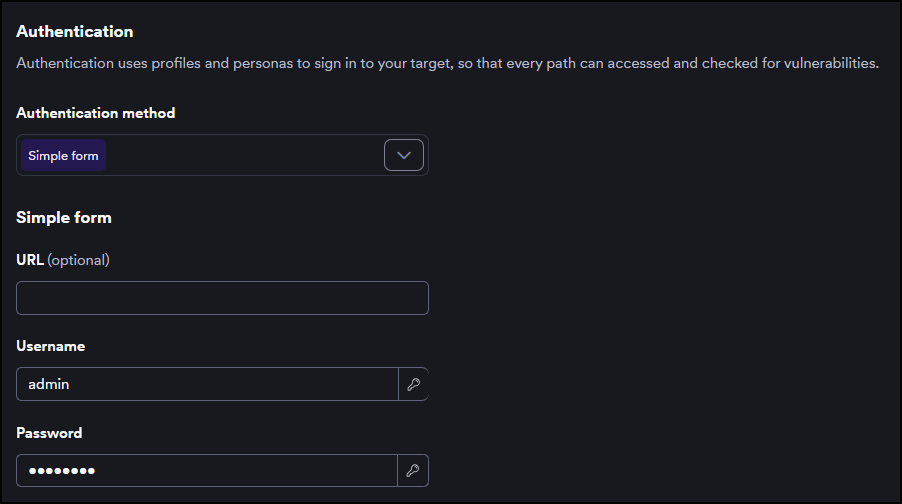
- Select Save target configuration or Save and scan to confirm.
If you'd like to add OTP to a Simple form authentication, refer to the Simple form authentication with OTP document.
Use a secret for authentication credentials
Instead of entering a username or password directly, you can reference a stored secret. This lets you reuse credentials across targets and manage them from a single location.
In the Username and Password fields, click the key icon on the right side of the field. A panel opens with a search field and a list of secrets you have access to. Click a secret name in the list to use it. The field displays the secret name in {{secretName}} format to confirm the reference.
To remove a secret reference and enter a value manually, click the X next to the secret name in the field.
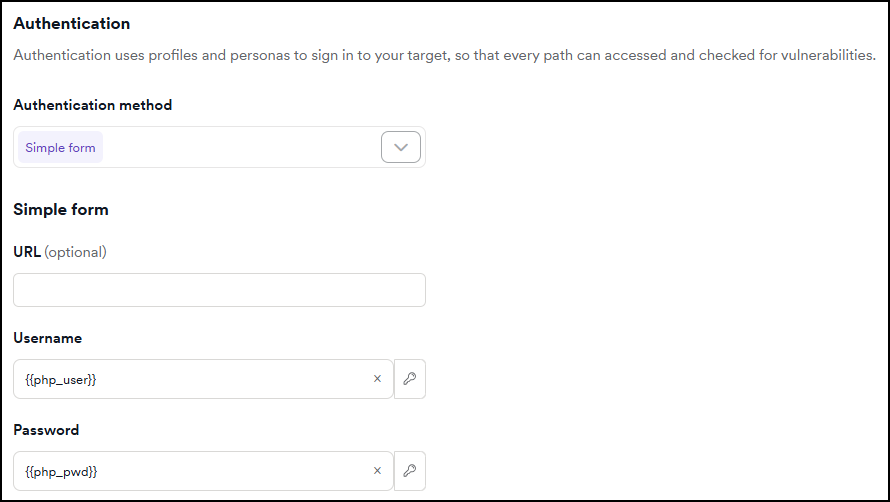
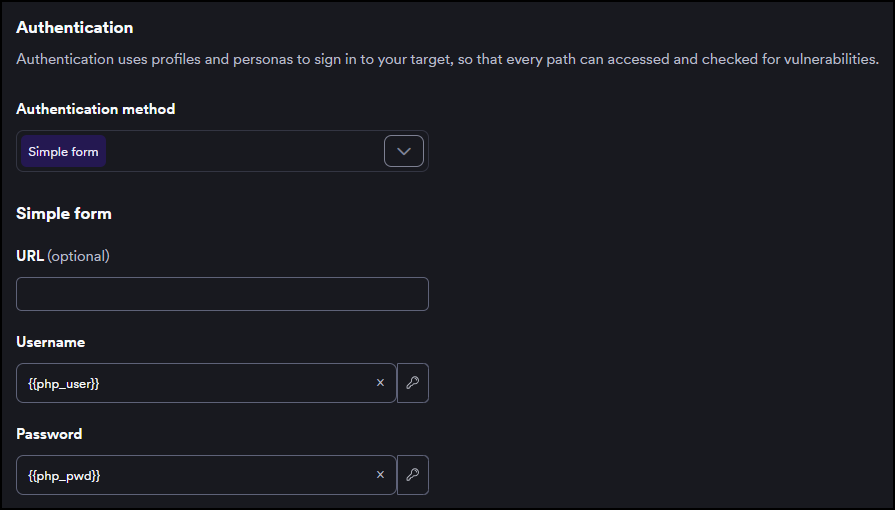
To create a new secret without leaving the authentication settings, click the key icon on the right side of the field and +Add secret at the bottom of the panel.
For more information on managing secrets, refer to the Secrets document.
Need help?
Invicti Support team is ready to provide you with technical help. Go to Help Center