Package: Invicti AppSec Core (on-demand)
Application Security Verification Standard
ASVS stands for Application Security Verification Standards released by OWASP, which provides a set of controls that need to be implemented for building secure applications.
Enable ASVS for projects
In Invicti AppSec, ASVS is enabled under projects only after a business criticality is selected. You can enable it by clicking the Edit button next to each project name.
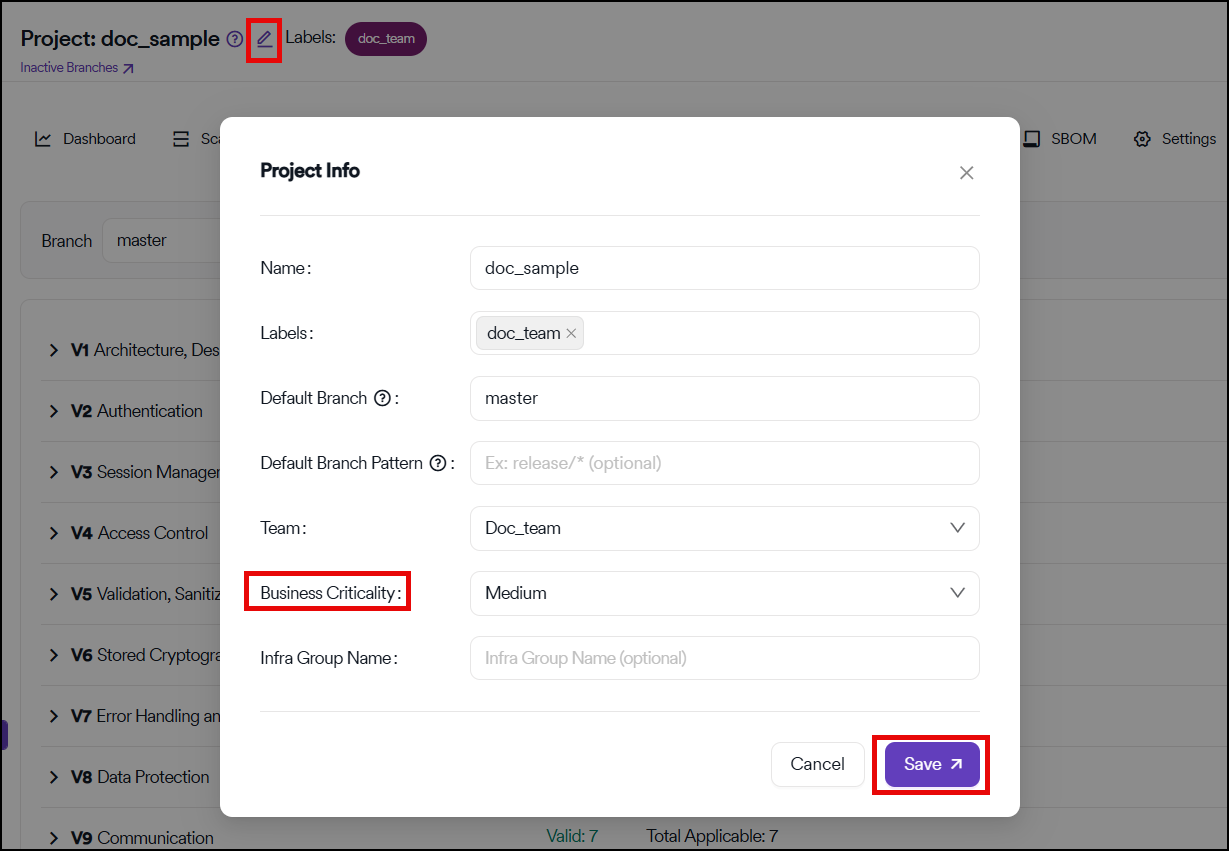
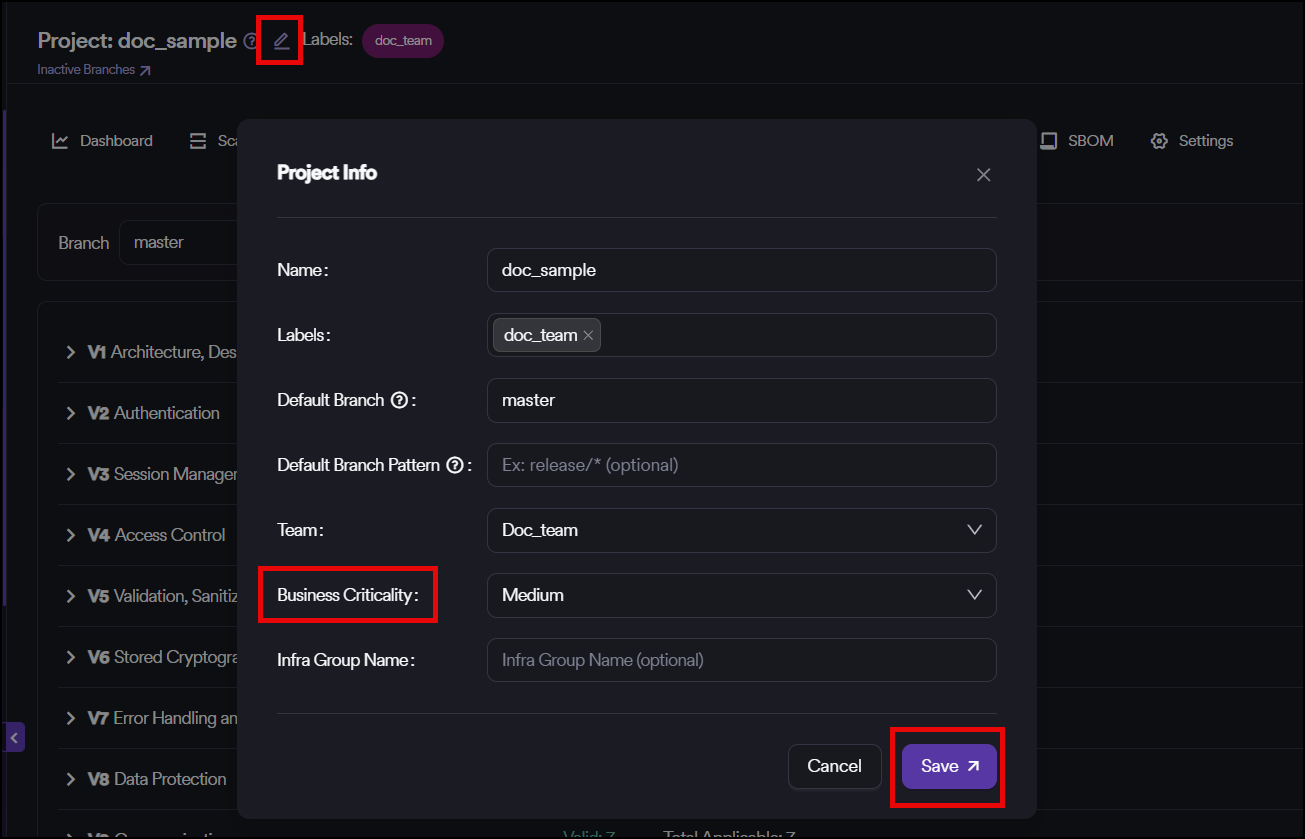
Business criticality mapping
The mapping between the business criticality in Invicti AppSec and security verification levels in ASVS is as follows:
- High: ASVS Level 3
- Medium: ASVS Level 2
- Low: ASVS Level 1
Based on the selection, some controls in the ASVS list automatically disappear from the list as they're not applicable for the selected business criticality.
Control validation
For the remaining controls, you can see two options in the dropdown menu next to each control:
- Valid
- Not Valid
Automatic validation
Since almost every control in ASVS is mapped with a CWE ID, if there's a vulnerability with the relevant CWE ID in the project, Invicti AppSec automatically marks the control as Not Valid. You can't change this unless one of the following scenarios takes place:
- The related vulnerabilities are marked as Won't Fix or False Positive
- The vulnerability is fixed and the status of the related vulnerabilities transitions to Closed in Invicti AppSec in the following scan
Manual validation
For other controls, you can manually select Valid or Not Valid.
Dashboard visualization
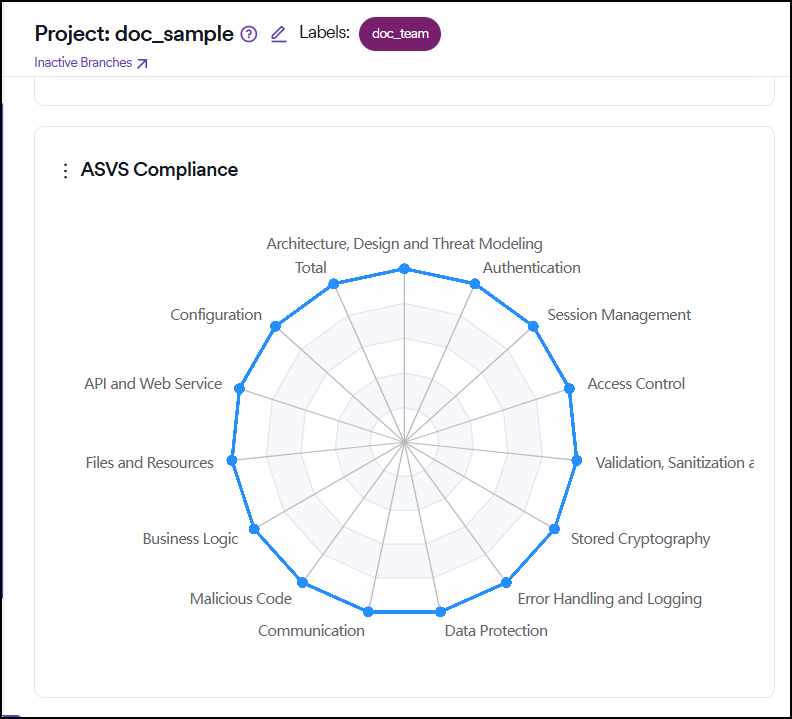
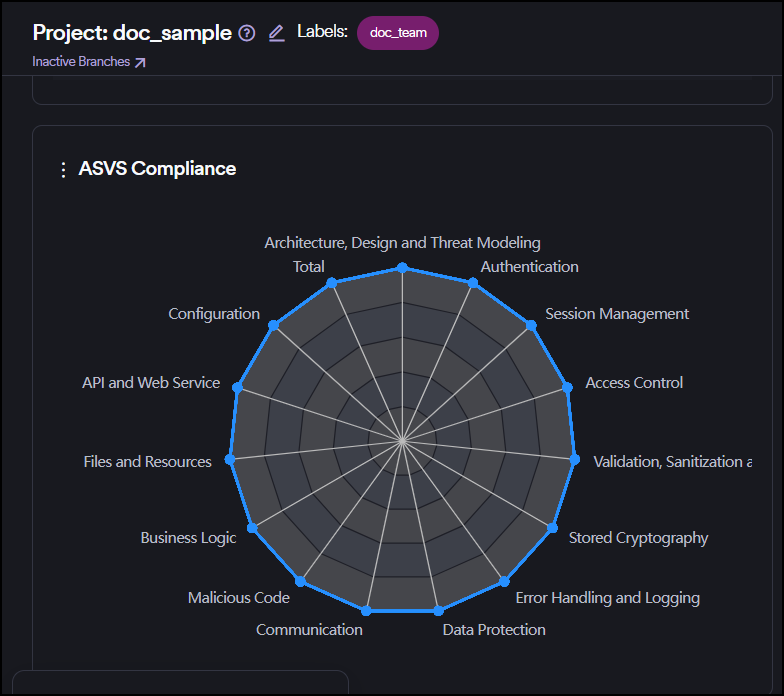
The radar chart in the project dashboard displays the ratio of Valid controls to the Applicable (sum of Valid and Not Valid) controls under each title.
Need help?
Invicti Support team is ready to provide you with technical help. Go to Help Center