Package: Invicti AppSec Core (on-demand)
Configure a new API source
Connect your API management tools and discovery methods to automatically find APIs across your infrastructure. These connections are called "API sources" in Invicti AppSec Core.
Invicti AppSec Core connects to your existing API management platforms and tools to automatically discover and import APIs into your API catalog.
This document explains how to add a new API source and choose the right source type for your environment.
API sources are the connections between Invicti AppSec Core and your existing tools (API gateways, traffic analyzers, code repositories) that automatically discover and import APIs for security scanning.
Why this matters
APIs are often spread across multiple platforms and teams, making it easy to lose track of what's exposed and whether it's secure. By connecting your API management tools directly to Invicti AppSec Core, you can automatically populate your API catalog without manually tracking down endpoints - giving you a complete and up-to-date inventory ready for scanning.
API Discovery Workflow:
- Discover - API sources automatically find APIs across your infrastructure
- Catalog - APIs are imported into your centralized API inventory
- Scan - Security testing is performed against discovered endpoints
- Remediate - Vulnerabilities are tracked and fixed across your API portfolio
This automated discovery ensures comprehensive security coverage as your API landscape evolves.
Available source types
Choose how you want to discover APIs - each source type connects to different tools and methods.
Invicti AppSec Core supports three categories of API discovery:
Traffic-based Discovery (Agent)
Captures API traffic in real-time to discover undocumented or shadow APIs.
- Invicti Network Traffic Analyzer - intercepts live API requests and responses to build comprehensive API specifications. Supports:
- Cloudflare Worker - Edge-based traffic capture
- F5 BIG-IP iRule - Load balancer integration
- Kong API Gateway - API gateway plugin
- NGINX - Web server log forwarding
Best for: Discovering shadow APIs, capturing actual usage patterns, finding APIs without documentation
Platform Integration (API Gateway)
Connects directly to API management platforms to import existing API specifications.
- Apigee API Hub - Google Cloud enterprise API management
- Azure API Management - Microsoft Azure cloud-native API gateway
- Amazon API Gateway - AWS serverless API management
- Kong Konnect - Kong's enterprise API platform
- MuleSoft Anypoint Exchange - Anypoint integration-first API platform
Best for: Organizations with centralized API management, importing well-documented APIs, leveraging existing governance
Code Analysis (Static)
Analyzes source code to generate API specifications before deployment.
- Source Scan - static analysis API discovery from source code
Best for: Pre-deployment security testing, APIs without live traffic, development environment discovery
Add a new API source
- Select Discovery > API sources (your connected discovery methods) from the left-side menu.
- Click Add source.
- Enter a Name for the source.
- Set Exclude empty specifications:
- Yes (default) - skips APIs with no defined operations.
- No - imports all APIs, including those without defined operations.
- Select a source type card.
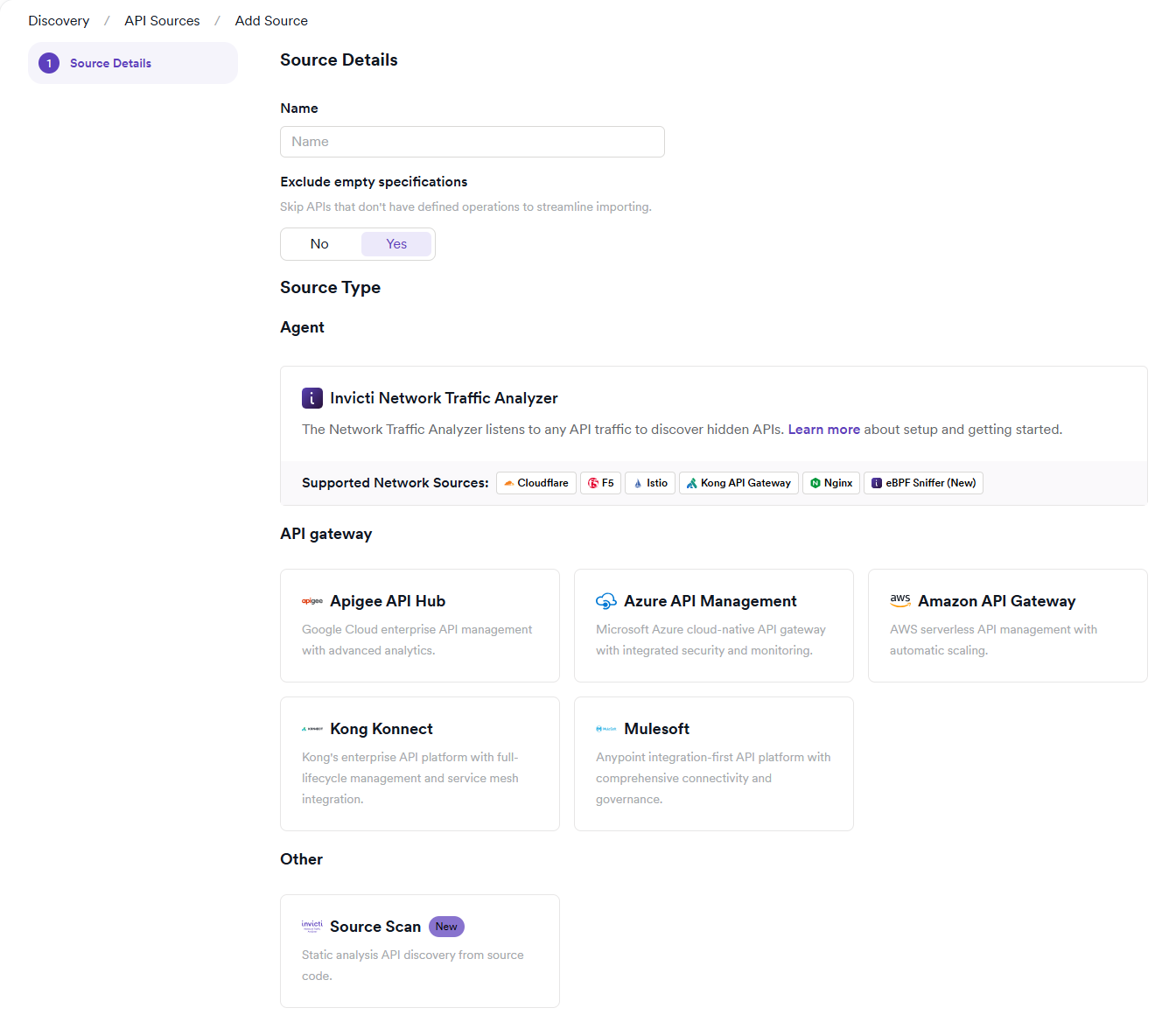
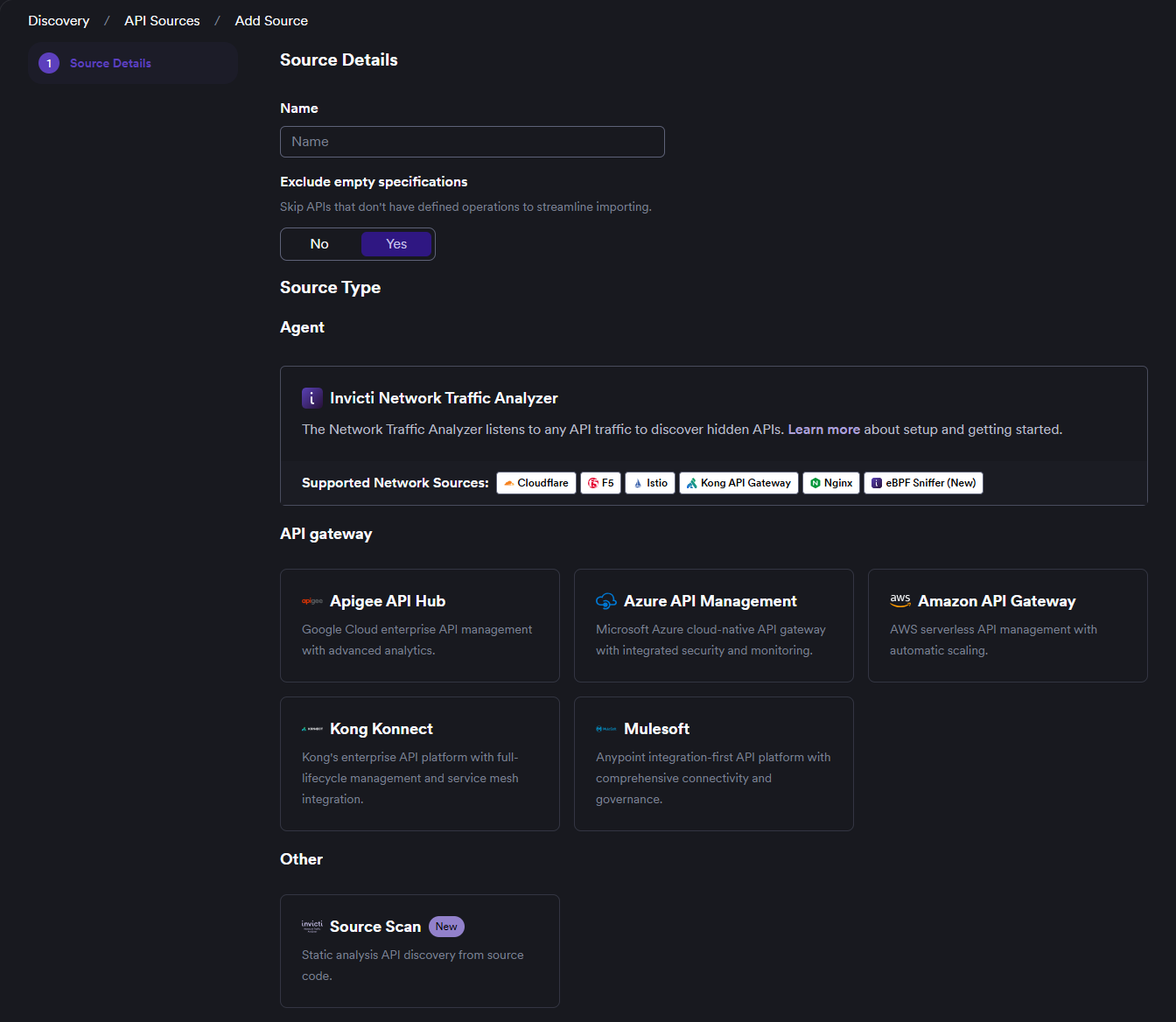
- Click Continue and follow the setup instructions for your selected source type - see Available source types above.
Choosing the right source type
| Scenario | Recommended Source | Why |
|---|---|---|
| You use a supported API gateway | Platform integration | Import existing specs, leverage governance, fastest setup |
| You have undocumented APIs in production | Network Traffic Analyzer | Captures real usage, discovers shadow APIs, no code access needed |
| You want to test APIs before deployment | Source Scan | Finds APIs in development, works without live traffic |
| Your API gateway isn't supported | Network Traffic Analyzer | Universal solution, works with any infrastructure |
| You have hybrid/multi-cloud APIs | Multiple sources | Combine platform integrations with NTA for complete coverage |
| Compliance requires complete API inventory | Network Traffic Analyzer + Platform | NTA finds undocumented APIs, platform imports managed ones |
Common use cases
Scenario 1: Complete API Discovery
Use both platform integration (for managed APIs) and Network Traffic Analyzer (for shadow APIs) to ensure comprehensive coverage.
Scenario 2: Pre-deployment Security
Integrate Source Scan into CI/CD pipelines to scan APIs before they go live.
Scenario 3: Legacy System Inventory
Deploy Network Traffic Analyzer on legacy systems where documentation is incomplete or outdated.
Scenario 4: Cloud Migration Assessment
Use Source Scan to inventory APIs in source code before migrating to cloud platforms.
Need help?
Invicti Support team is ready to provide you with technical help. Go to Help Center