availability
Package: Invicti AppSec Core (on-demand)
SBOM components overview
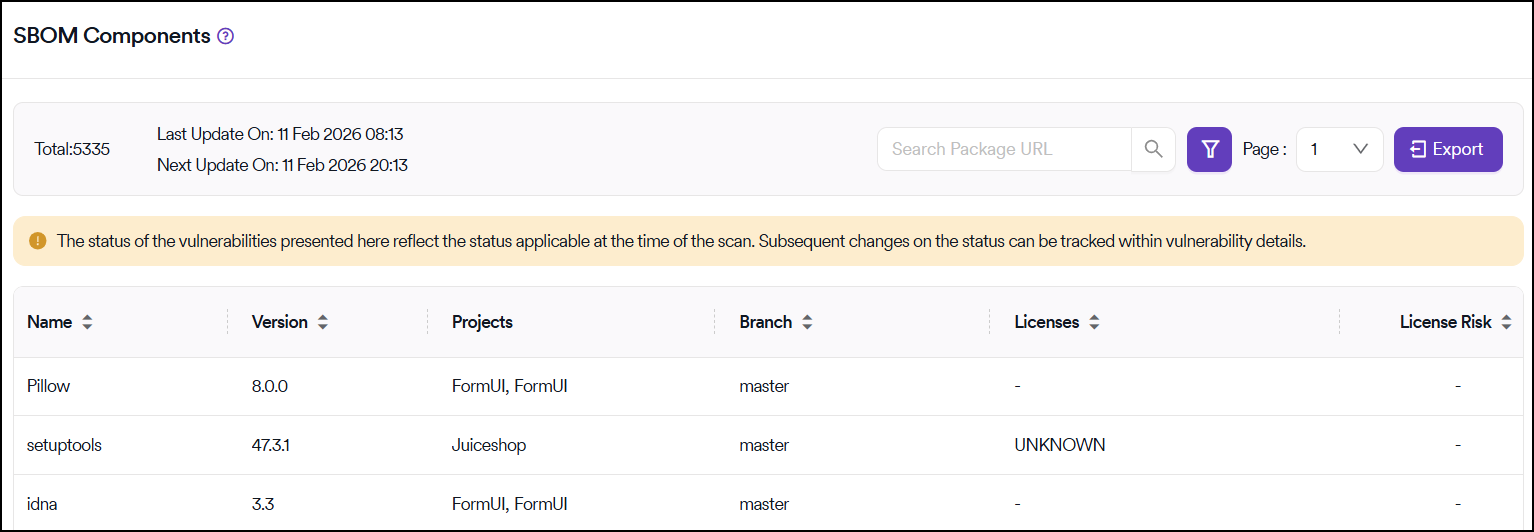
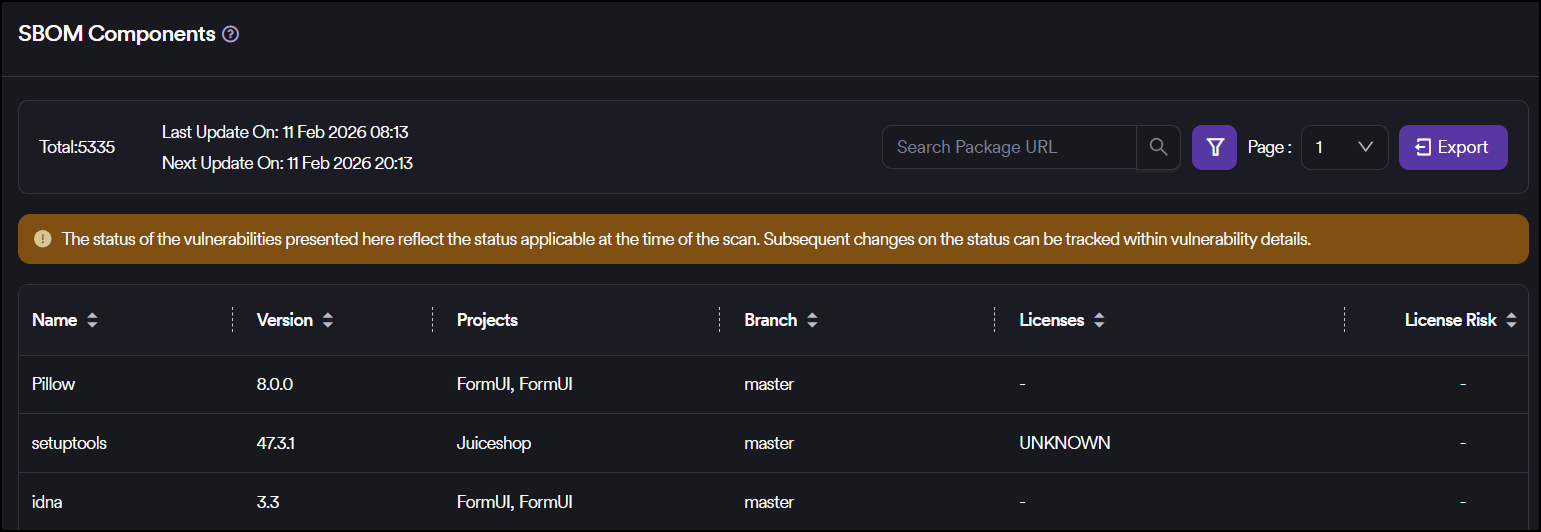
A comprehensive view of all SBOM imports and vulnerabilities related to SBOMs received from the SBOM Radar tool is provided on the components page of the SBOM (Software Bill of Materials).
Component filtering
You can filter components based on multiple criteria:
- Package name
- Branch
- License
- Package URL
- Version
- Vulnerabilities
Search and navigation
You can use the search box located at the top for navigation through components. The search box provides support for quick filtering based on attributes such as:
- Package name
- Package URL
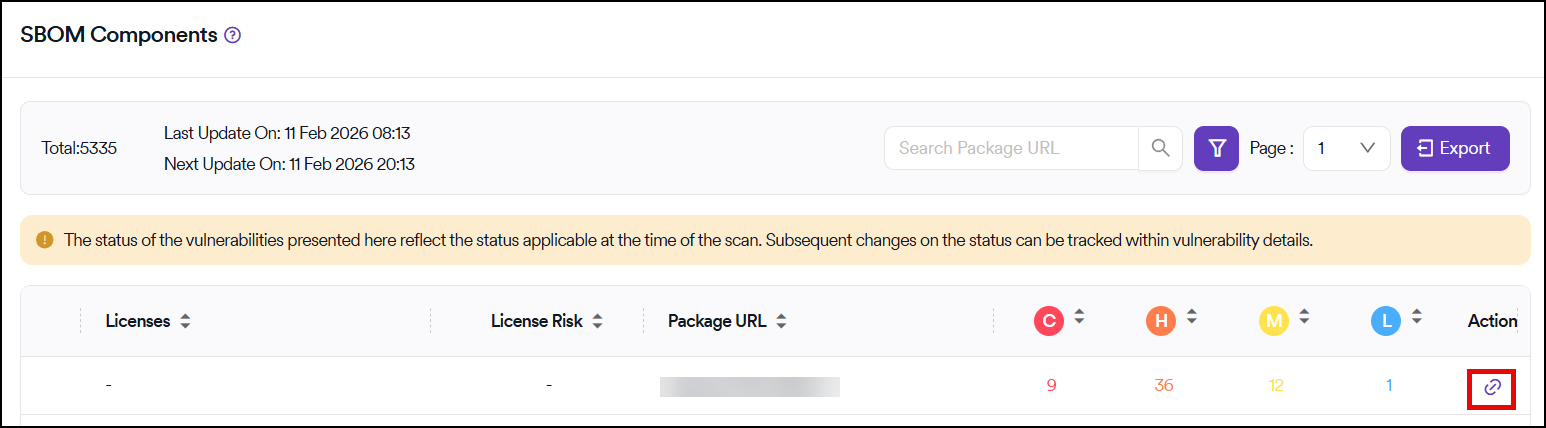
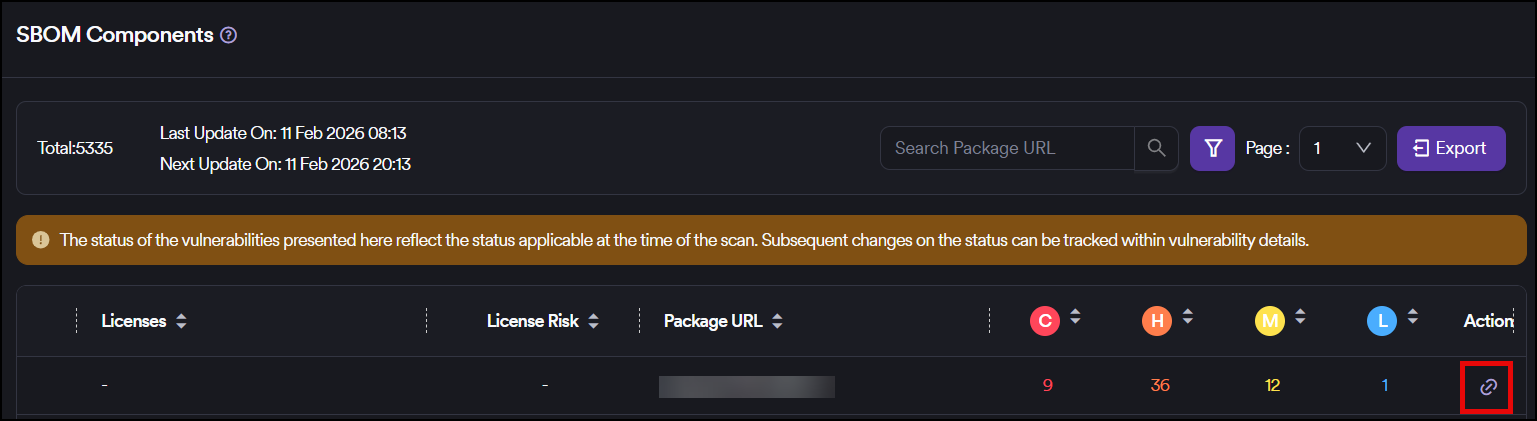
Access component vulnerabilities
You can access the vulnerabilities associated with each component by using the Action button located on the rightmost side of the columns.
Need help?
Invicti Support team is ready to provide you with technical help. Go to Help Center
Was this page useful?