availability
Package: Invicti AppSec Core (on-demand)
SBOM scan overview
The SBOM Scans section under SBOM displays comprehensive information about software bill of materials scanning activities.
Scan information
The scan information includes:
- Last scan time
- SBOM format
- Project
- Branch
- SBOM source
- Inspector tool
- Number of vulnerable components
- Total number of components
Access scan components
You can use the Components button in this area to access the components of the project that have been created by the SBOM Radar tool and have undergone security scans.
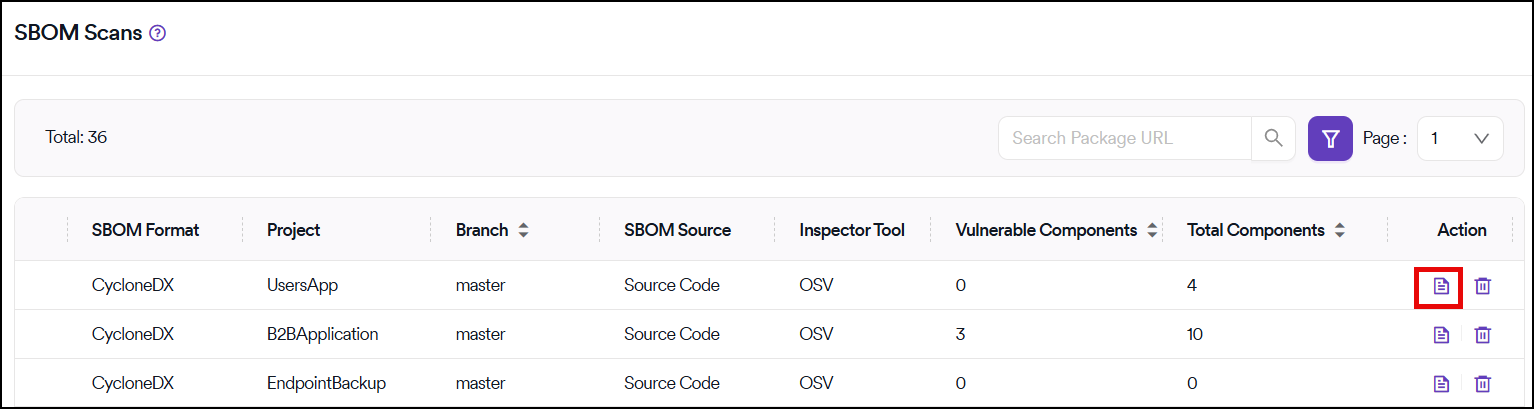
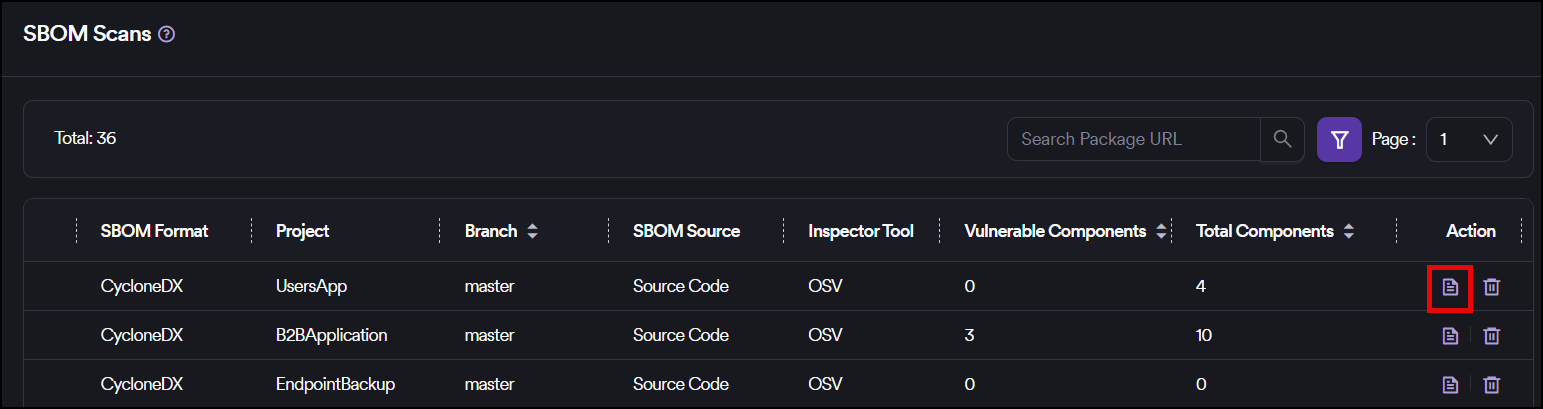
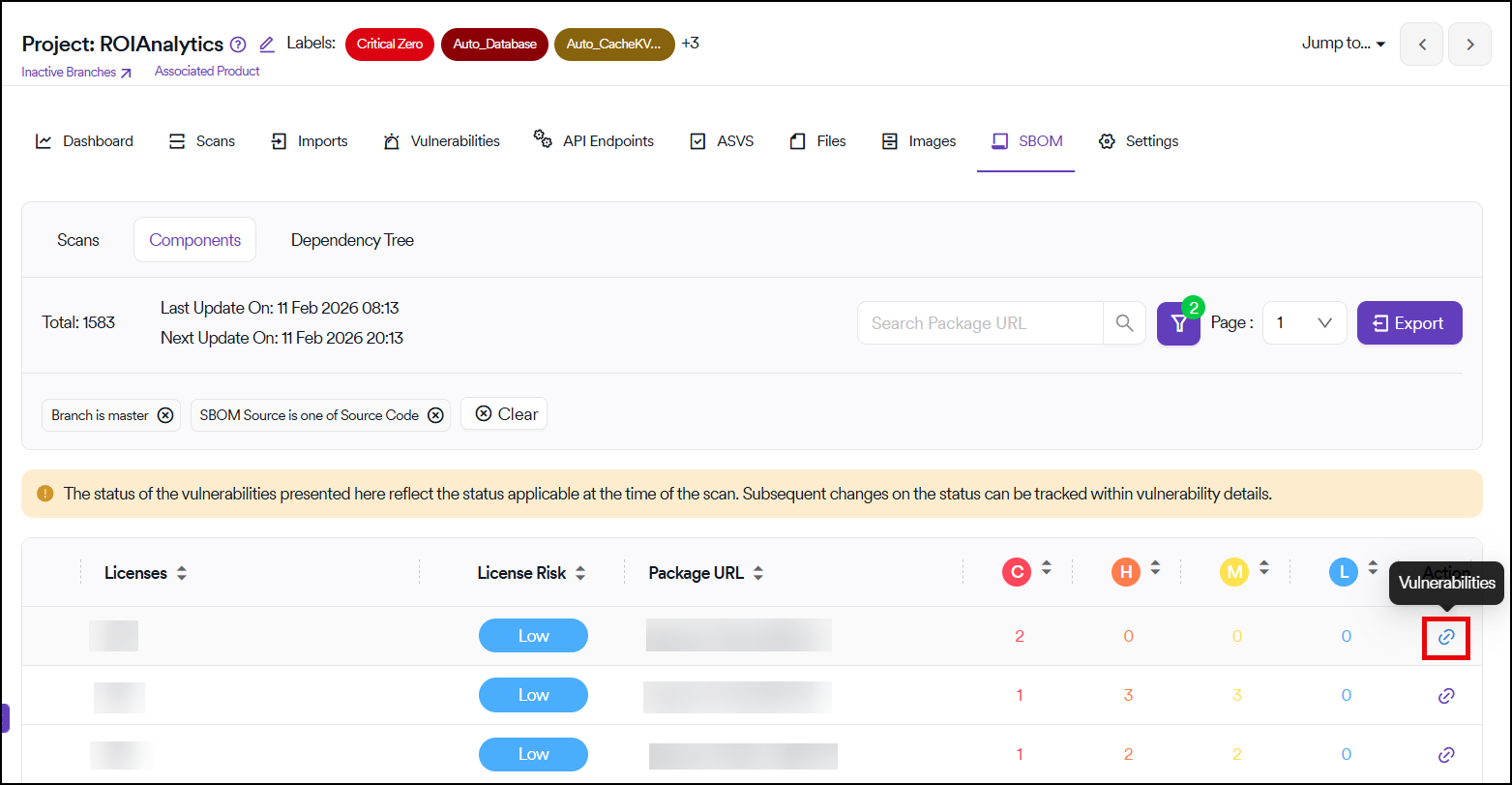
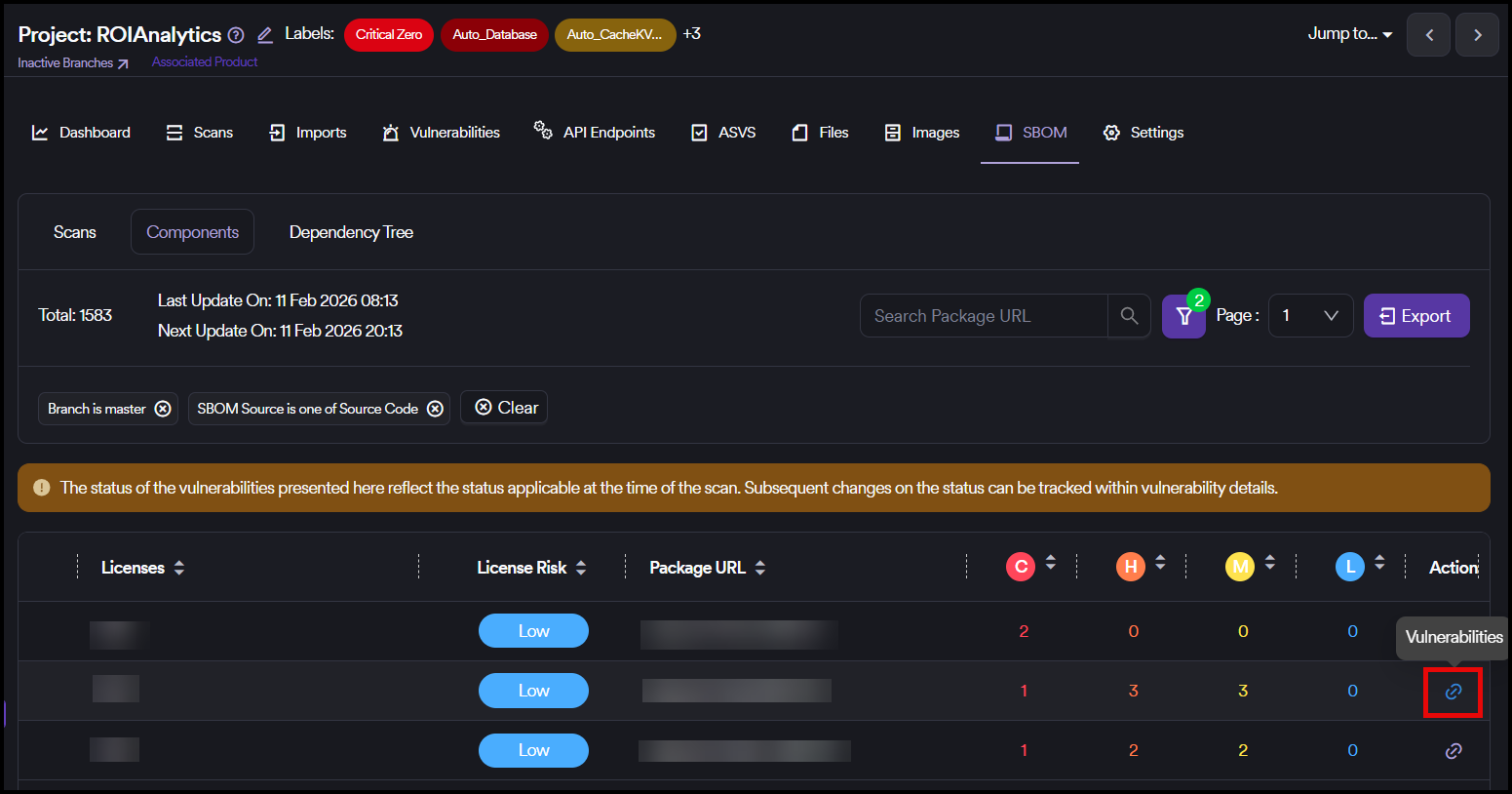
After clicking the Components button on the SBOM Scans page, a page opens where the components related to the project are displayed. You can access the details of vulnerabilities associated with each particular component by clicking the Vulnerabilities button for each component.
Need help?
Invicti Support team is ready to provide you with technical help. Go to Help Center
Was this page useful?