availability
Package: Invicti AppSec Core (on-demand)
System log overview
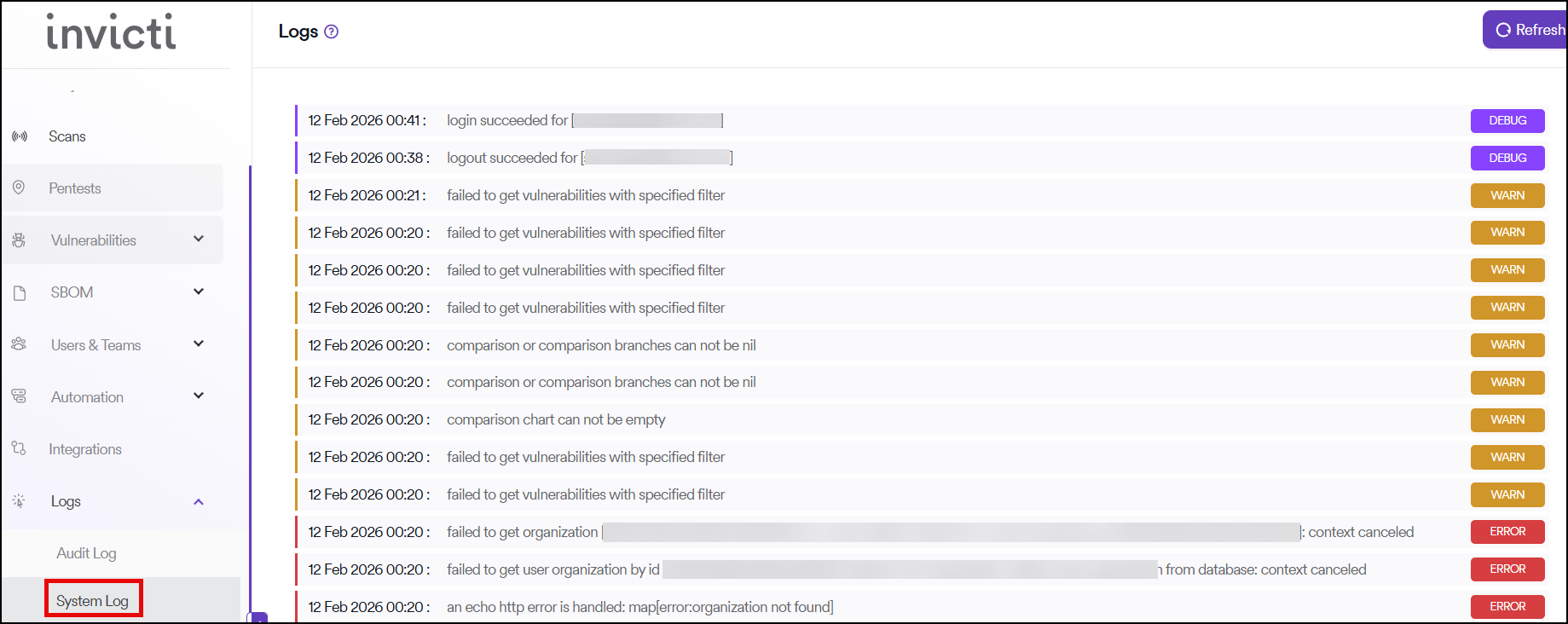
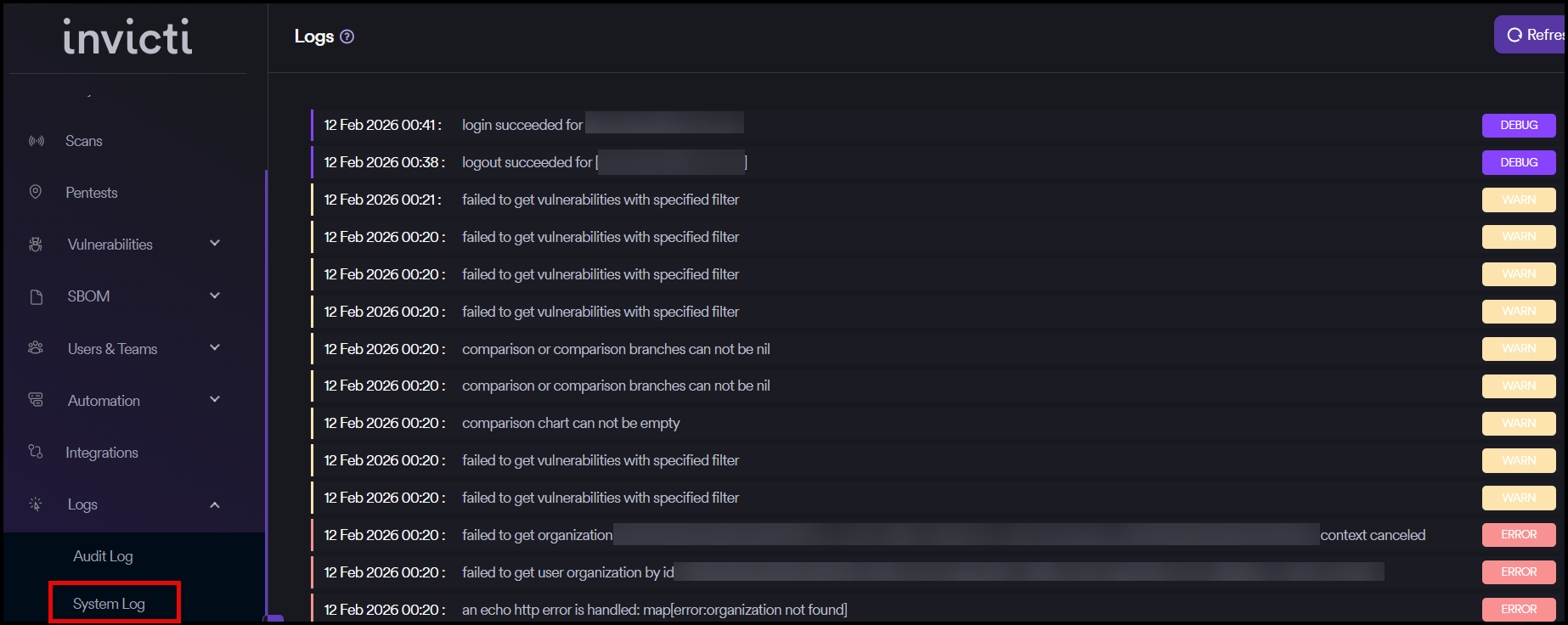
The system log provides visibility into system-level activities and events within your Invicti AppSec instance.
Message types
Three types of messages are shown in the System Log section:
- Debug: Detailed information for troubleshooting and development purposes
- Error: Critical issues and failures that require attention
- Info: General informational messages about system operations
Display limitations
Only the last 50 logs are displayed on the interface to maintain optimal performance and readability.
Refresh logs
You can refresh logs by clicking the Refresh button in the upper right corner to view the most recent system activity.
Need help?
Invicti Support team is ready to provide you with technical help. Go to Help Center
Was this page useful?