Package: Invicti AppSec Core (on-demand)
Audit log overview
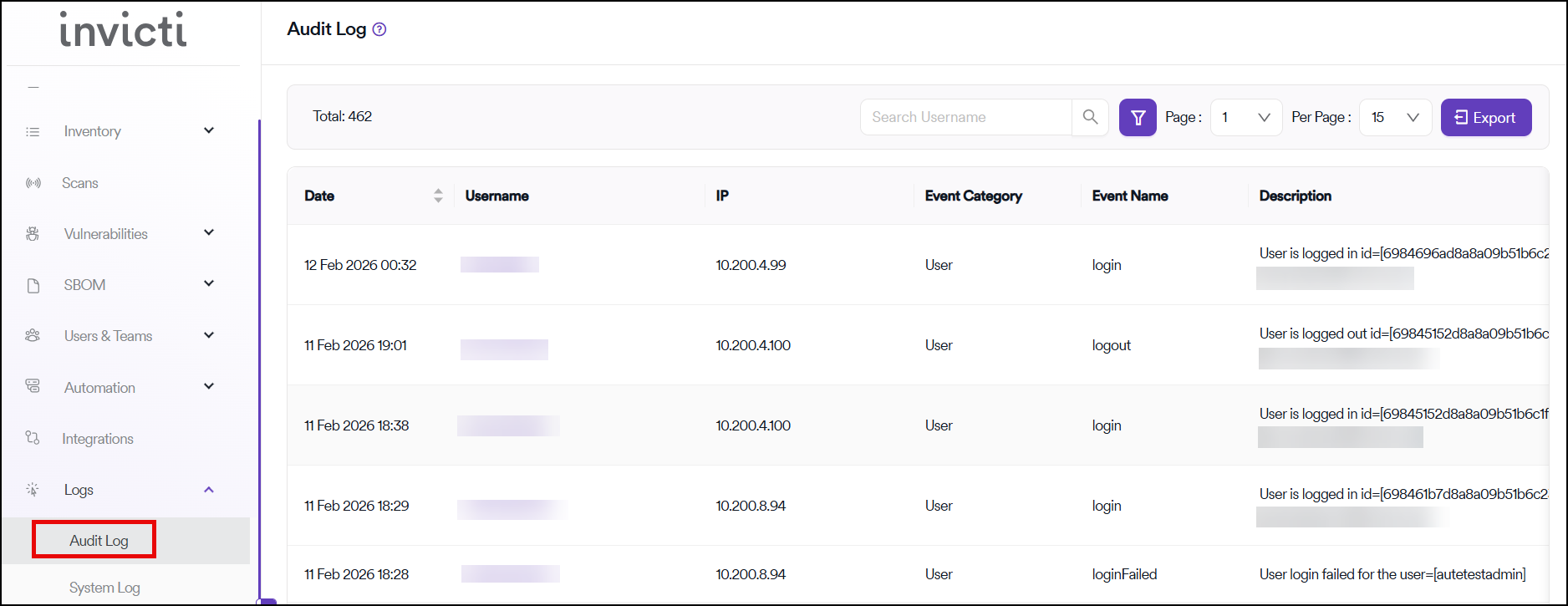
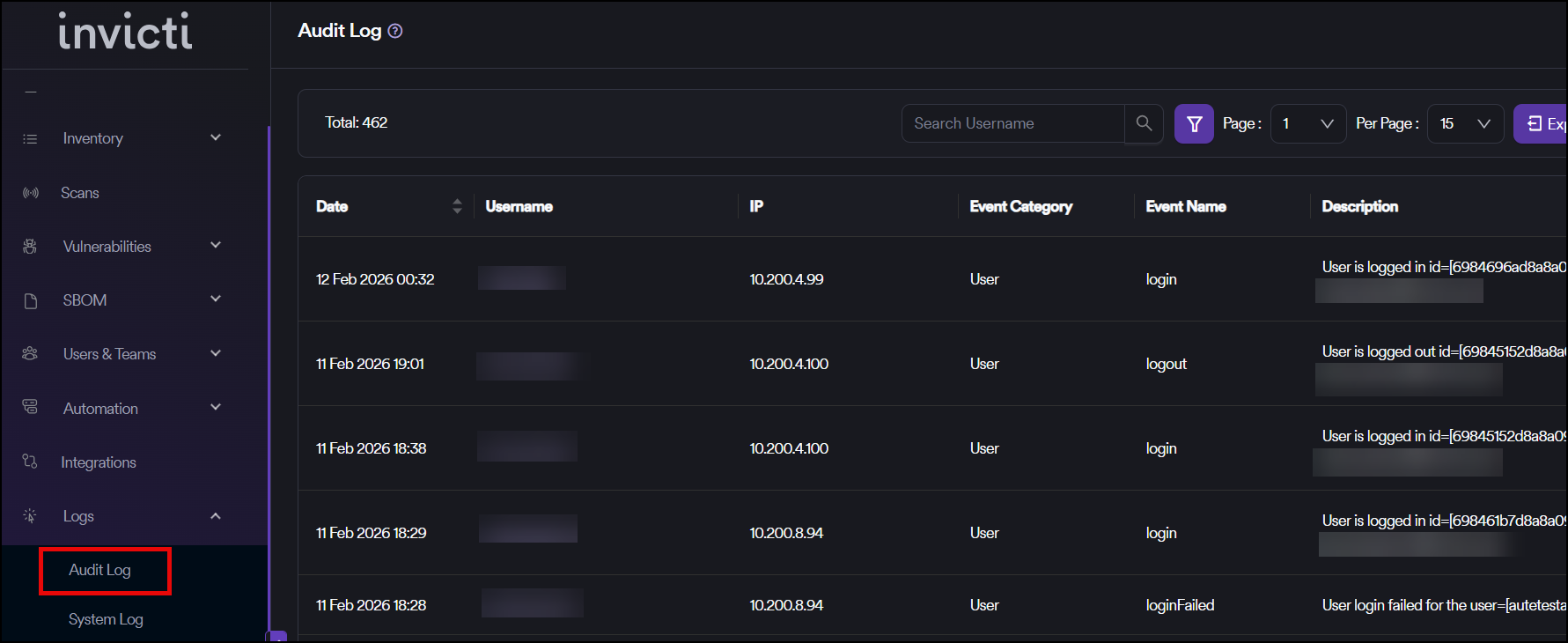
The audit log allows Admin level users to look back at changes that have been made in your Invicti AppSec instance. This is useful when you need to troubleshoot a problem or if you need to keep a record of important events, such as changes to global permissions.
Filtering and search
For more information about how filters work, see Filter and sort.
You can filter the log by:
- Date
- Event category
- Event name
- Username
Retention periods
Enterprise plan customers
You can configure the retention period of the audit log can be configured under global settings as:
- 1 month
- 3 months
- 6 months
Pro plan customers
The retention period is set to 1 month.
Automatic cleanup
The system automatically runs a cleanup and deletes any log entries that are older than the time frame you've set.
Tracked events
The following events can be tracked in the audit log:
Projects
- Add Project
- Delete Project
- Update Project
Products
- Add Product
- Delete Product
- Update Product
Scans
- New Scan
- Re-scan
- Start Instant Scan
- Get Failed Scan
- Cancel Scan
- Delete Scan
Imports
- Import File
- Import Scan
- Import SBOM
Scanners
- Add Scanner
- Update Scanner
- Delete Scanner
- Change Scanner Status
Users
- Get User By ID
- Add User
- Update User
- Delete User
- Update Password
- Update Status
- Update Login Type
- Log in
- Log out
- Failed login attempts
Teams
- Add Team
- Update Team
- Delete Team
Settings
- Add Settings
- Update Settings
- Delete Settings
- Add Issue Criteria
- Update Issue Criteria
- Delete Issue Criteria
- Add CI/CD Security Criteria
- Update CI/CD Security Criteria
- Delete CI/CD Security Criteria
- Add Suppression Rule
- Update Suppression Rule
- Delete Suppression Rule
- Add Alert Rule
- Update Alert Rule
- Delete Alert Rule
- Add Remediation (Remediation DB)
- Update Remediation (Remediation DB)
- Delete Remediation (Remediation DB)
- Add Report
- Update Report
- Delete Report
- Add Infra Profile
- Update Infra Profile
- Delete Infra Profile
- Add Infra Group
- Update Infra Group
- Delete Infra Group
Vulnerabilities
- Issue opened for vulnerability
- Issue closed for vulnerability
- Change severity
- Change CVSS score
- Marked as false positive
- Unmark false positive
- Marked as risk accepted
- Unmark risk accepted
- Add comment
Need help?
Invicti Support team is ready to provide you with technical help. Go to Help Center