Generate exploits for vulnerabilities in Invicti Standard
This article explains how to use the generate exploits feature in Invicti Standard to show proof that a vulnerability exists in your environment.
What is the generate exploits feature?
Generating exploits is a feature of Invicti Standard that demonstrates vulnerabilities in your environment, such as cross-site scripting (XSS) and cross-site request forgery (CSRF).
-
Invicti Standard can exploit identified vulnerabilities automatically thanks to its Proof-Based Scanning™ technology. This technology eliminates the need to manually verify the vulnerability and makes sure that identified vulnerabilities are not false positives.
-
While Invicti Standard provides the proof of exploit for issues such as SQL and command injection, the scanner presents proof of concept (PoC) for vulnerabilities such as XSS and CSRF as these vulnerabilities occur in your environment or originate from your organization's practices.
What is proof of concept?
Proof of concept is the term we use to describe the actual exploit that proves a detected vulnerability exists.
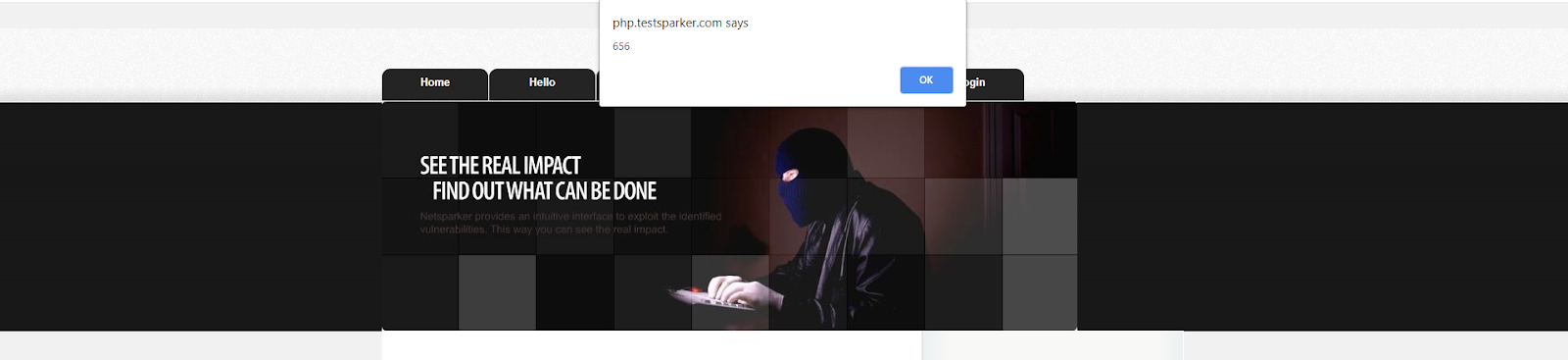
For certain vulnerabilities – XSS and CSRF – Invicti Standard generates an HTML exploit code snippet. When you download the HTML code and run it on your computer, the scanner demonstrates how attackers can exploit the identified vulnerability, showing you its potential impact.
-
In XSS vulnerabilities for example, the scanner provides this proof because the cookie value that can be obtained after a successful exploitation will appear as a different value in another environment.
-
Similarly, the state change caused by a CSRF vulnerability on the web application side is unpredictable for a black-box scanner, since it cannot access the web application's source code and predict what its request may cause.
The Generate Exploit button is displayed only in the case of XSS and CSRF vulnerabilities.
How to Generate Exploits for Vulnerabilities in Invicti Standard
- In Invicti Standard select the File tab from the ribbon to display Local scans.
- Double-click the relevant scan to display its results.
- From the Sitemap or Issues panel, select an XSS or CSRF vulnerability.
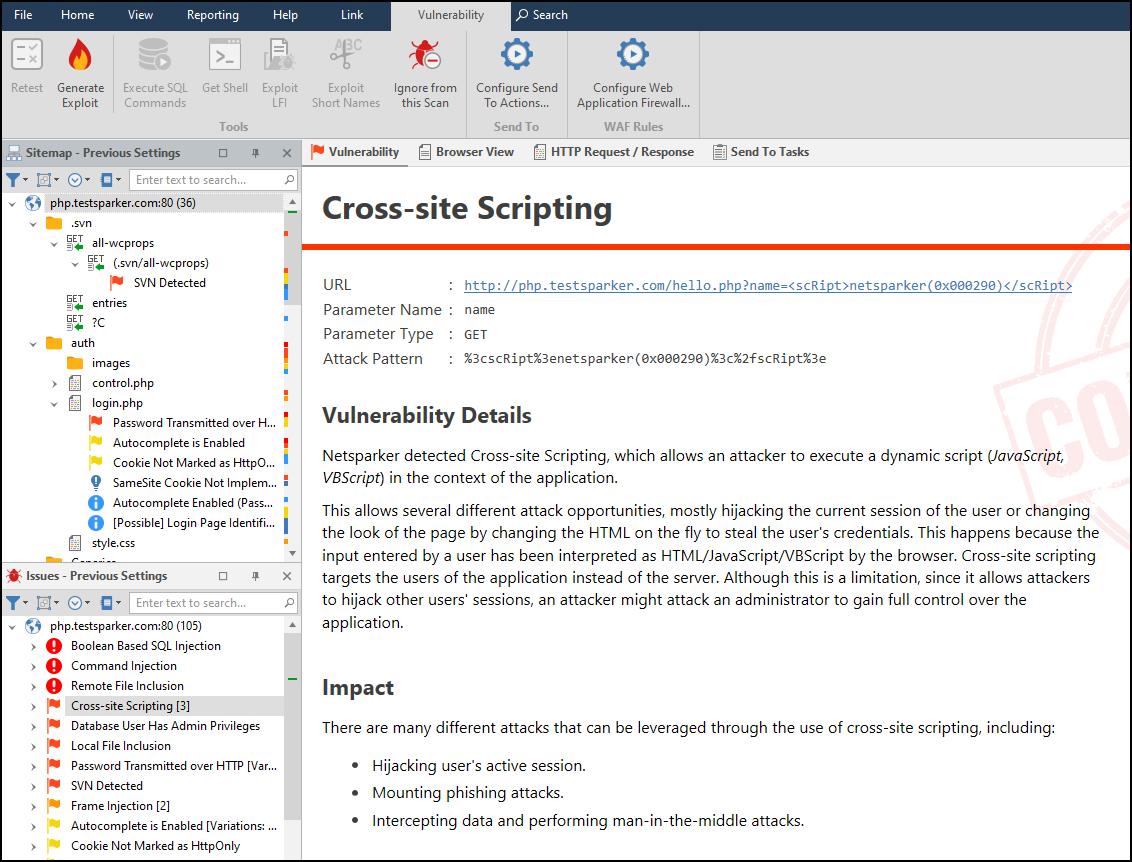
- In the Vulnerability tab, click Generate Exploit.

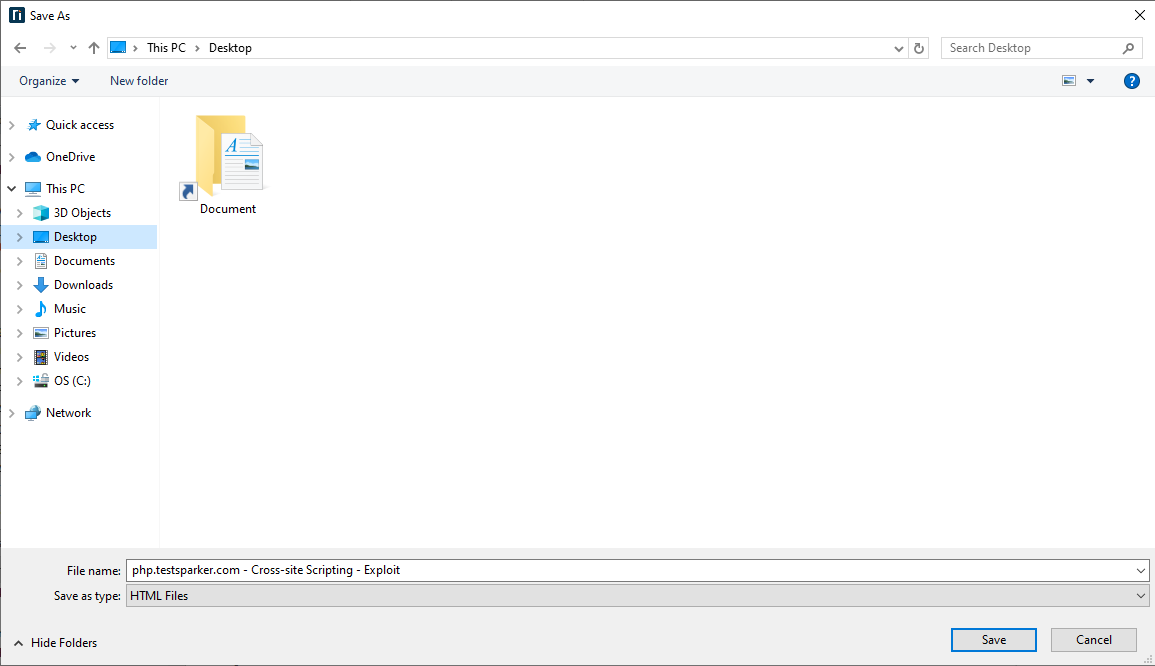
- The Save As dialog box is displayed.
-
Select a save location and click Save.
-
You can view the HTML file in the Save location.
Need help?
Invicti Support team is ready to provide you with technical help. Go to Help Center