Generating F5 BIG-IP Application Security Manager WAF Rules From Invicti Standard
BIG-IP ASM provides application security and protects your applications from network attacks including the OWASP Top 10 most critical web application security risks. The ASM has various built-in attack signatures, also allows user-defined signatures, used to block or allow network traffic.
If you can't immediately fix all vulnerabilities that Invicti has detected, you can cover them up and defer fixing them until another time. You do this by exporting Invicti’s findings as rules for the BIG-IP Application Security Manager (ASM).

It is possible to either export the information about a single vulnerability as an ASM rule or export information about all the vulnerabilities identified during the scan.
After the rules are imported, the BIG-IP ASM will then block any requests made by malicious hackers.
F5 BIG-IP ASM WAF Fields
The table lists and describes the F5 BIG-IP ASM WAF fields in the Web Application Firewall tab.
| Field | Description |
|---|---|
| Add | Click to add an integration. |
| Delete | Click to delete the integration and clear all fields. |
| Test Settings | Click to confirm that Invicti Standard can connect to the configured system. |
| Action | This section contains general fields about the Send To Action. |
| Display Name | This is the name of the configuration that will be shown on menus. |
Type of F5 BIG-IP ASM WAF Rules Invicti Exports
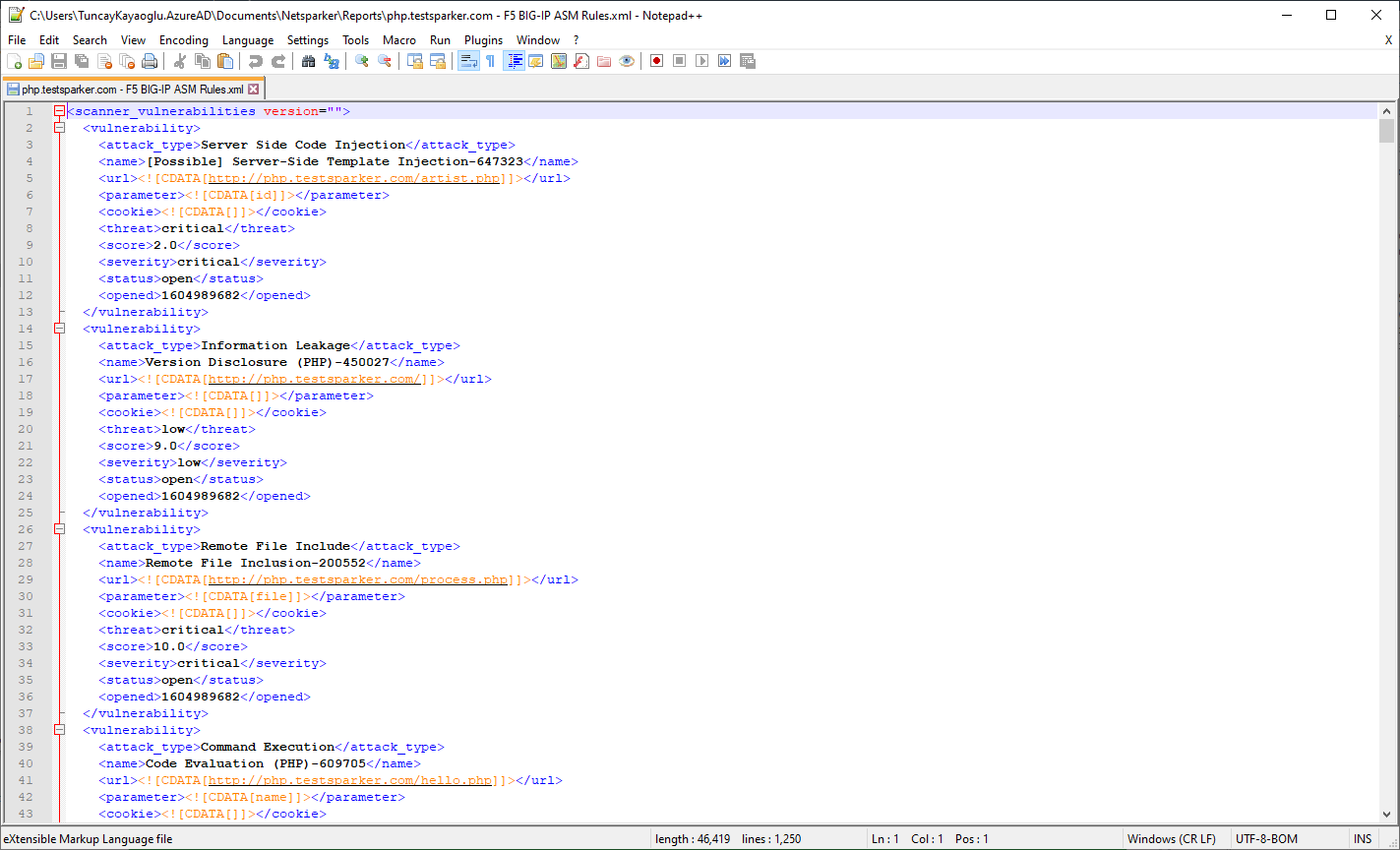
WAF rules are generated according to ‘Generic Schema’. The result rules are XML formatted.
Types of Vulnerabilities Invicti Exports as F5 BIG-IP ASM Rules
Not all vulnerabilities can be covered up by blocking access to a specific URL with a web application firewall, therefore not all vulnerabilities can be exported as F5 BIG-IP ASM rules. For example, security flaws related to HTTP Cookies, sensitive comments in source code, application source code disclosure, and other similar vulnerabilities will not be exported.
How to Configure F5 BIG-IP ASM WAF Rules in Invicti Standard
- Open Invicti Standard.
- From the Home tab on the ribbon, click Options. The Options dialog is displayed.
- Click Web Application Firewall.
- From the Add dropdown, select F5 BIG-IP ASM.
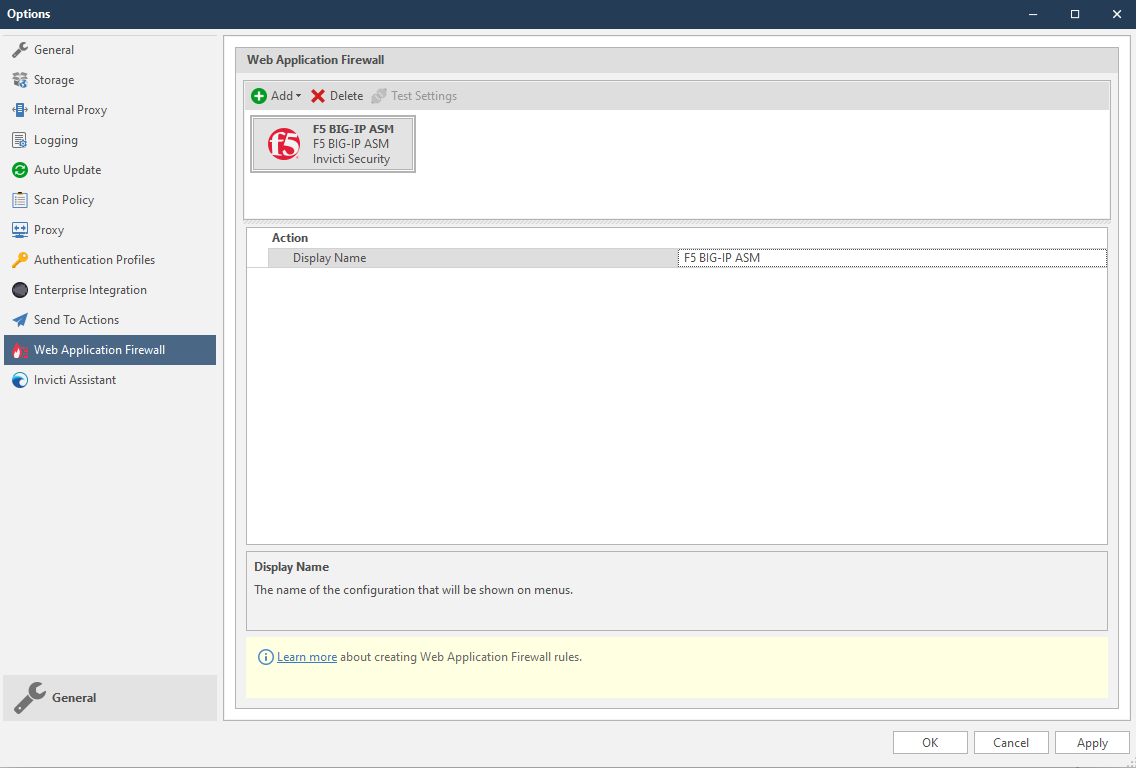
- Click the OK button. Then the F5 BIG-IP ASM WAF Rules button is shown in the Vulnerability tab.
How to Export F5 BIG-IP ASM WAF Rules from Invicti Standard
WAF rules can be exported in two ways from Invicti Standard:
- All Vulnerabilities
- Single Vulnerability
Export All Vulnerabilities
- Navigate to the Reporting ribbon tab menu and click F5 BIG-IP WAF Rules.
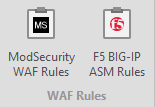
- In the File name field, enter a name and click Save. The Export Report dialog is displayed with the Path (generated from the location and filename from the previous step) already displayed.
- From the Policy dropdown, select an option.
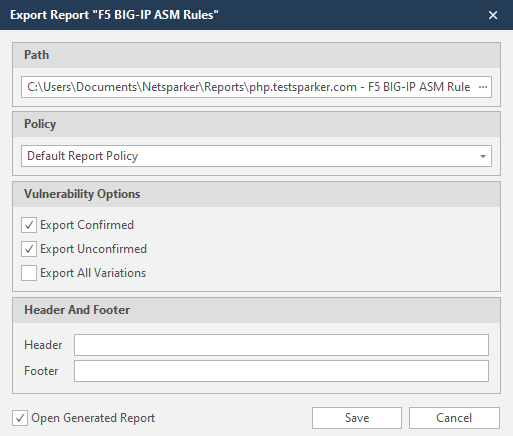
- The Open Generated Report checkbox is already selected (which opens the report on completion). Deselect this option if required.
- Click Save. The ModSecurity WAF Rules Report opens in your default text editor (this example shows Notepad++).
Export Single Vulnerability
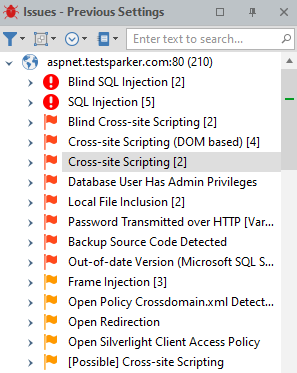
- Navigate to the Issues pane and select a single vulnerability (in this example, Cross-site Scripting).
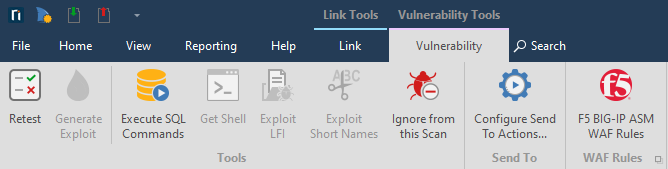
- From the Vulnerability tab, click BIG-IP ASM WAF Rules.
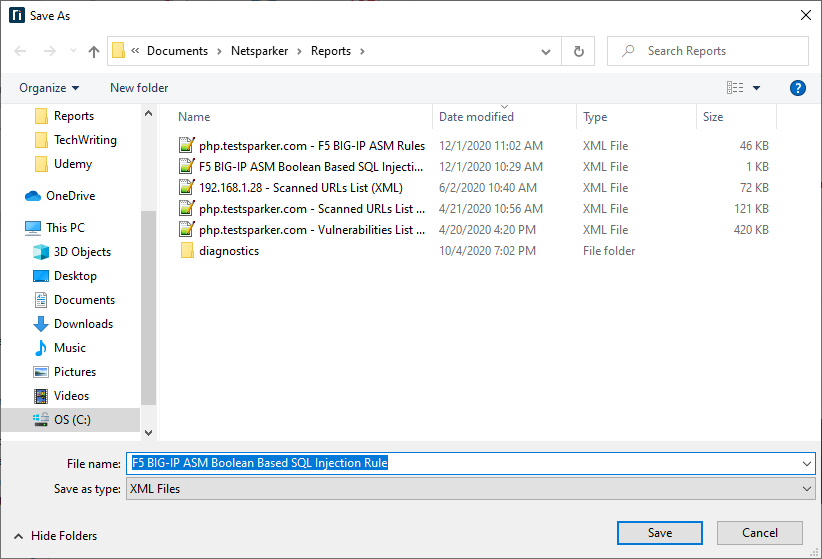
- In the File name field, enter a name (here F5 BIG-IP ASM Boolean Based SQL Injection Rule is used), and click Save.
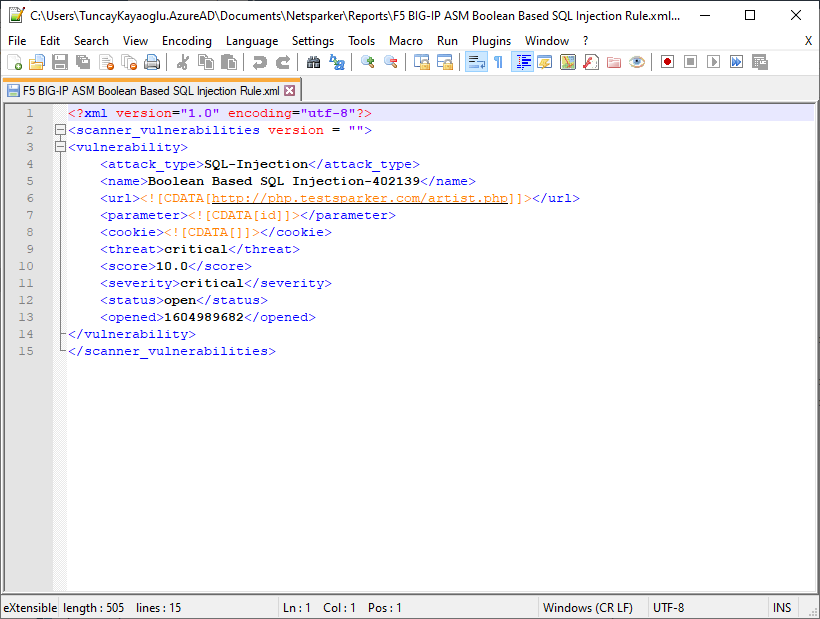
- The exported rule file can be opened in any text editor as shown.
Need help?
Invicti Support team is ready to provide you with technical help. Go to Help Center