Managing Integrations
Once you have configured your integrations, you can view and manage them on the Integrations page. This document explains how to clone, edit, or delete an integration you have previously set up in Invicti Enterprise.

Integration Setup Resources
For information about setting up integrations, refer to the following documentation:
- Integrating Invicti into your vulnerability management system
- Integrating Invicti Enterprise into your existing SDLC
- Integrating Invicti Enterprise with an issue tracking system
How to clone an integration
- Select Integrations > Manage Integrations from the left-side menu.
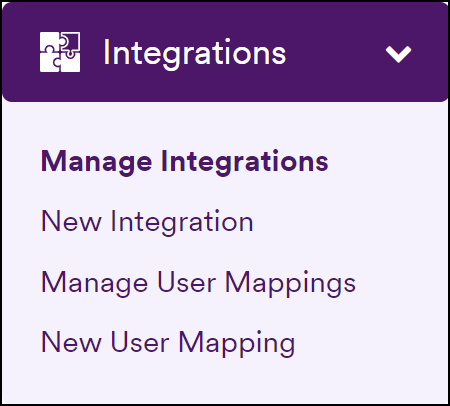
- Click Clone next to the relevant integration in the list.

- Adjust the fields as required, then click Save.
How to edit an integration
-
Select Integrations > Manage Integrations from the left-side menu.
-
Click Edit next to the relevant integration in the list.
-
Adjust the fields as required, then click Save.
How to delete an integration
-
Select Integrations > Manage Integrations from the left-side menu.
-
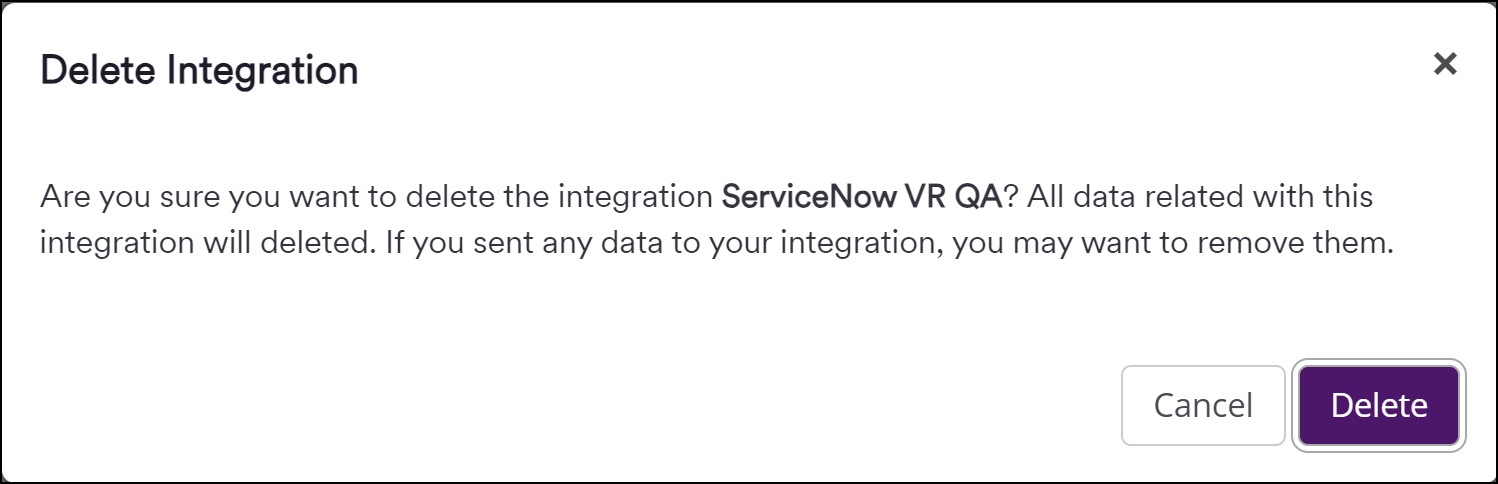
Click Delete next to the relevant integration in the list.
-
Click Delete to confirm the action.
Need help?
Invicti Support team is ready to provide you with technical help. Go to Help Center
Was this page useful?