Client certificate
If your Target's web server requires client (browser) authentication via certificates, you can configure your Target to use a client certificate file by doing the following:
- Select Inventory > Targets from the left-side menu.
- Locate the target you would like to amend, using the three-dot menu (⋮), select Edit target.
- Select Authentication from the menu.
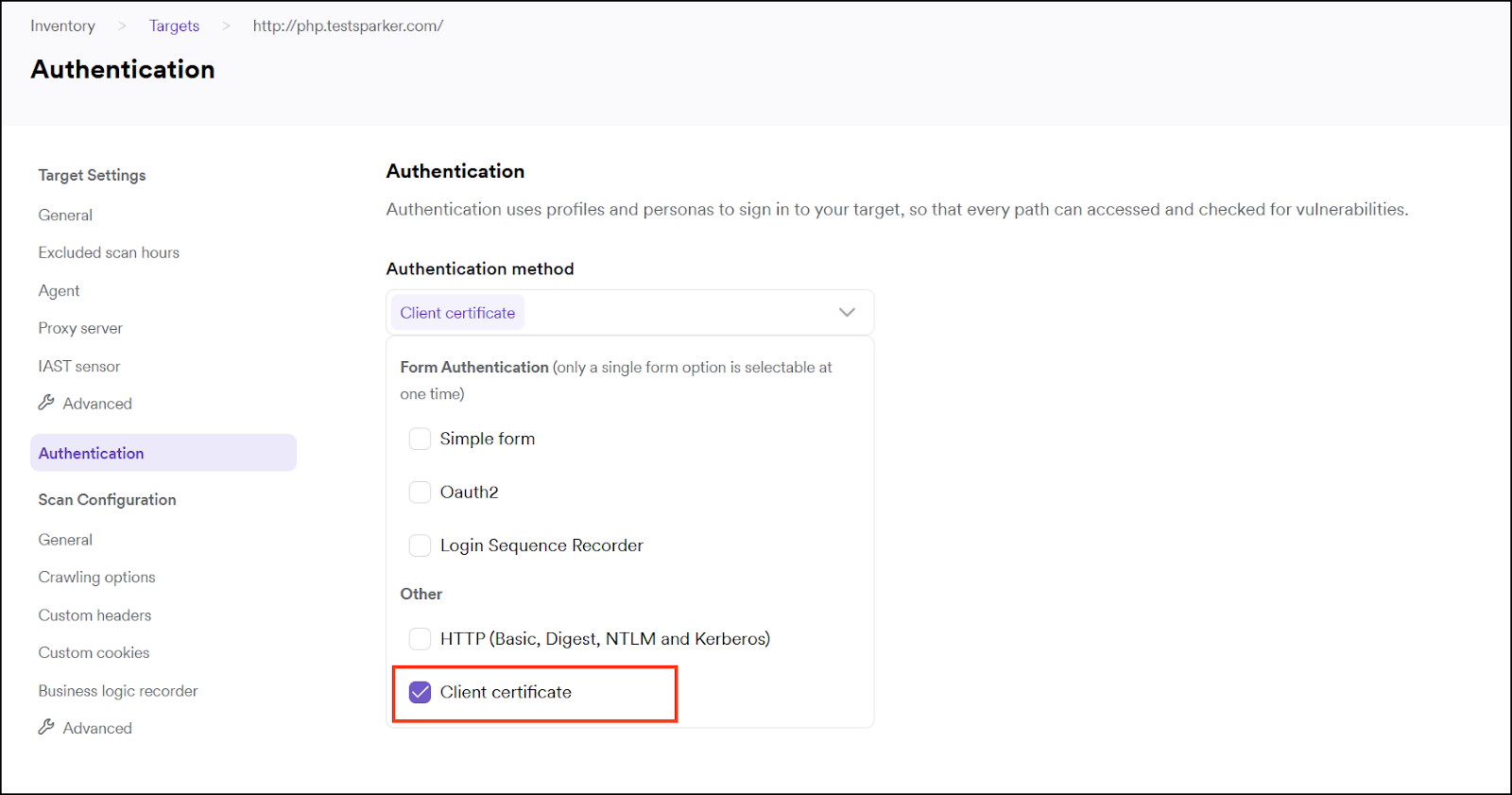
- Select Client Certificate as Authentication method.
- Upload the client certificate file. The engine requires a single file in PFX/PKCS#12 format (
.pfxor.p12), which bundles the client certificate, private key, and optionally the certificate chain in one password-protected container. The file picker also accepts.crt,.cert,.cer, and.derextensions, as these are sometimes used for PFX files with a non-standard extension. - Enter URL and password (the password that protects the PFX/PKCS#12 file).
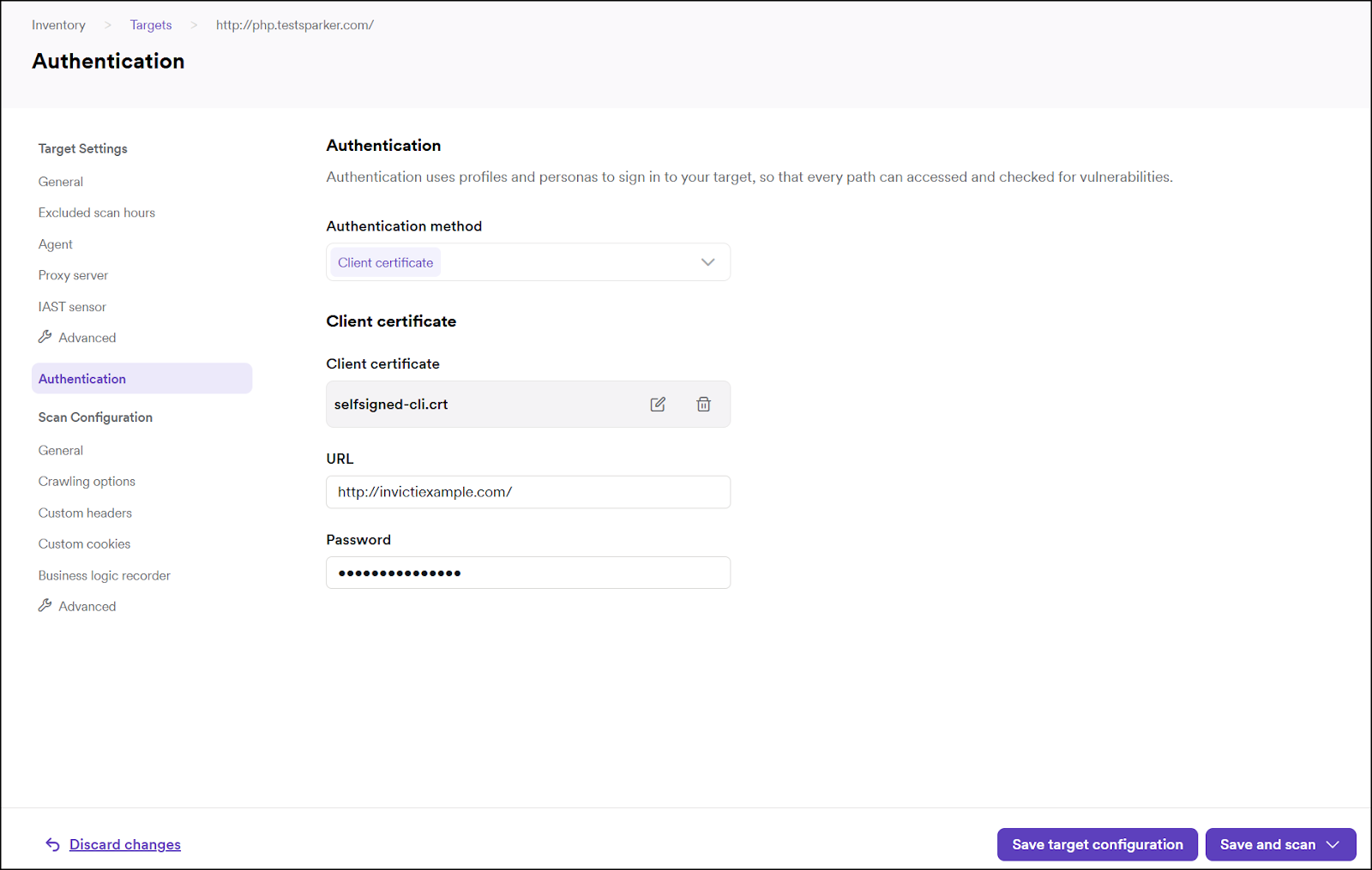
- Click Save target configuration to confirm.
Need help?
Invicti Support team is ready to provide you with technical help. Go to Help Center
Was this page useful?