availability
Package: Invicti AppSec Core (on-demand)
Edit project information
After creating a project, you might need to update its configuration as your requirements evolve. You can easily modify project settings including the name, labels, branch configuration, team assignments, and business criticality level.
To edit project information:
- Navigate to Inventory > Projects from the left side menu.
- On the Projects page, locate your project tile and click the project name.
- In the project header, click the pencil icon next to the project name.
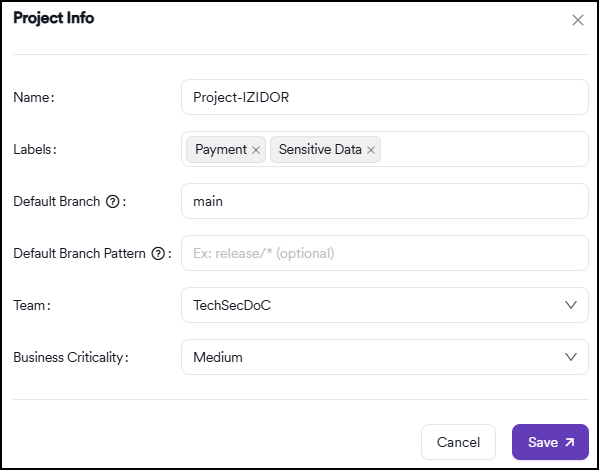
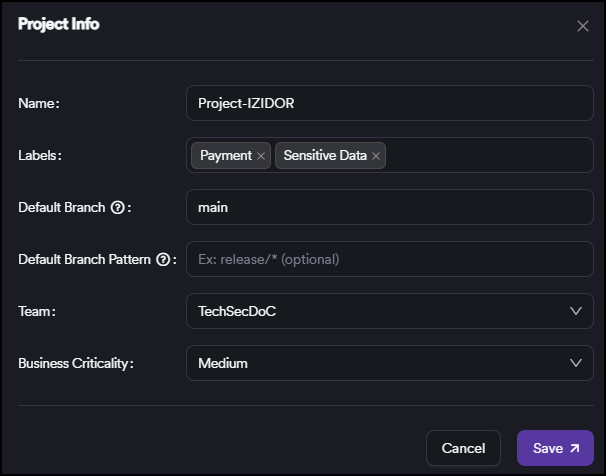
- The Project info dialog opens, allowing you to modify the following settings:
- Name: update the project's display name
- Labels: assign custom labels for better organization and filtering
- Default branch: specify which branch to scan by default
- Default branch pattern: define a pattern for automatic branch selection
- Team: assign the project to a specific team
- Business criticality: set the project's importance level for prioritization
note
For detailed descriptions of these fields and their configuration options, see the add new project documentation.
- When you've finished making changes, click Save to apply your updates.
Need help?
Invicti Support team is ready to provide you with technical help. Go to Help Center
Was this page useful?