Product infrastructure vulnerabilities
In this view, you can view vulnerabilities discovered by automated Infra tools and those that have been manually imported to the projects under the selected product.
Bulk actions
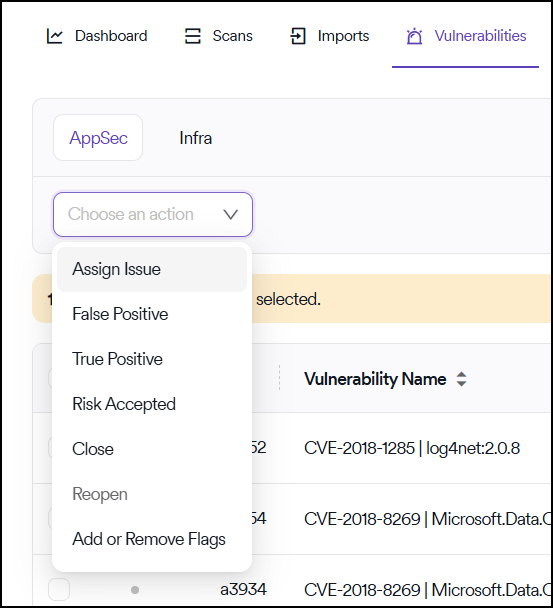
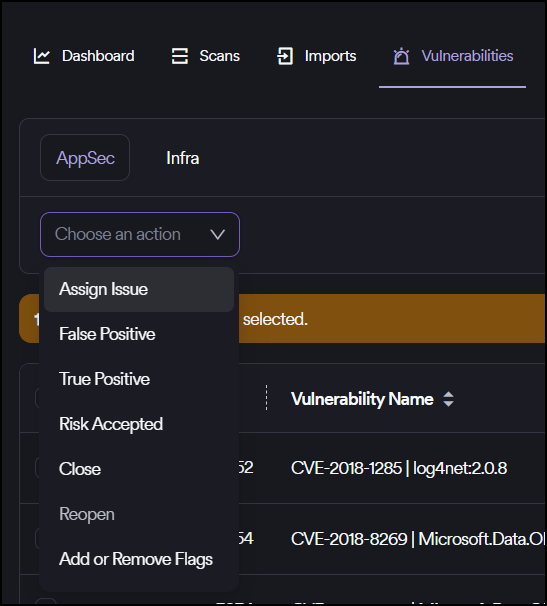
Five bulk actions can be taken on infrastructure vulnerabilities through the Action button in the upper left corner:
- Assign Issue
- False Positive
- True Positive
- Risk Accepted
- Close
- Reopen
- Add or Remove Flags
Assign issues
If an issue needs to be assigned for a single vulnerability or multiple vulnerabilities, you can use the checkboxes on the left-hand side of each row and click the Assign Issue button in the Choose an action dropdown menu that appears in the upper left corner.
Vulnerabilities closed in Invicti AppSec that have been sent to the issue manager are also closed automatically on the issue manager.
The Close action is available only for vulnerabilities manually imported to Invicti AppSec and not for vulnerabilities discovered by automated Infra tools.
View and export options
You can change the vulnerability view using the view options available in the interface.
You can export the vulnerability table in CSV format by clicking the Export button under the Actions button at the top right corner of the page. The columns available on the table can be changed by clicking the gear icon located in the top right corner of the table.
Need help?
Invicti Support team is ready to provide you with technical help. Go to Help Center