Package: Invicti AppSec Core (on-demand)
Products overview
Products are used to group projects under one category.
The changes made in the products are instantly reflected in the dashboard filters.
One project can belong to multiple products at the same time.
Access products
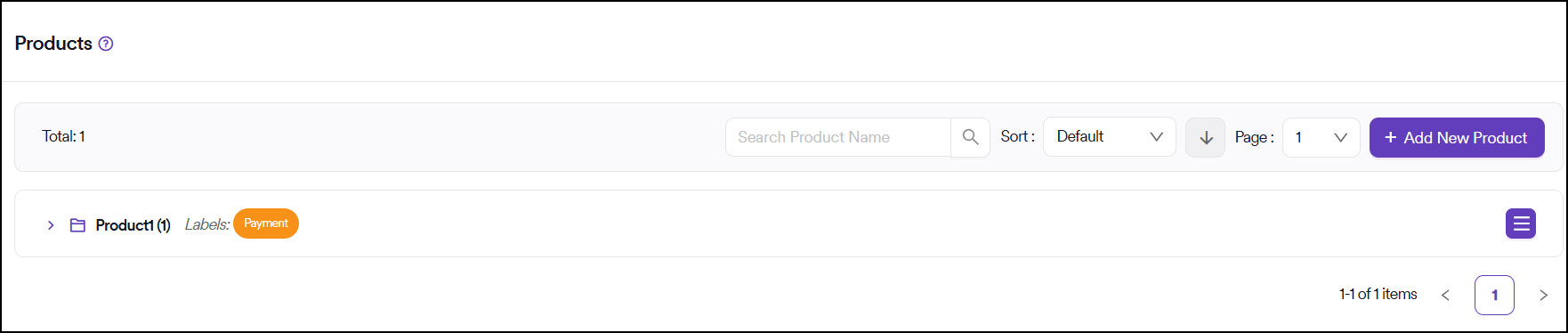
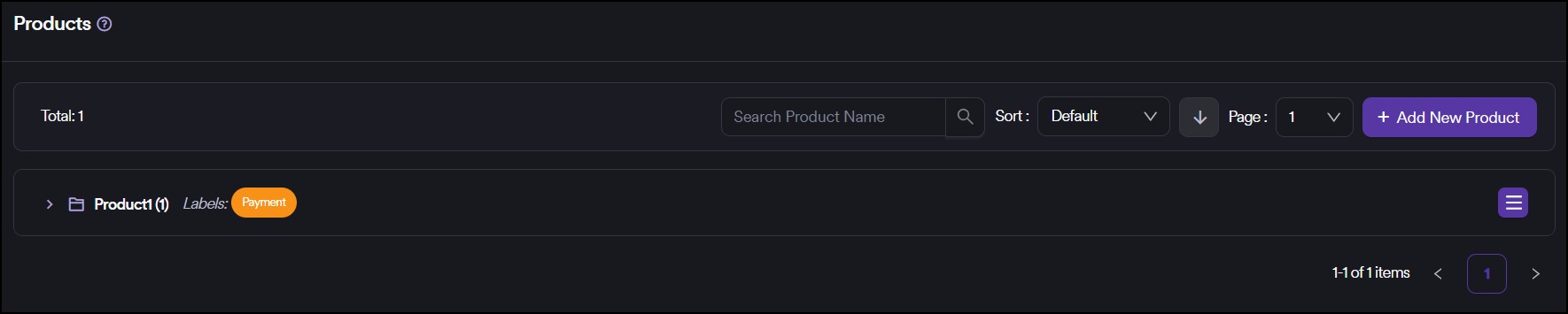
You can reach projects under a product by clicking on the arrow icon next to the product name.
When the view is expanded to see the projects, you can access the details of a project by clicking on the project name.
You can access further product details by clicking the hamburger icon on the rightmost side of each product row.
User permissions
Team leads can view products as long as their team is assigned to at least one of the projects under a product. Although they can access the product details, they can only add or remove projects that they have access to.
Managers can only view products that are grouped under their business units.
Need help?
Invicti Support team is ready to provide you with technical help. Go to Help Center