Package: Invicti AppSec Core (on-demand)
Website inclusions
Website discovery in Invicti AppSec Core uses domain matching to surface assets associated with your organization. In some cases, assets you own aren't automatically matched - for example, a domain registered under a different name or a recently acquired domain that hasn't been linked to your organization yet.
The Website inclusions page lets you explicitly add domains, URLs, or URL patterns to the discovery scope. Entries you add here are always included in discovery results, regardless of whether they match the standard domain matching criteria.
This document explains how to add and remove website inclusions in Invicti AppSec Core.
Why this matters
Standard domain matching works well for assets that are clearly linked to your organization, but it can miss assets that are technically yours - acquired domains, microsites registered under subsidiary names, or domains with unconventional naming patterns. Without a way to explicitly include these, they stay invisible in your discovery results.
Website inclusions give you a direct override. By adding a domain, URL, or URL pattern to the inclusions list, you tell Invicti AppSec to always surface matching assets, bypassing the standard matching logic entirely. This is especially useful when you know an asset exists and belongs to your organization, but the automated discovery process isn't picking it up.
Add a website inclusion
- Select Discovery > Website configuration > Website inclusions from the left-side menu.
- Click Add inclusion .
- Enter the domain, URL, or URL pattern you want to include in the field.
- Click Save to add the entry to the inclusions list.
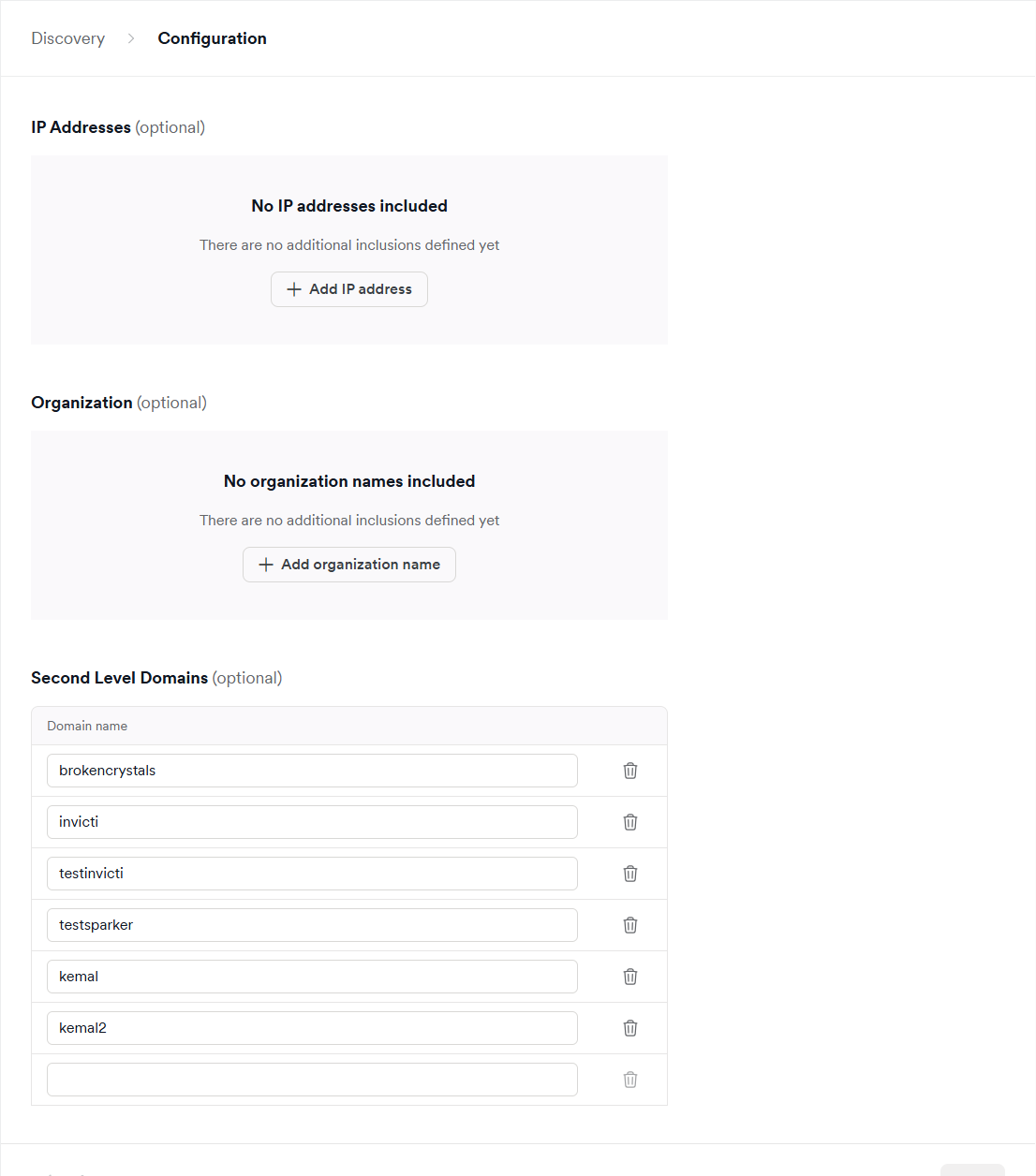
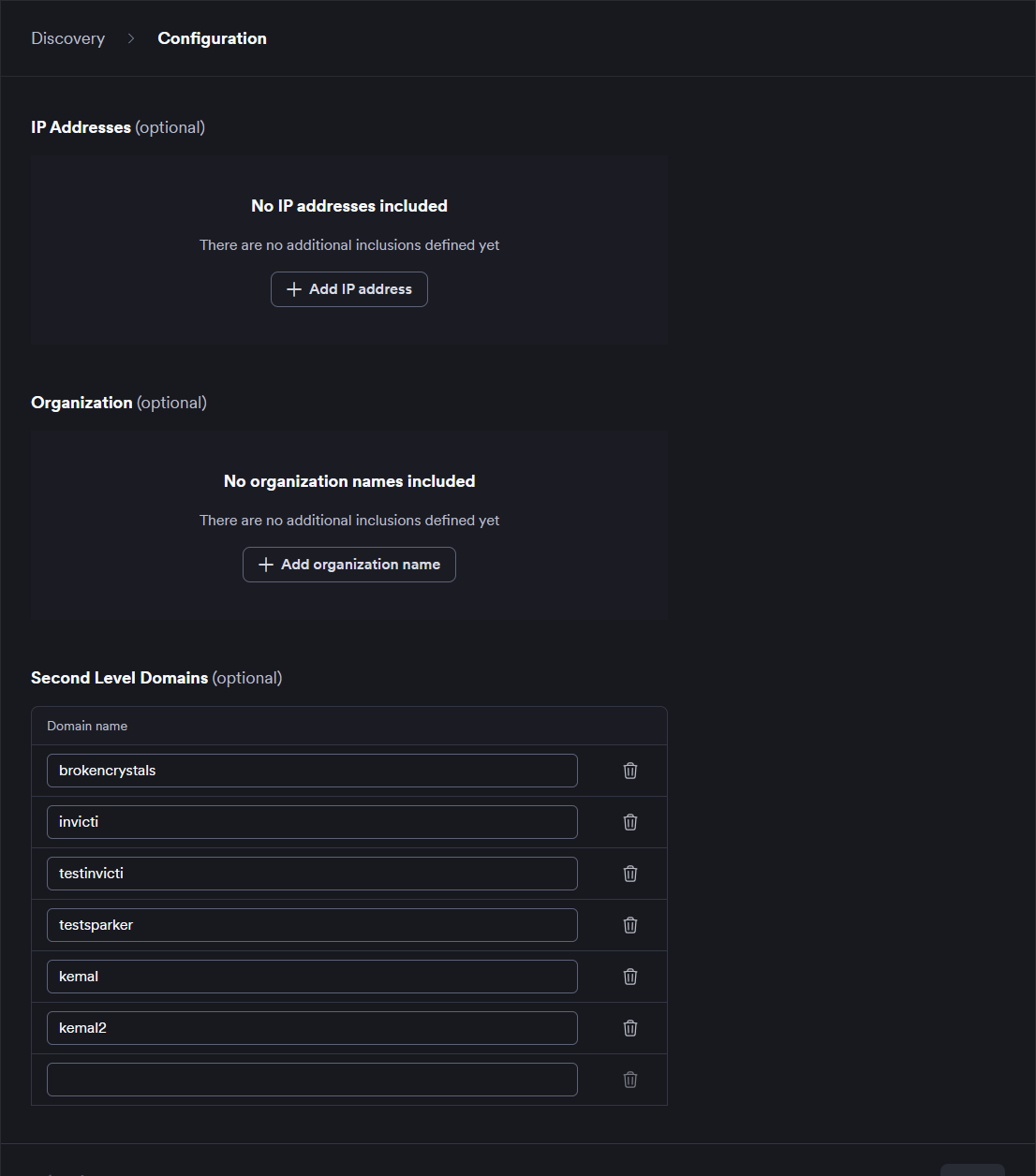
After you add an inclusion, Website discovery refreshes its results. Updates can take up to approximately one hour to appear. For more information, refer to the Introduction to Website discovery document.
Remove a website inclusion
Removing an inclusion doesn't delete the corresponding asset from Invicti AppSec - it only removes the explicit override. After removal, the asset is evaluated against the standard domain matching criteria. If it doesn't match any active criteria, it no longer appears in discovery results.
- Select Discovery > Website configuration > Website inclusions from the left-side menu.
- Find the inclusion you want to remove in the list.
- Click next to the entry.
- Confirm the removal if prompted.
Need help?
Invicti Support team is ready to provide you with technical help. Go to Help Center