Creating a New Scan Policy in Invicti Standard
A scan policy is a set of settings for web application security scans. It determines the security tests to be conducted when initiating a scan. You can choose pre-defined policies, customize them based on your target's characteristics, or create new ones. Additionally, you can share policies within a group or duplicate them from a group.
This document provides instructions on how to create a new scan policy in Invicti Standard.
How to Create a New Scan Policy
Follow these steps to create a new scan policy using the Scan Policy Editor:
- From the Home tab, select Scan Policy Editor.

- The Scan Policy Editor dialog is displayed with all existing Scan policies listed at the top.
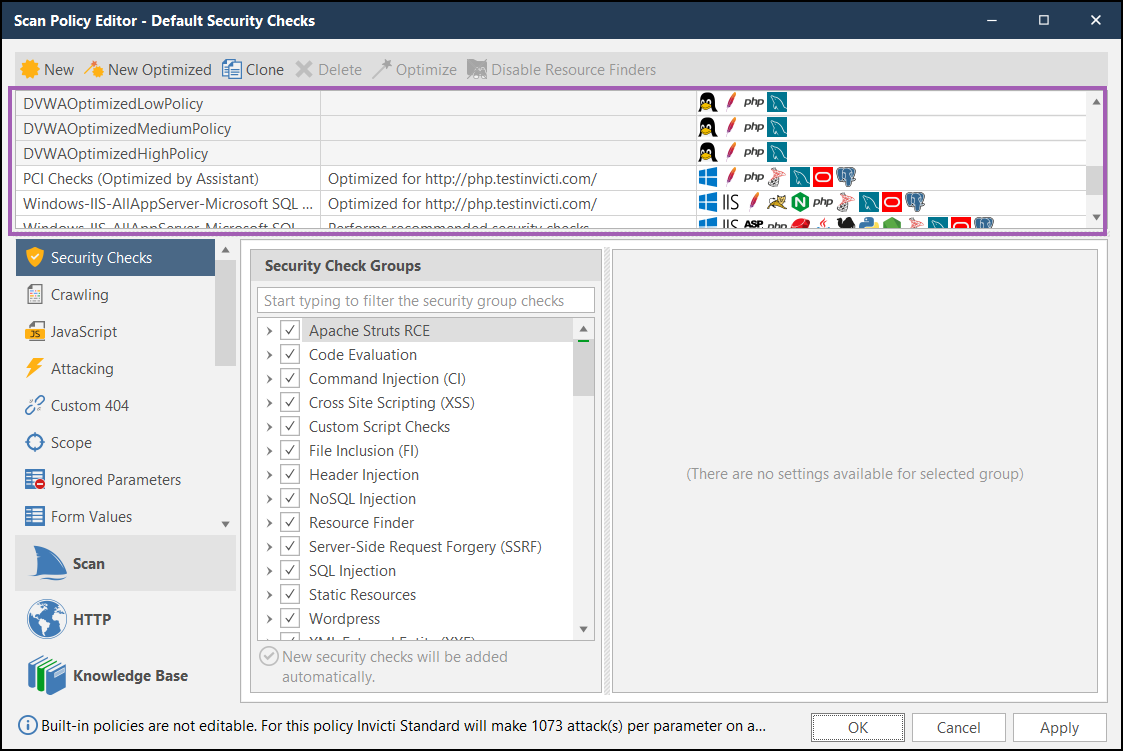
- Select New to add a new policy. A line for this is displayed at the bottom of the list.

-
Change the name of the policy by replacing the "New scan policy" text.
-
Select the next cell and enter a Description.
-
Complete the remaining fields. For a description of each section and its fields, refer to our Scan policy fields document.
-
Select OK to save the new scan policy.
Need help?
Invicti Support team is ready to provide you with technical help. Go to Help Center