Malware Analyzer
The Malware Analyzer is a security check that checks responses against malware.
There are no additional settings available for the Malware Analyzer.
For further information, see Scan Policy Fields and Security Checks.
How to Configure the Malware Analyzer in Invicti Enterprise
- Log in to Invicti Enterprise.
- From the main menu, go to Policies > New Scan Policy > Security Checks.
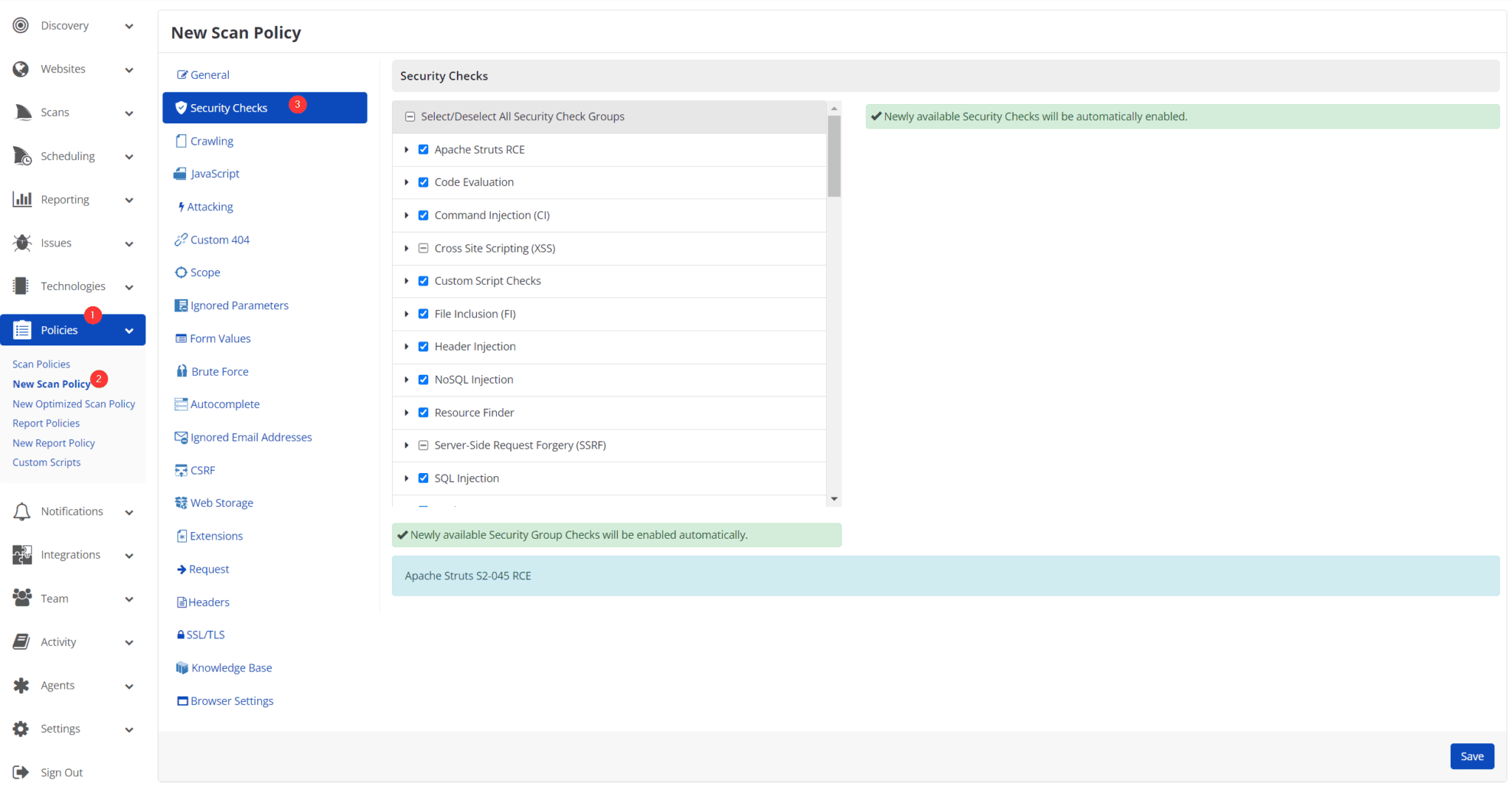
- Select the Malware Analyzer.
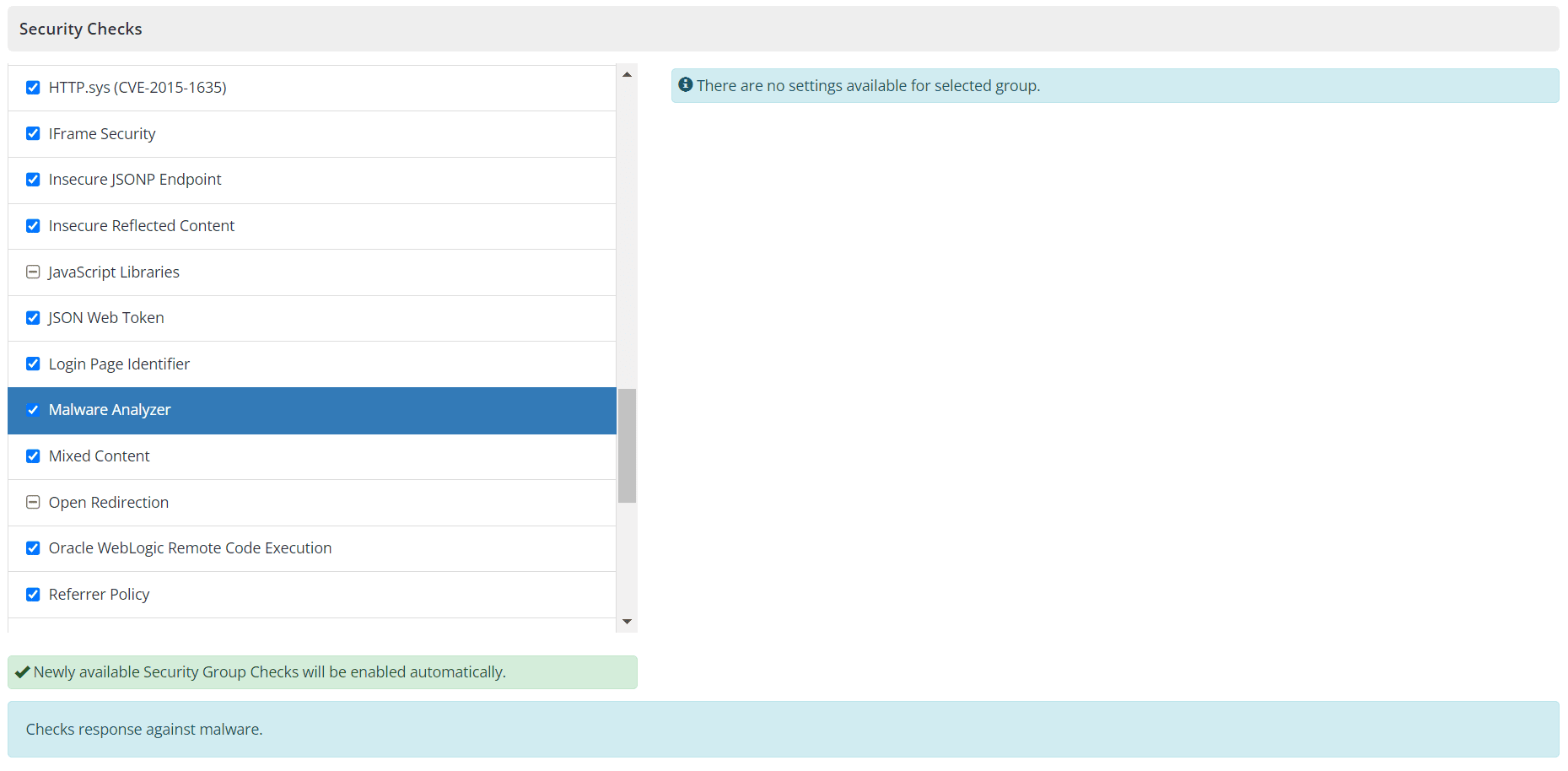
- Ensure that the checkbox is checked.
- Select Save.
Need help?
Invicti Support team is ready to provide you with technical help. Go to Help Center
Was this page useful?