Update Invicti API Security on-premises
Updating to the latest version of Invicti API Security Standalone or Bundle for on-premises instances requires running the specific new version of the API Hub Service Setup file. After running the new setup file, the API Discovery component in your Invicti Enterprise on-premises instance is updated to the latest version. This document explains how to update Invicti API Security for on-premises instances.
To successfully update Invicti API Security, the following applications are installed on the server during the setup process:
- PostgreSQL (version 16)
- .NET Runtime 8.0.4
- ASP.NET Core 8.0.4 Hosting bundle
Update API Security for Invicti Enterprise on-premises
- Update your Invicti Enterprise on-premises installation to the latest version, including updating the Authentication Verifier Agent.
- Refer to How to update Invicti Enterprise on-premises for instructions.
The authentication verifier agent is required for Zero Configuration API Discovery. For authentication verifier installation instructions, refer to the Installing Authentication Verifier Agents document.
- Run the latest version of the
ApiHubServiceSetup.exefile that was included when you downloaded the latest version of Invicti Enterprise on-premises.
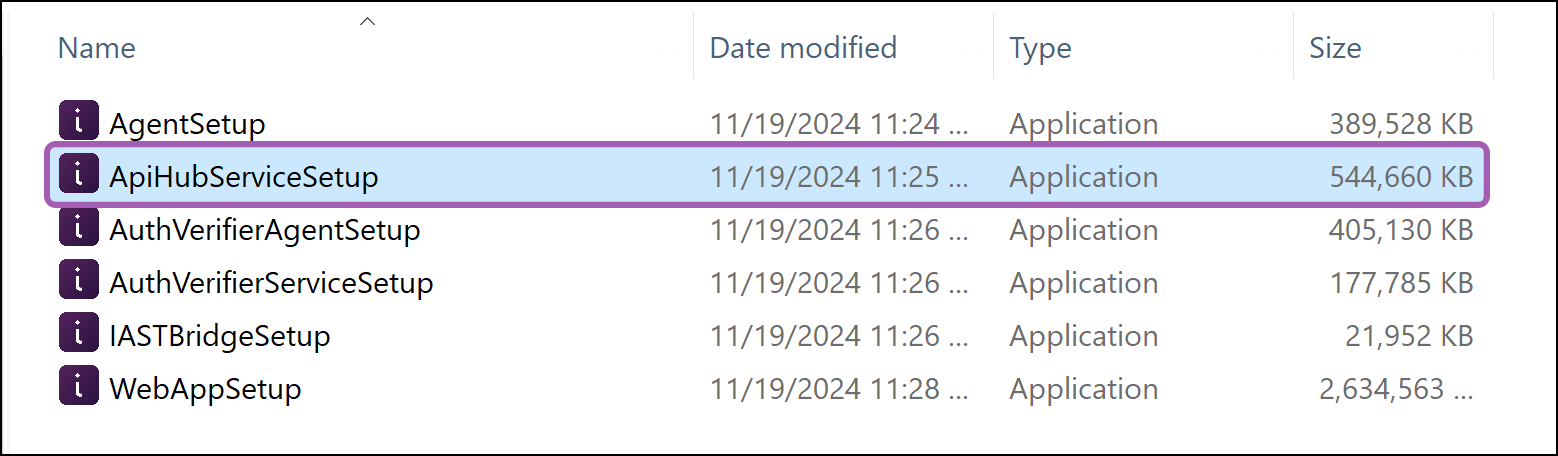
- Select Next to start the Invicti Enterprise API Hub Service Setup Wizard.
- Select an installation location then select Next.
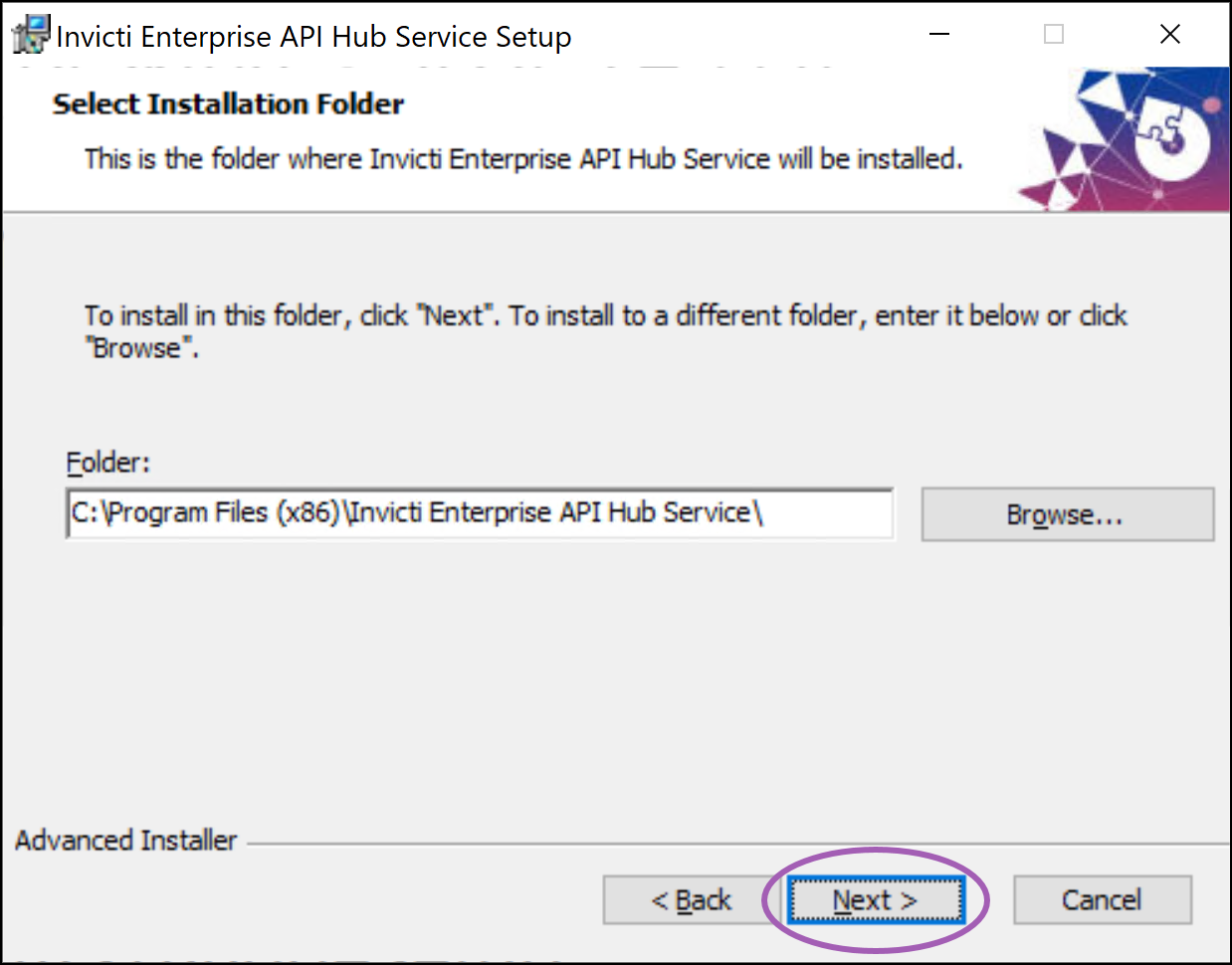
- Select Install to begin installation of the new version.
- Wait for the installation to complete.
If you don't have the prerequisite applications installed, the setup wizard prompts you to install them during the configuring prerequisite software stage of the installation.
- Select Finish to exit the Setup Wizard.
Your on-premises instance has been updated with Invicti API Security. To confirm a successful installation, you can select the version number on the About page. (Select your username in the top-right corner, then select About).
If the version number has updated correctly but API Security isn't displaying as expected, perform a hard refresh of the browser to clear the cache.
For more information about Invicti API Security and API Discovery, refer to the following documentation:
Need help?
Invicti Support team is ready to provide you with technical help. Go to Help Center