Package: Invicti AppSec Core (on-demand)
Create assets from API discovery
Once API discovery identifies APIs in your environment, you can create targets from them to enable vulnerability scanning. You can create a single target for an individual API or use the bulk option when you have multiple APIs to process at once.
This document explains both approaches.
Why this matters
Most organizations have more APIs than they realize—internal services, legacy endpoints, and third-party integrations that aren't tracked in any central inventory. Manually keeping up with these is time-consuming and error-prone.
Creating new targets from discovered APIs automates this process. It ensures every API is included in vulnerability scans, so you never miss new or changed endpoints. This helps you close visibility gaps, maintain accurate coverage, and reduce the risk of unmonitored or forgotten APIs introducing vulnerabilities—all without having to track every API yourself.
If you want to link discovered APIs to existing targets, refer to Link discovered APIs to targets.
Prerequisites
- At least one API has been discovered and appears in the API discovery list.
Add a single target from API discovery
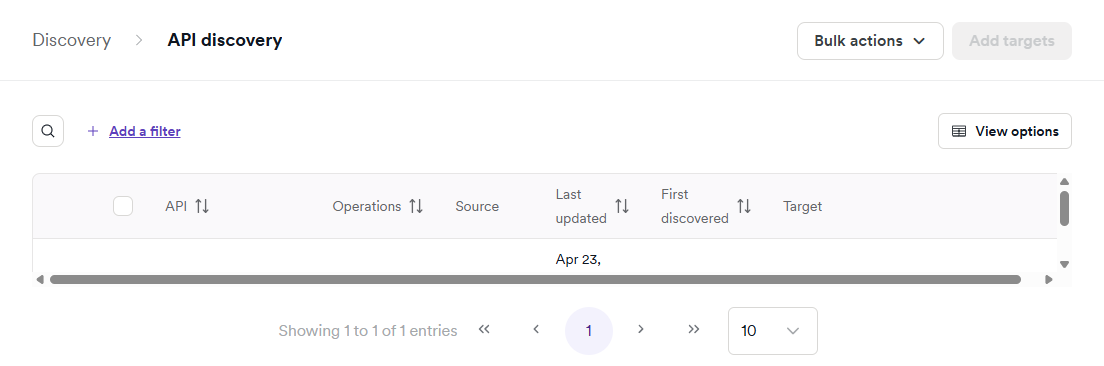
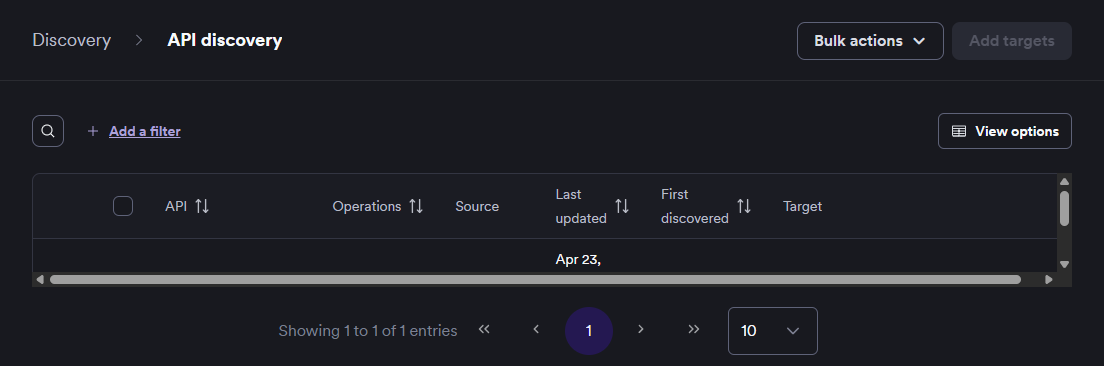
- Select Discovery > API discovery from the left-side menu.
- In the API discovery table, locate the API you want to create a target for.
- In the Target column for that API, click Create.
- Complete the target creation form:
- Name (required): enter a name for the target. Defaults to the API name.
- URL (required): pre-filled from the API specification. You can modify it or select from multiple base URLs if the specification includes more than one.
- Agent (optional): choose the scanning agent.
- Environment (optional): select the deployment environment.
- Team (optional): assign the target to a team.
- Labels (optional): add labels for categorization.
- Click Create target.
The API moves from API discovery to the API catalog and is ready for vulnerability scanning.
Add multiple targets from API discovery
- Select Discovery > API discovery from the left-side menu.
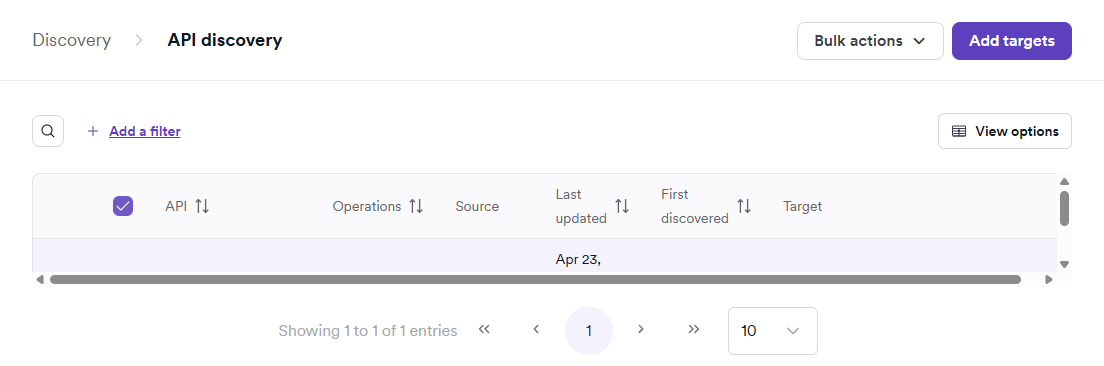
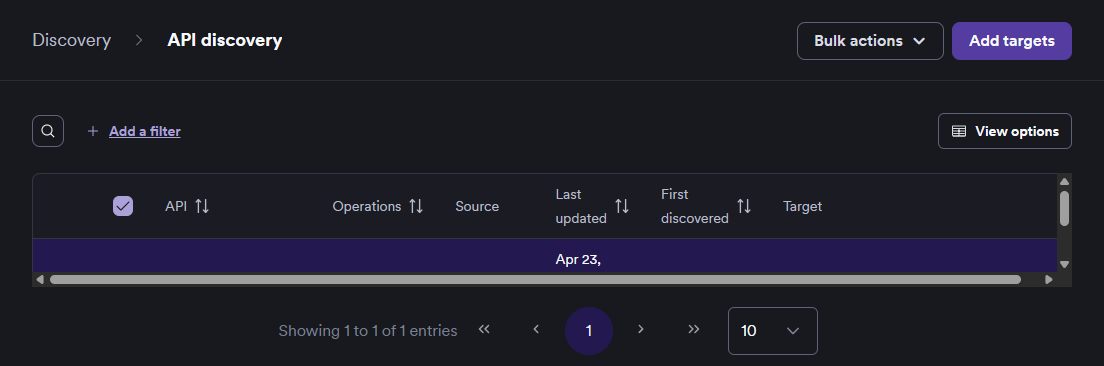
- Enable the checkboxes next to each API you want to create a target for.
Use filters and sorting to identify the right APIs before selecting. For example, sort by Operations to prioritize APIs with the most endpoints.
- Click Add targets in the upper right corner.
- The bulk target creation page opens. For each API in the list, complete the row:
- Name (required): enter a descriptive name.
- URL: pre-filled from the API specification.
- Agent (optional): choose the scanning agent.
- Environment (optional): select the deployment environment.
- Team (optional): assign the target to a team.
- Labels (optional): add labels for categorization.
- Click Add targets.
By adding targets you're agreeing that you have the necessary authorization to scan them. For more information, see Authorized target scanning policy.
The selected APIs move from API discovery to the API catalog and are ready for vulnerability scanning.
Need help?
Invicti Support team is ready to provide you with technical help. Go to Help Center