availability
Package: Invicti AppSec Core (on-demand)
View discovered API endpoints
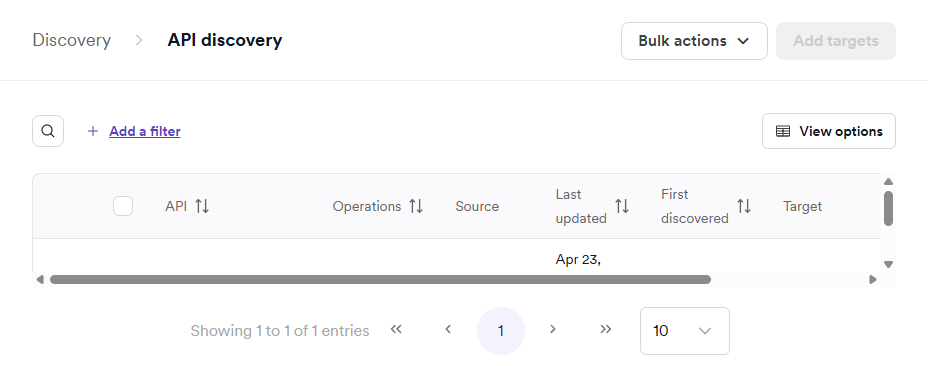
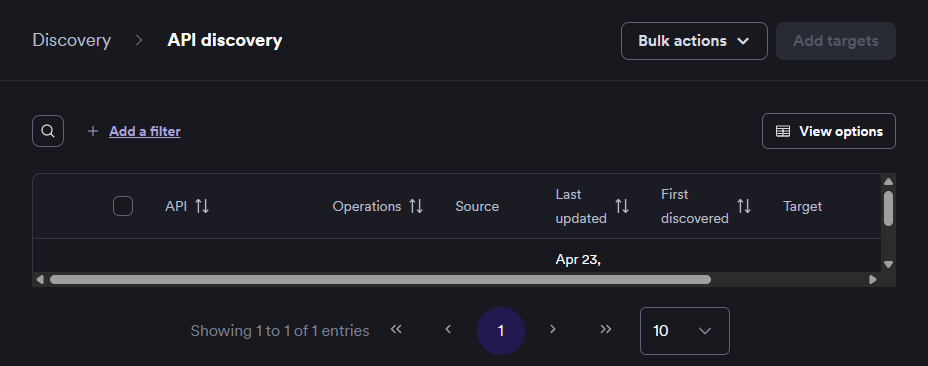
Expand any discovered API to view its individual endpoints and inspect the available operations.
This document explains how to view endpoints within a discovered API and how to export the discovery list to a CSV file.
View endpoints of a discovered API
- Select Discovery > API discovery from the left-side menu.
- Locate the API you want to inspect.
- Click the down arrow next to the API to expand the endpoints and operations list.
Export discovered API endpoints to CSV
- Select Discovery > API discovery from the left-side menu.
- Enable the checkboxes next to the APIs you want to export.
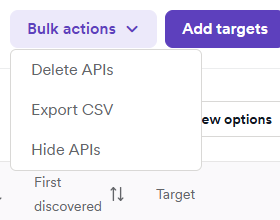
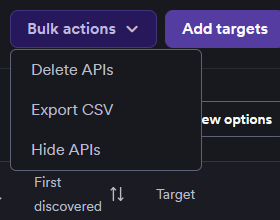
- Click Bulk actions and select Export CSV.
- In the Export to CSV dialog, choose whether to include individual operations or just the high-level list of APIs.
- Click Export APIs to start the download.
Need help?
Invicti Support team is ready to provide you with technical help. Go to Help Center
Was this page useful?