availability
Package: Invicti AppSec Core (on-demand)
Manage scans on deleted branches
You can access previously created scans for existing branches in the Scanner tab. As shown on the screen, each scan can represent a different branch. Since this list may also include branches that were previously opened, scanned, and then deleted, it can become quite long and extend downward over time.
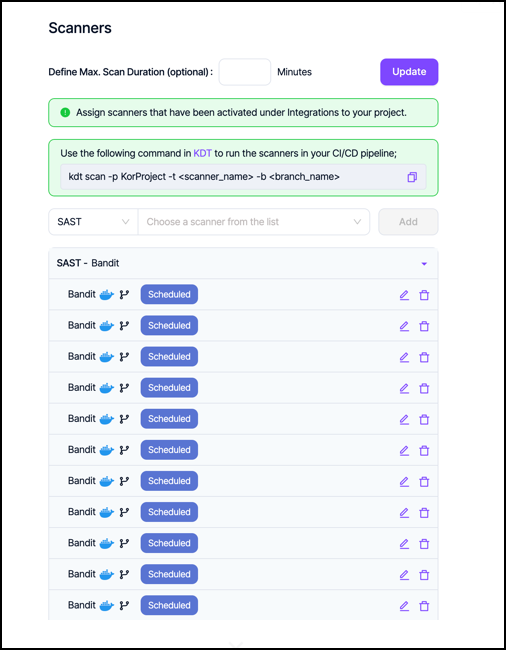
To remove the scans of branches that were previously created and scanned:
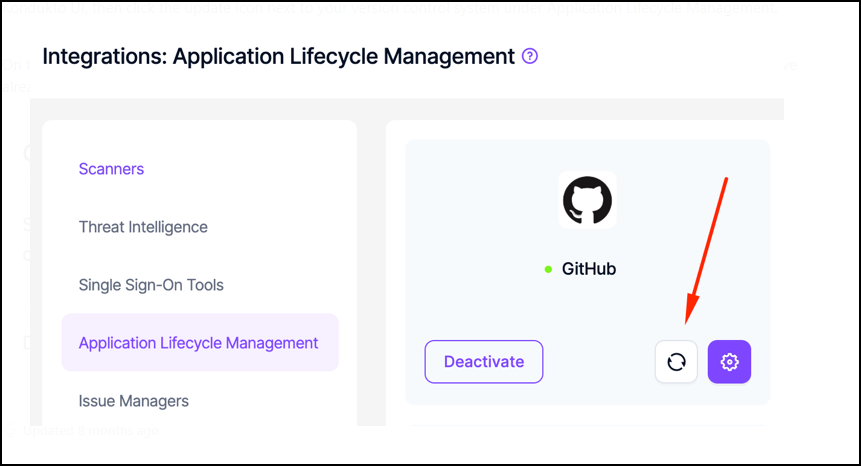
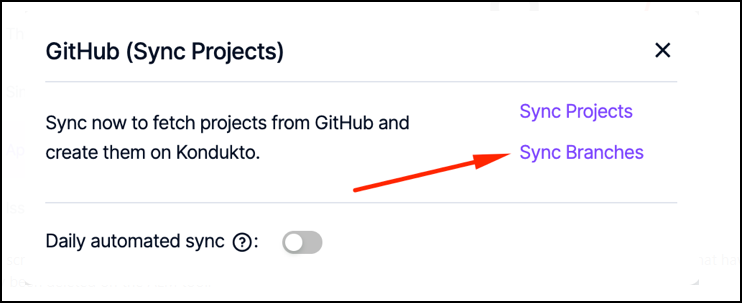
On the screen that appears, click Sync Branches to clear all scan records and operations related to branches that have already been deleted on the ALM tool.
Need help?
Invicti Support team is ready to provide you with technical help. Go to Help Center
Was this page useful?