Scan a Firefox-only target
To scan a target that works only with a specific browser, configure your Scan parameters with a custom User-Agent string.
This example assumes a Firefox-only target.
Create a Scan Policy to handle this scenario by cloning an existing policy. For example:
-
Seelct Policies > Scan Policies from the left-side menu.
-
Click the Clone button for the Default Security Checks policy
-
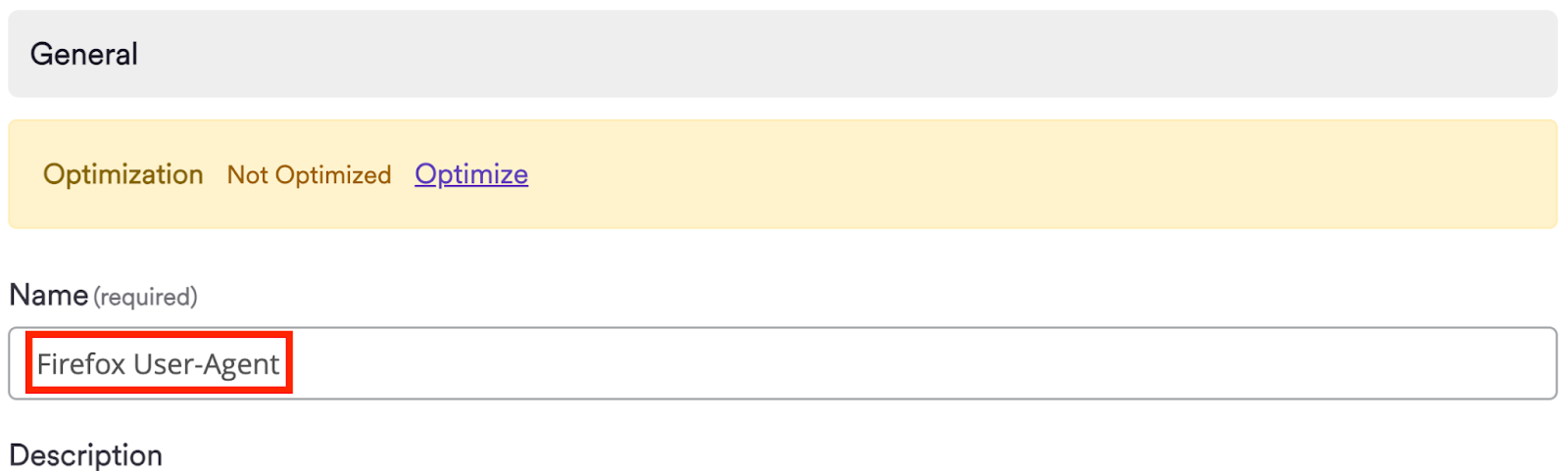
In the General section, assign a name for your new scan policy
-
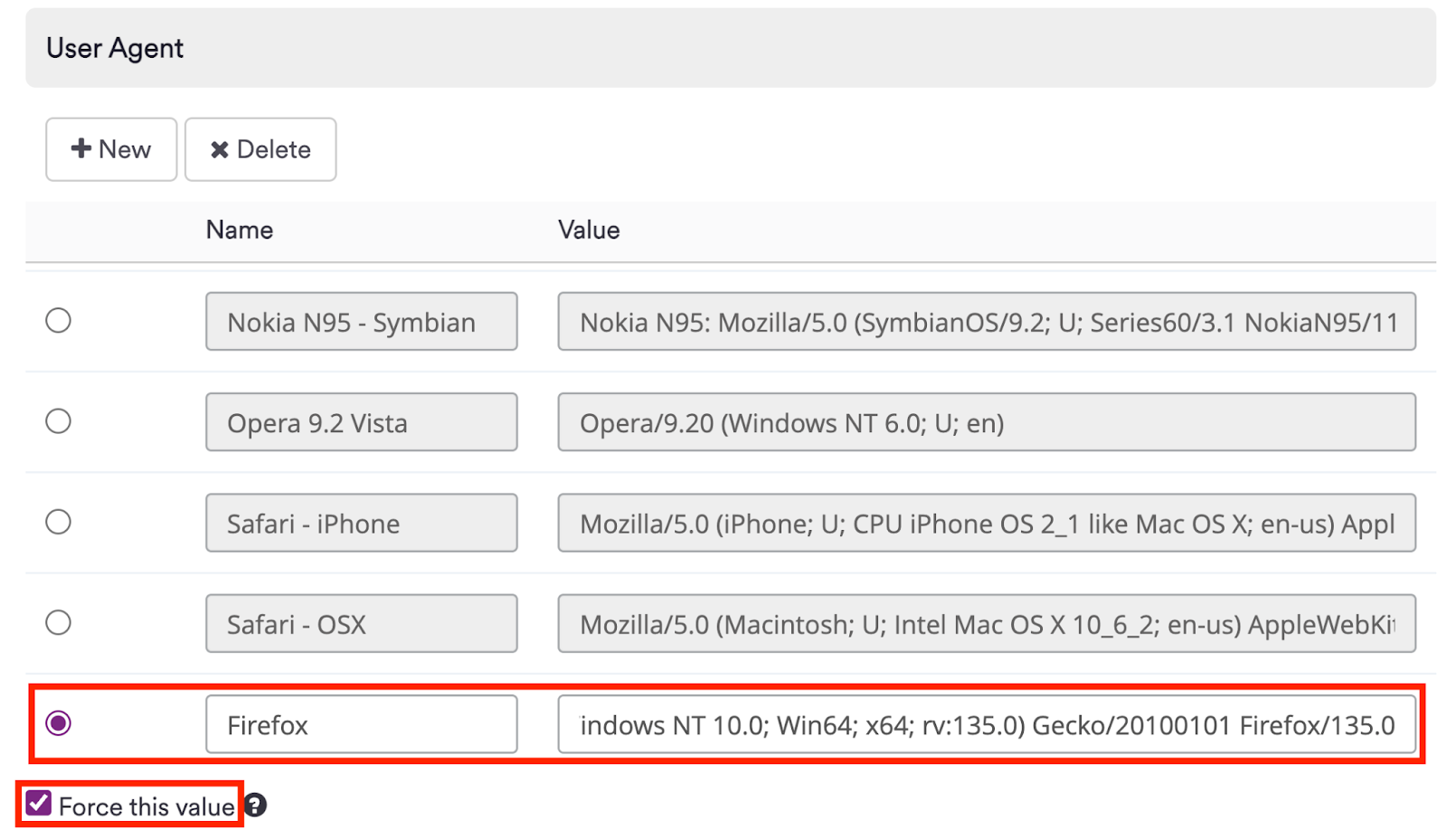
In the Request section, add a new User Agent
-
Configure the new User sgent settings:
- Set the Name field to
Firefox - Set the Value field to:
Mozilla/5.0 (Windows NT 10.0; Win64; x64; rv:135.0) Gecko/20100101 Firefox/135.0
- Ensure that the Force this value checkbox is enabled
- Set the Name field to
The final result should be similar to the following:
-
Scroll to the bottom of the page and click the Save button
-
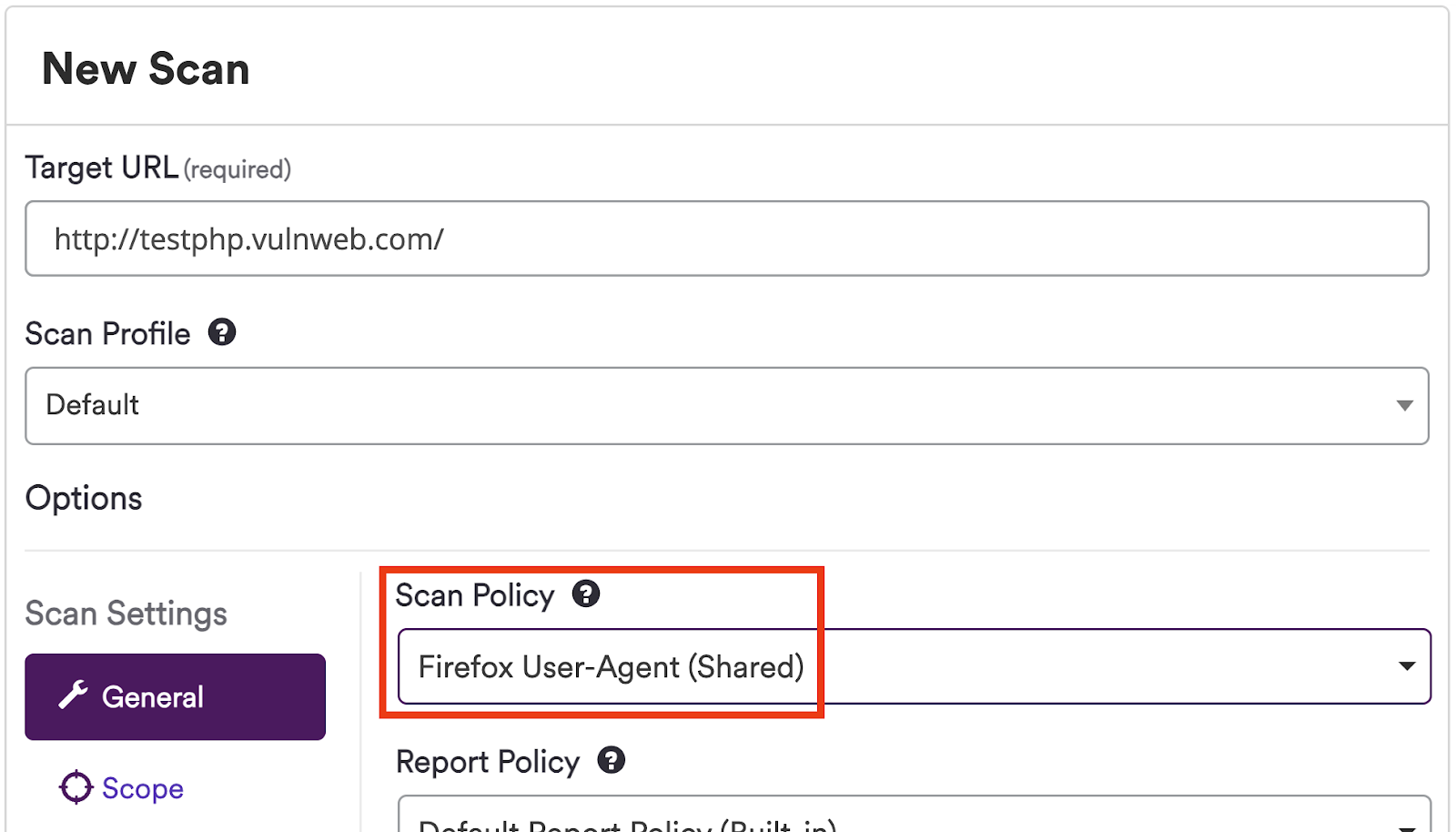
Select this new Scan Policy when creating a scan:
Read more about User-agent strings information in the linked document.
Need help?
Invicti Support team is ready to provide you with technical help. Go to Help Center