About
The purpose of the About dialog is to display information on the current Invicti Enterprise version and Vulnerability Database (VDB). It is available in Invicti Enterprise On-Premises only.
How to display the About dialog in Invicti Enterprise On-Premises
- Log in to Invicti Enterprise On-Premises.
- Select [Your Name] (top right of window) > About.
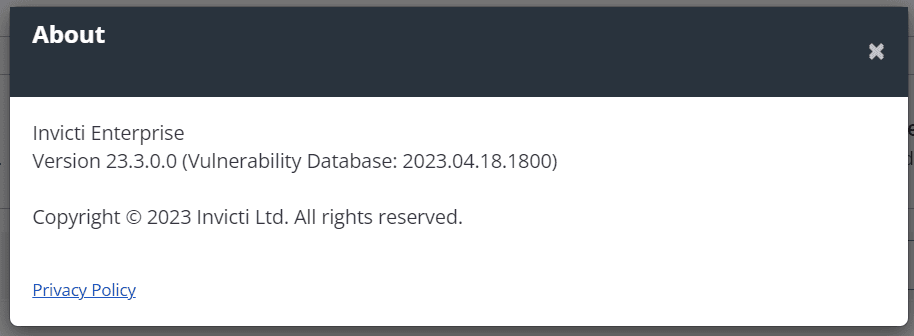
The About dialog is displayed. It shows the Version and Vulnerability Database numbers.
Need help?
Invicti Support team is ready to provide you with technical help. Go to Help Center
Was this page useful?