License
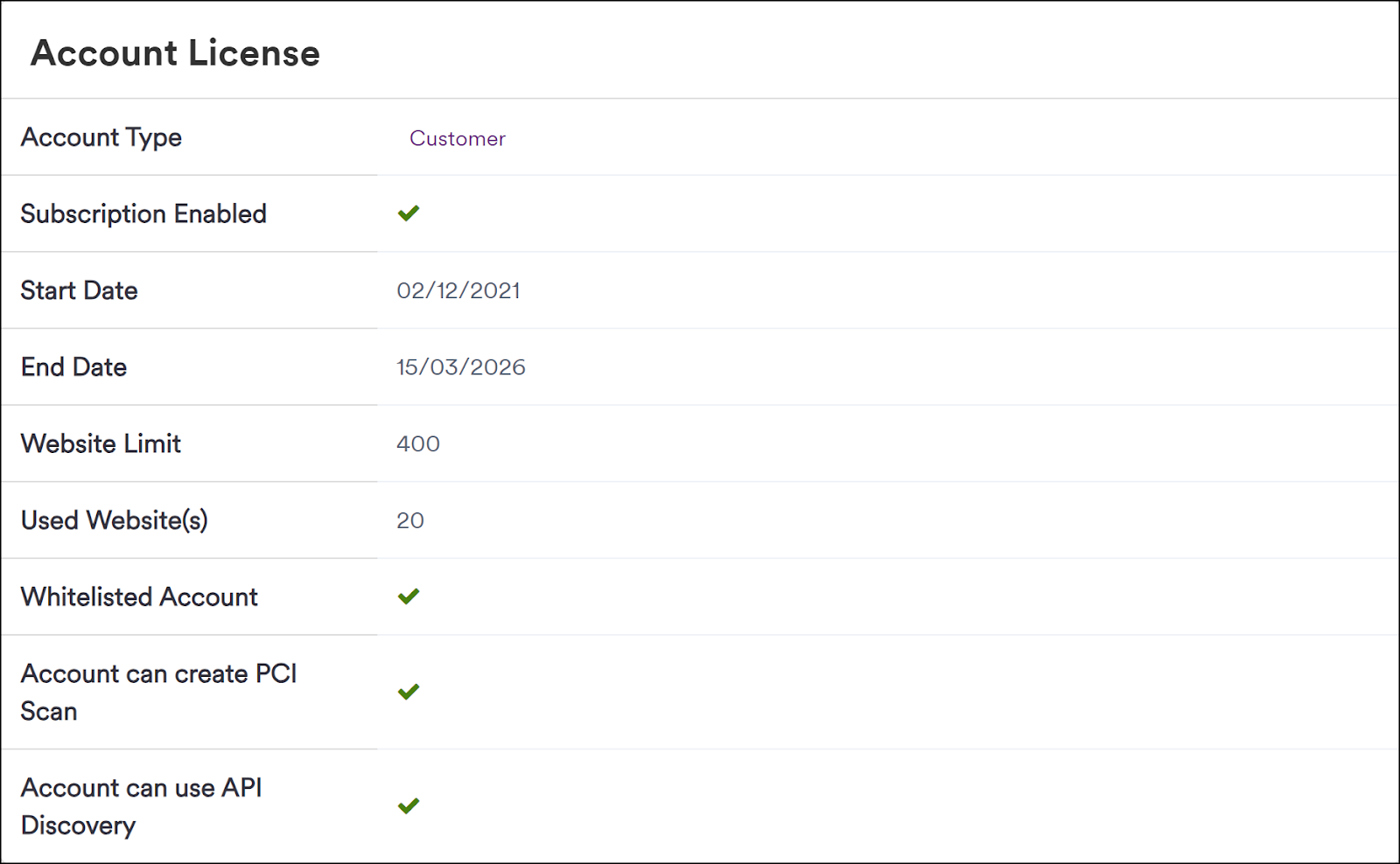
In Invicti Enterprise, you can display your account license details to view information about your account type, subscription dates, and other access permissions. For information about license details in Invicti Enterprise On-Premises, refer to Licensing Settings.
How to view your account license details
- Log in to Invicti Enterprise.
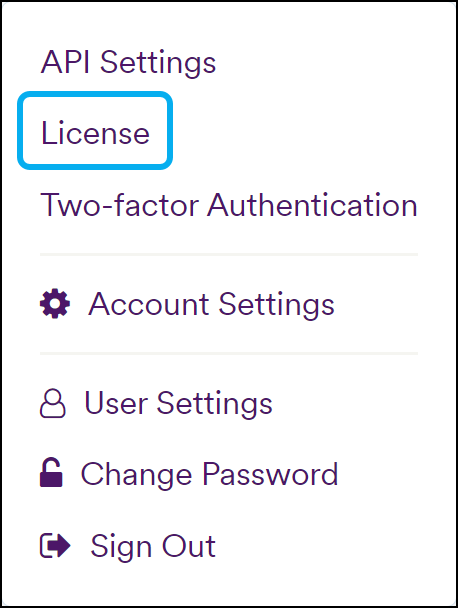
- Click [Your Name] (in the top-right corner), then select License.
The Account License page is displayed.
tip
For more information about your Invicti Enterprise license, refer to:
- Invicti Licensing
- How does Invicti licensing work?
- Downloading Invicti Standard from Invicti Enterprise
Need help?
Invicti Support team is ready to provide you with technical help. Go to Help Center
Was this page useful?