Account
In Invicti Enterprise, you can access several account features from the [Your Name] Account dropdown, located in the top right corner of the window. These features enable you to edit your account settings, change your password, access your API credentials and reset your API Token, enable two-factor authentication, display license information, and learn what's new.
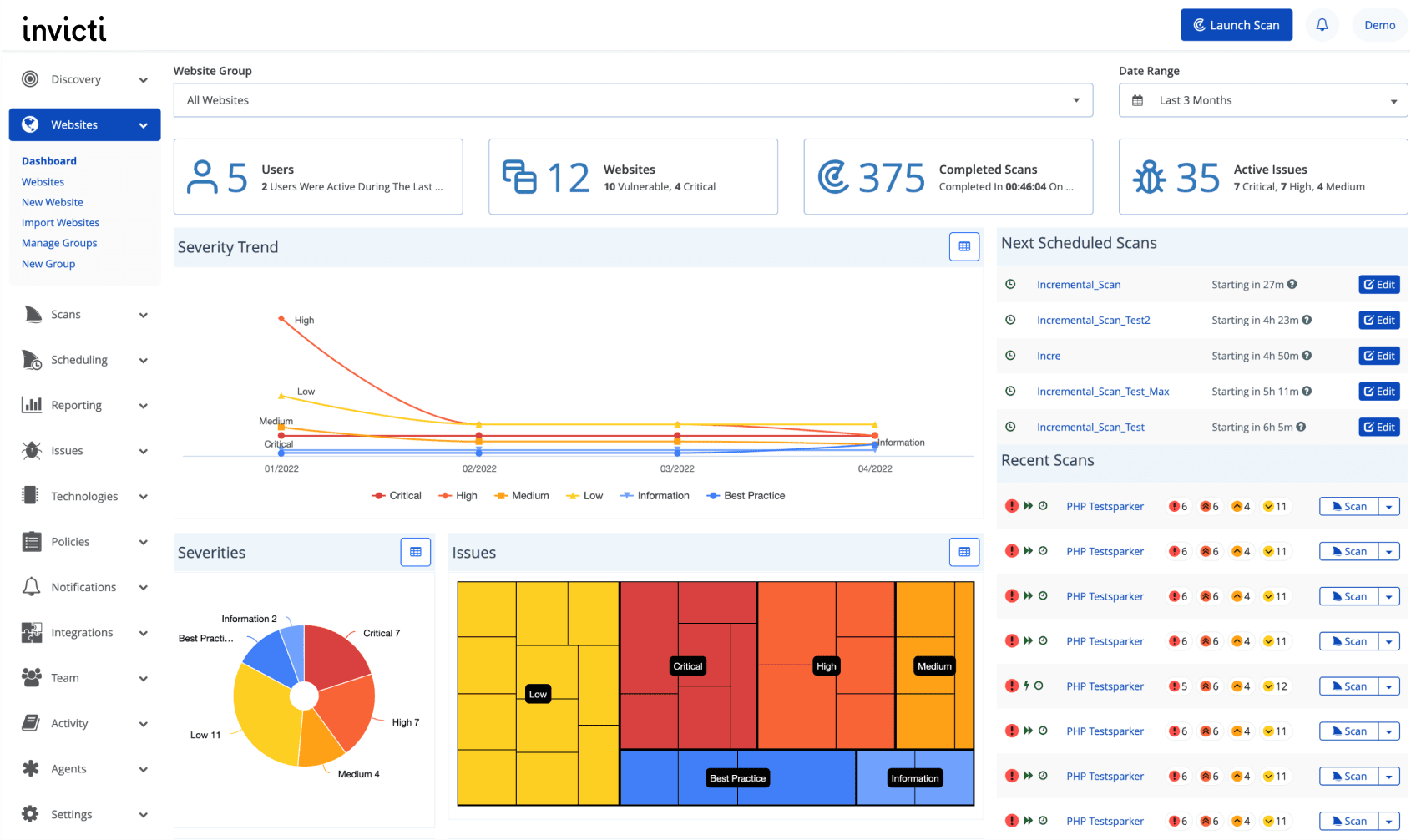
These features include:
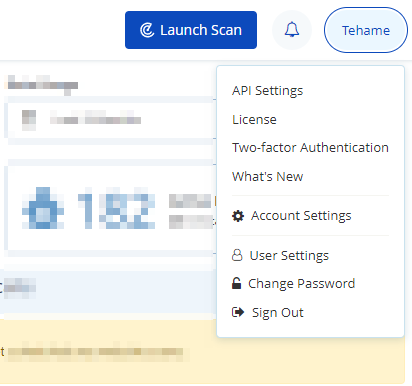
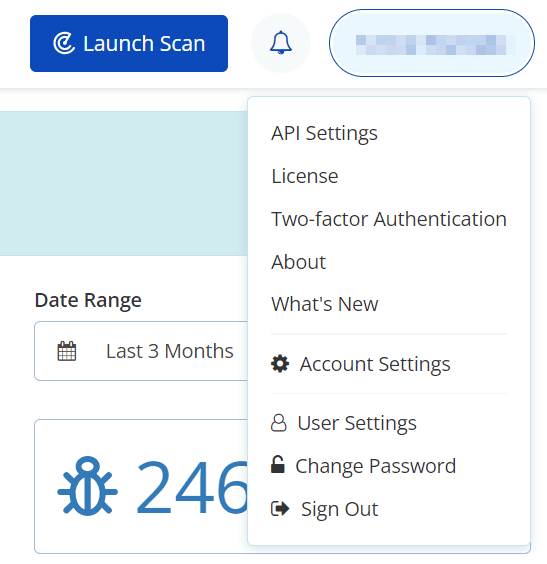
- API Settings
- License
- Two-Factor Authentication
- What's New
- Account Settings
- User Settings
- Change Password
- About (On-Premises only)
The Account dropdown in Invicti Enterprise On-Demand looks like this:
The Account dropdown in Invicti Enterprise On-Premises looks like this:
Need help?
Invicti Support team is ready to provide you with technical help. Go to Help Center
Was this page useful?