Scan gRPC API
gRPC (Remote Procedure Call) is a modern, high-performance framework that enables efficient communication between services in distributed systems. Unlike traditional RESTful APIs, which typically use JSON over HTTP, gRPC uses protocol buffers as its Interface Definition Language (IDL) and HTTP/2 for transport. This combination offers benefits such as improved performance, built-in support for streaming, and strong typing.
This document describes how to upload a .proto file to scan gRPC API web services with Invicti Enterprise.
Scan gRPC API web services in Invicti Enterprise
- Select Scans > New Scan from the left-side menu.
- Fill in the Target URL and select a Scan Profile.
- Click Links/API Definitions in the Scan Settings menu.
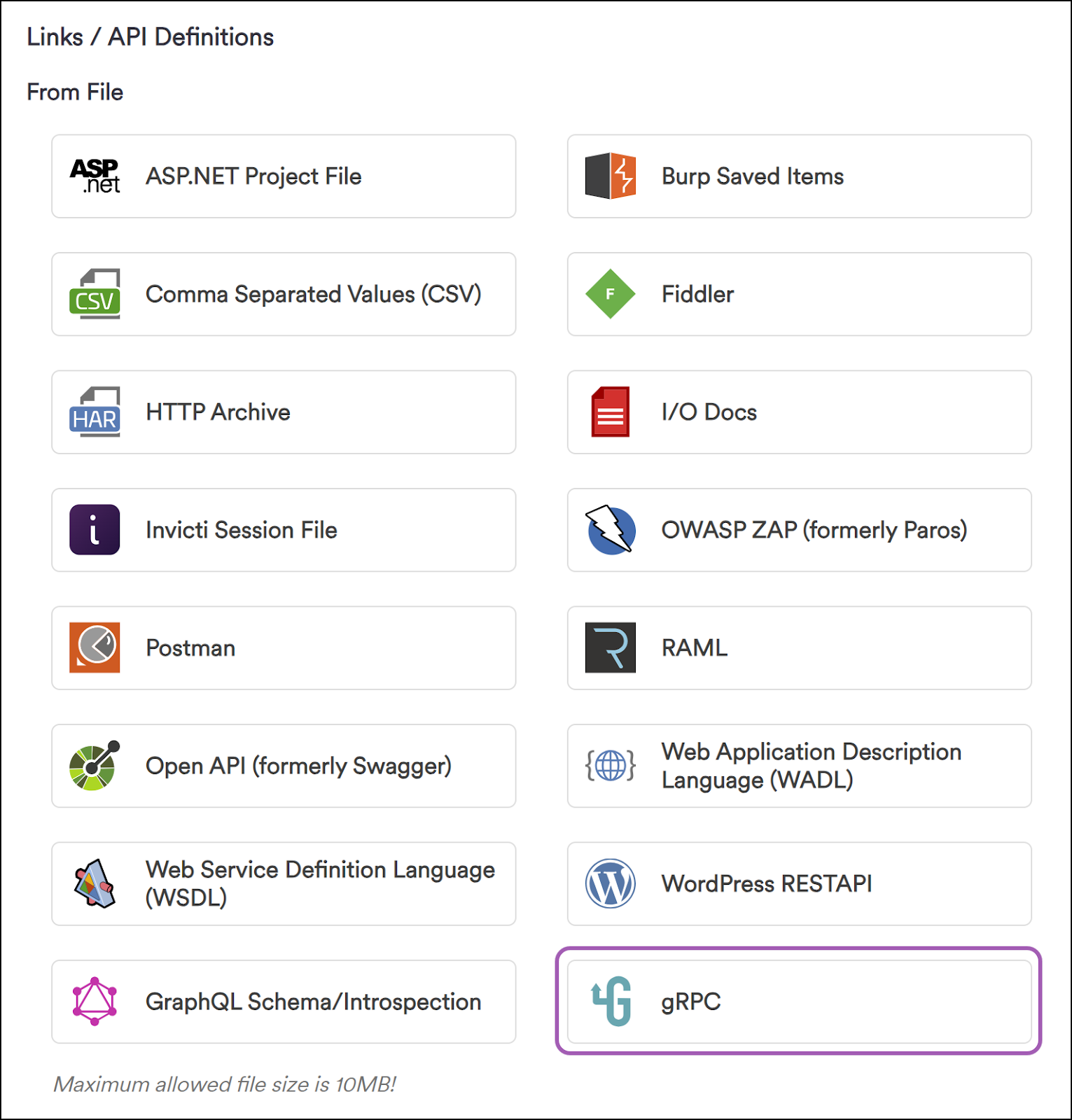
- Select gRPC in the Links/API Definitions > From File section.
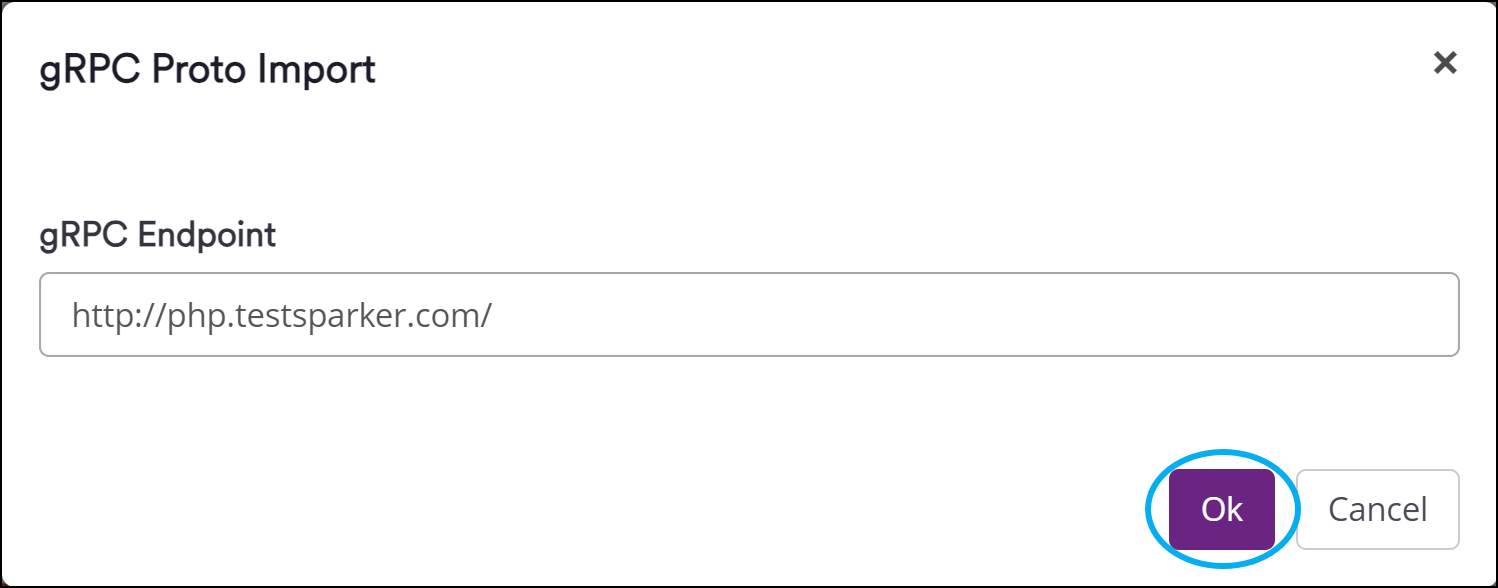
- In the gRPC Proto Import window, type the gRPC endpoint URL and click Ok.
note
If your .proto file depends on other .proto files, it's crucial that the dependent .proto files are located in the same directory.
- For example, if an imported .proto file contains workers/manager.proto, then Invicti Enterprise searches for the manager.proto file in the workers folder. Dependent files must be present in the related directory, otherwise Invicti Enterprise can't import them.
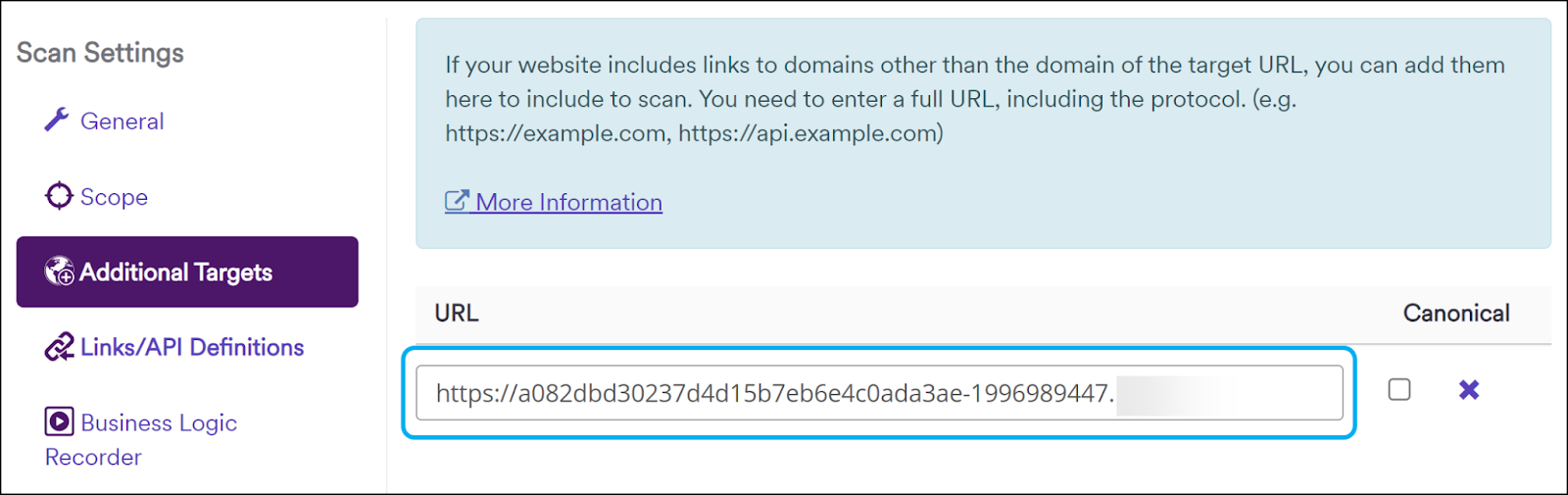
- If the entered gRPC Endpoint URL is located in a different domain than the Target URL, the gRPC endpoint is added to the Additional Targets section. Click Ok.
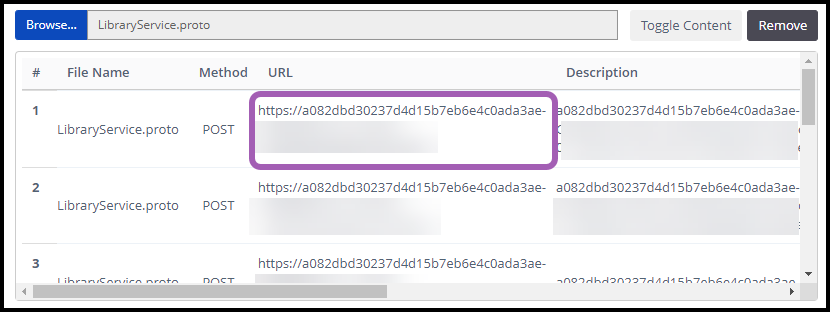
- In the window that opens up, locate and select the
.protofile, and click Open. - The All Imported Links section is updated with the
.protofile you selected.
- In Scan Settings, under Additional Targets, the gRPC URL is specified as an additional website.
- Click Launch at the bottom of the page to start scanning with the gRPC Service.
Need help?
Invicti Support team is ready to provide you with technical help. Go to Help Center
Was this page useful?