Understanding Informal PCI DSS Compliance Report
After exporting and downloading the informal PCI DSS Compliance Report external from Invicti Enterprise, you will find four sections in the report. Each section is explained below.
- Scan metadata
- Explanation
- Vulnerability Summary
- Individual vulnerability pages
- Show scan details
There can be other vulnerabilities and security issues found in your web applications but not listed in the PCI DSS Compliance Report.
Scan Metadata
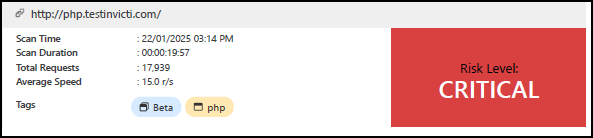
This section provides basic details about the scan, such as scan time, duration, total requests, and average speed. You can also see the overall Risk level on the right.
Explanation
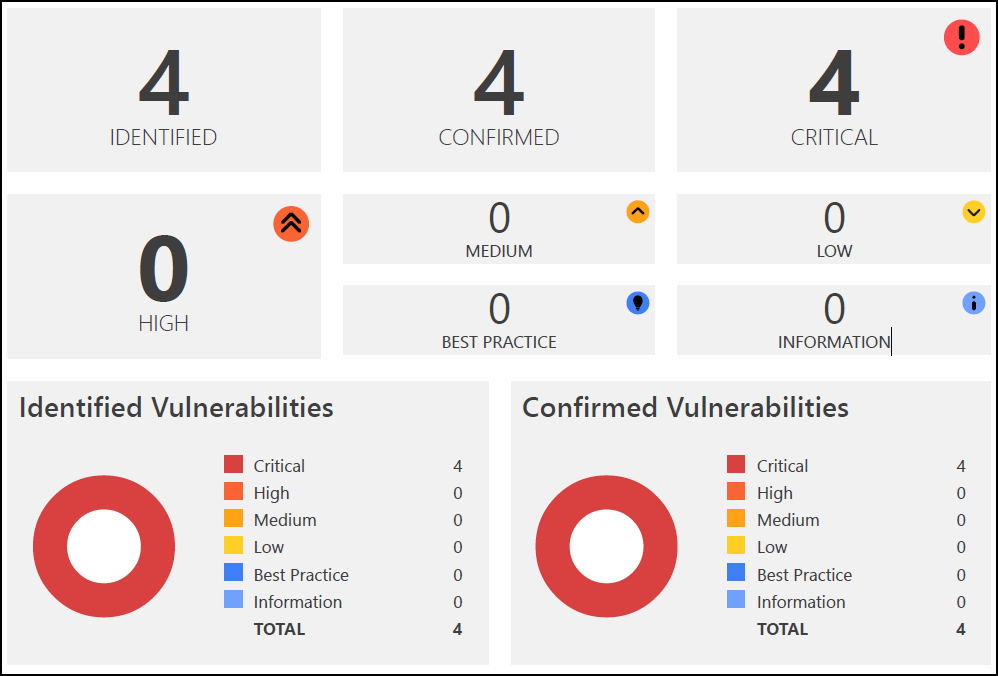
The Explanation section gives an overview of the scan results, including the total number of identified vulnerabilities, how many are confirmed, and how many are critical. You can also see the number of issues detected at various Vulnerability severity levels external. Pie charts visually represent the distribution of these findings.
Vulnerability Summary
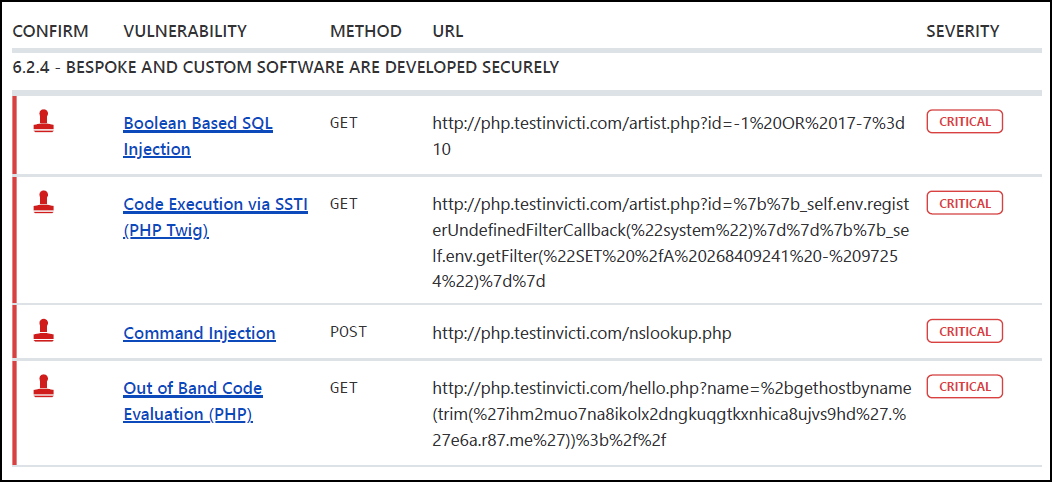
The Vulnerability Summary offers an overview of each discovered vulnerability, organized by severity. If you click on an identified vulnerability, you jump to the detailed information about the vulnerability further down in the report.
Vulnerability Summary columns:
- Confirm: indicates whether Invicti Enterprise has verified the vulnerability
- Vulnerability: displays the name of the issue and provides a link to detailed information
- Method: shows the http method used in the request where Invicti Enterprise deployed the payload to identify the issue
- URL: references the url containing the vulnerability
- Severity: indicates the severity level of the vulnerability
Individual Vulnerability Pages
This section outlines all identified issues and vulnerabilities, detailing their impact and proof of exploit. It also provides recommended actions, remedies for each issue, and external references for additional information.
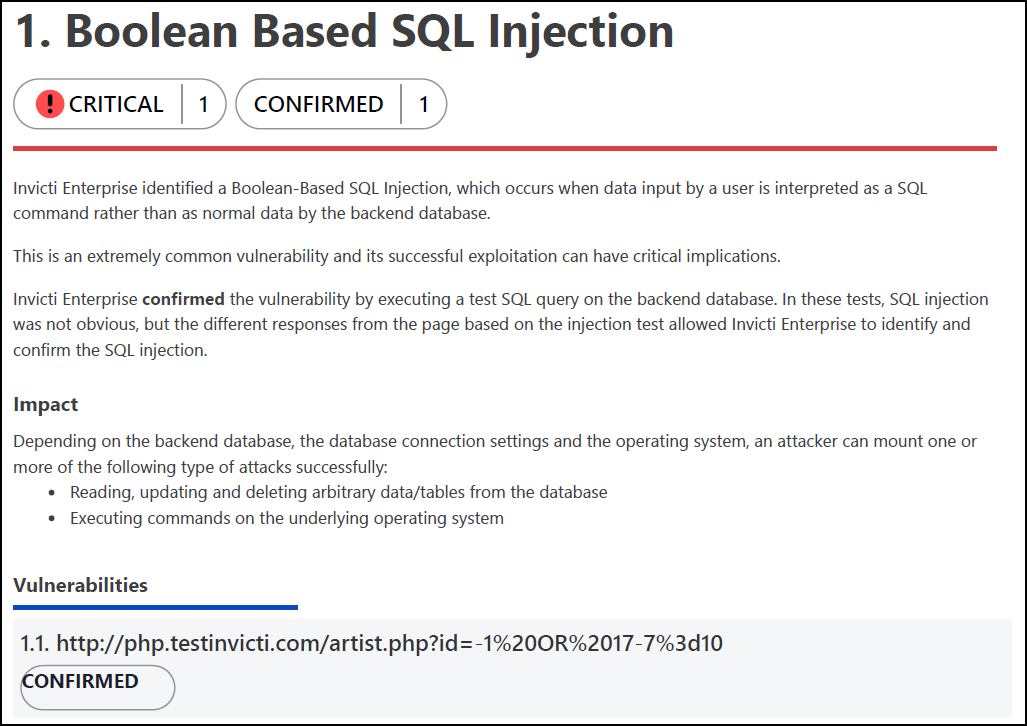
Vulnerability section description:
- Name: Indicates the name of the vulnerability
- Tag: A label used to group, organize, and filter issues in the target web application
- Proof of Exploit: Evidence proving the vulnerability's existence, including extracted information from the target
- Vulnerability Details: Provides additional information about the vulnerability
- Impact: Explains the potential effect of the issue or vulnerability on the target URL

- Actions to Take: Lists immediate steps to mitigate the impact or prevent exploitation
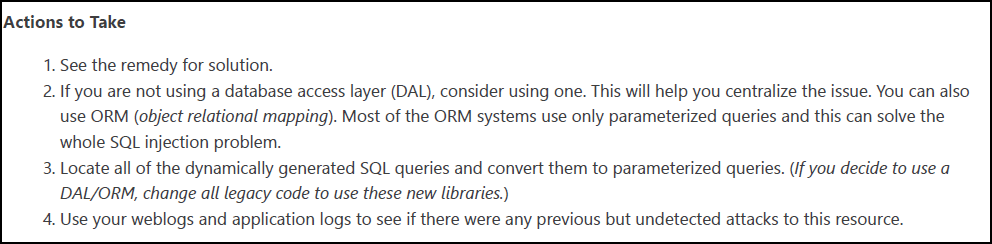
- Remedy: Suggests further steps to resolve the identified issue

- Required Skills for Successful Exploitation: Details how attackers could exploit the vulnerability

- External References: Links to resources for additional information about the vulnerability
- Classification: Provides compliance details related to PCI DSS 4.0 requirements
- Proof of Concept Notes: Demonstrates how a system might be compromised in principle
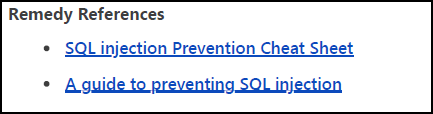
- Remedy References: Offers further information on resolving the issue
- Request: The complete HTTP request Invicti Enterprise sent to detect the issue
- HTTP Response: The system's reply to the payload sent by Invicti Enterprise
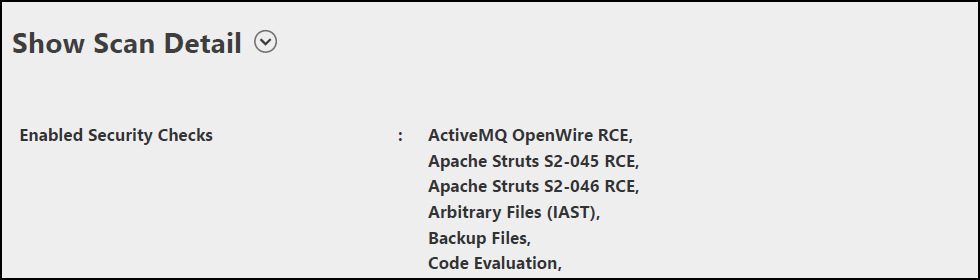
Show Scan Details
The final section details the profile and policy settings Invicti Enterprise used to optimize its scan for better coverage. It includes a list of all enabled security checks, providing developers with insights into how the scan was conducted. For more information, refer to Security Checks external.
Need help?
Invicti Support team is ready to provide you with technical help. Go to Help Center