Package: Invicti AppSec Core (on-demand)
Webhook Integration
Webhook is a generic HTTP callback mechanism that allows Invicti AppSec to send real-time event data to any external system that exposes an HTTP endpoint. Unlike tool-specific integrations, the Webhook integration is flexible and can connect to custom applications, internal dashboards, automation platforms (such as Zapier or Make), or any other system capable of receiving HTTP POST requests.
Purpose in Invicti AppSec
Webhook is used in Invicti AppSec as an Issue Manager — enabling automated event-driven notifications and ticket creation workflows in external systems via HTTP callbacks.
| Use Case | Description |
|---|---|
| Custom integrations | Send vulnerability data to internal tools, dashboards, or custom applications that accept HTTP webhooks |
| Automation pipelines | Trigger automated workflows in platforms such as Zapier, Make (Integromat), or n8n when vulnerabilities are detected |
| Security alerting | Push real-time security events to SIEM systems or custom alerting endpoints |
Where It Is Used
| Page | Navigation Path | Purpose |
|---|---|---|
| Integrations — Issue Managers | Integrations › Issue Managers | Admin activation and global configuration |
| Project Settings | Project › Settings › Issue Managers | Link the webhook to a specific project |
| Vulnerability List | Project › Vulnerabilities | Manually trigger a webhook for a specific vulnerability |
| Team Lead Integrations | Team Lead view › Integrations › Issue Managers | Team leads activate instances delegated by admins |
Prerequisites
Before activating the integration, prepare the following:
| Field | Description | Required |
|---|---|---|
| Secret Token | A secret string used to validate incoming webhook requests. Invicti AppSec sends this value in the X-Invicti-Secret HTTP header with each request | No (recommended) |
| URL | The full URL of the endpoint that will receive the webhook payload (e.g., https://hooks.yourapp.com/invicti) | Yes |
| Insecure | Enable only if the endpoint uses a self-signed SSL certificate | No |
Obtain Credentials
Endpoint URL:
- Identify or create the HTTP endpoint in your external system that will receive webhook payloads.
- The endpoint must accept
POSTrequests with a JSON body. - Copy the full URL including the protocol (e.g.,
https://hooks.yourapp.com/endpoint).
Secret Token:
- Generate a secure random string to use as the shared secret (e.g., using a password manager or
openssl rand -hex 32). - Configure your receiving endpoint to validate the
X-Kondukto-Secretheader using this same value. - This step is optional but strongly recommended to prevent unauthorized requests.
Activation Steps
Step 1: Navigate to Integrations
From the left sidebar, click Integrations.
Step 2: Open the Issue Managers Tab
On the Integrations page, click the Issue Managers tab.
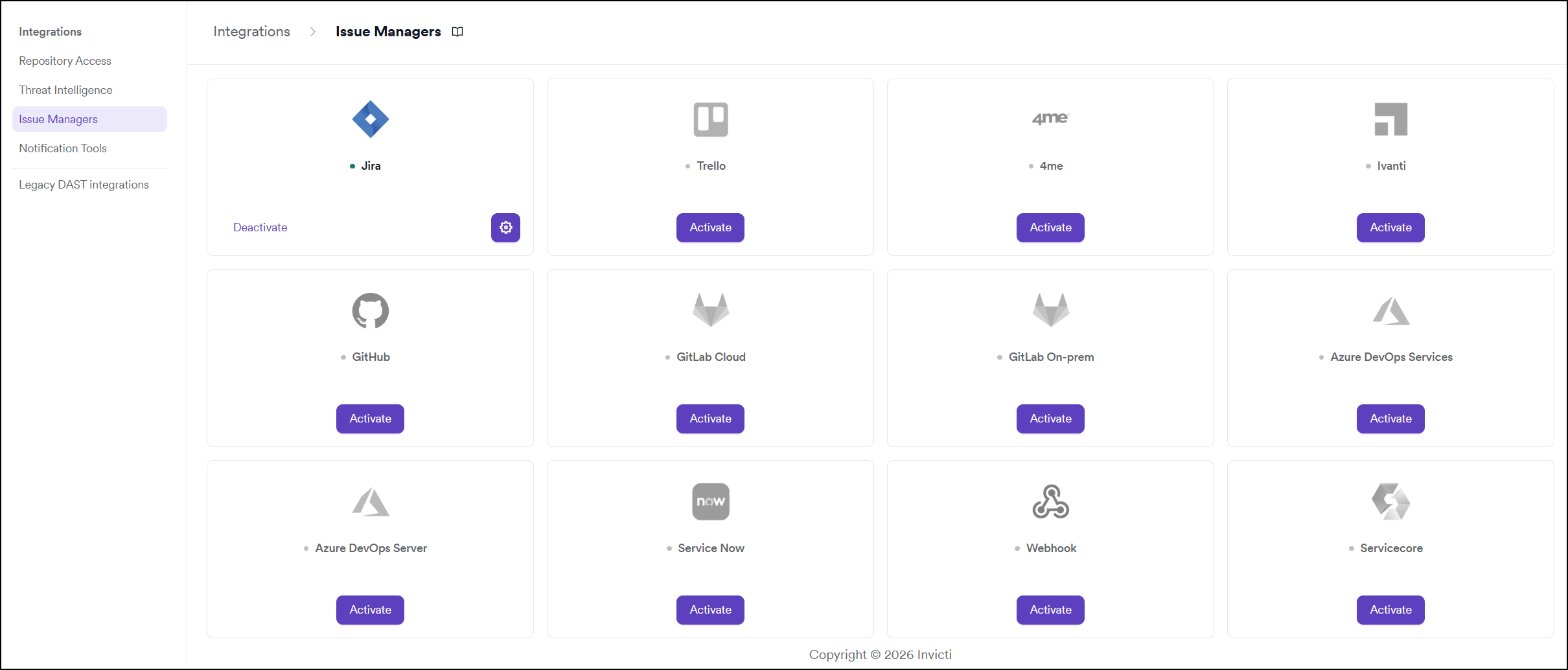
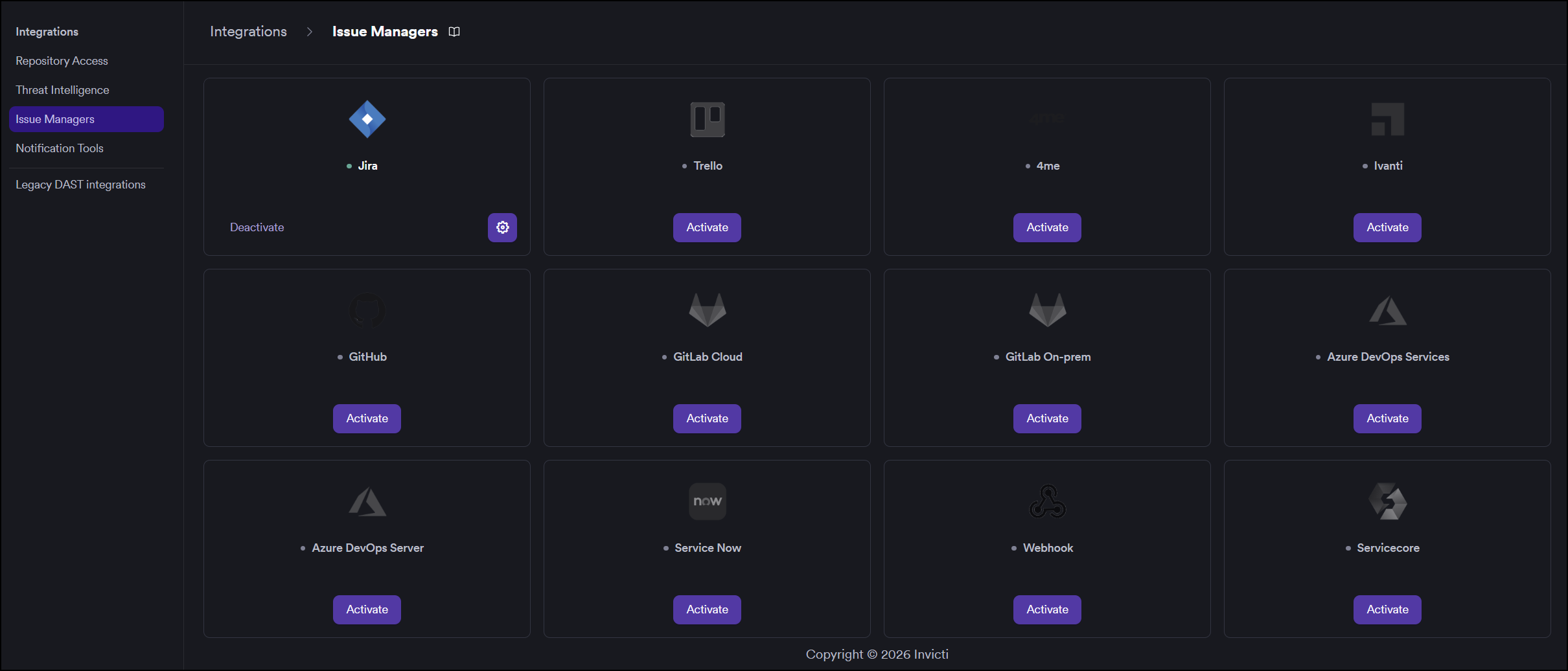
Step 3: Find and Activate Webhook
Locate the Webhook card.
- If it is not yet activated, click Activate to open the settings drawer.
- If it is already activated, click the gear icon to reconfigure.
Step 4: Fill In the Required Fields
In the settings drawer, enter the required information:
| Field | Description | Required |
|---|---|---|
| Secret Token | Shared secret sent in the X-Invicti-Secret header for payload validation | No |
| URL | The full URL of your webhook receiver endpoint | Yes |
| Insecure | Enable for self-signed SSL certificates | No |
Step 5: Test the Connection
Click Test Connection. A green "Connection successful" message confirms that Invicti AppSec can reach the webhook endpoint.
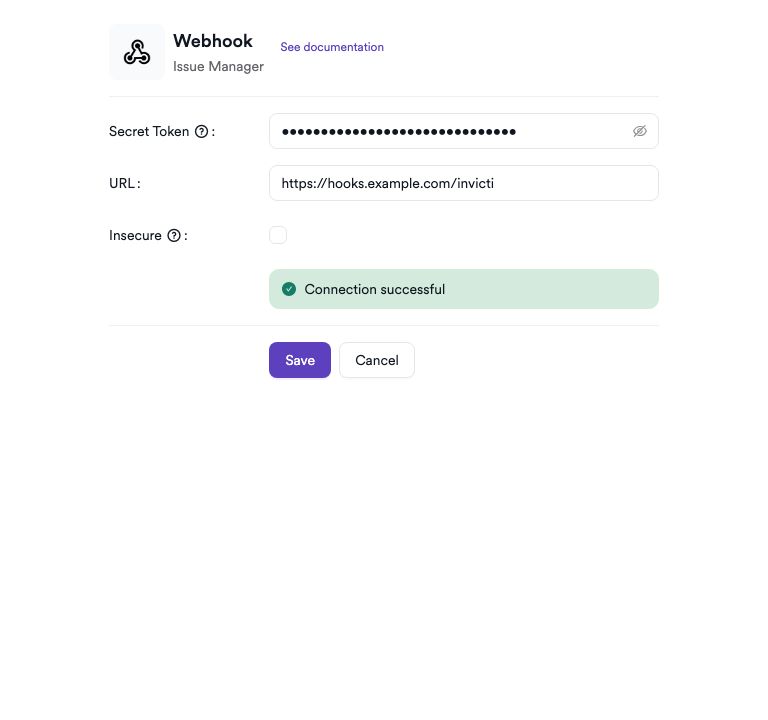
Step 6: Save
Click Save to complete the activation.
Summary
| Step | Action |
|---|---|
| 1 | Navigate to Integrations from the sidebar |
| 2 | Select the Issue Managers tab |
| 3 | Find Webhook and click Activate (or the gear icon) |
| 4 | Enter the Secret Token (recommended) and URL |
| 5 | Click Test Connection — verify the success message |
| 6 | Click Save |
Troubleshooting
| Issue | Resolution |
|---|---|
| Connection failed | Verify the endpoint URL is correct and publicly reachable from the Invicti AppSec network. Check firewall rules and ensure the endpoint is running. |
| Endpoint returns 4xx | Check that the endpoint accepts POST requests and does not require additional authentication headers beyond the secret token. |
| Secret token mismatch | Ensure the receiving endpoint validates the X-Invicti-Secret header using the exact same token configured in Invicti AppSec. |
| SSL / certificate error | Enable the Insecure option for self-signed certificates, or add the certificate to your trust store. |
| No payload received | Confirm that the endpoint URL is correct, the service is running, and no intermediary (e.g., API gateway) is blocking the request. |
Need help?
Invicti Support team is ready to provide you with technical help. Go to Help Center