Package: Invicti AppSec Core (on-demand)
Configure source control
This document explains how to configure source control settings for your projects in Invicti AppSec. You're going to connect your project to its repository, configure ALM integrations, and set up monorepo-specific settings for enhanced vulnerability correlation.
Source control configuration connects your project to its repository, enabling Invicti AppSec to retrieve code information, analyze endpoints, and correlate findings between SAST and DAST scans. This integration provides valuable context for vulnerability analysis and helps track code changes.
Steps to configure source control for a project
- Select Inventory > Projects from the left side menu.
- Click the project name to open the project dashboard.
- Select the Settings tab and open the Source control section.
- Specify the Application lifecycle management tool (for example, GitHub).
- Enter the Repository URL for your project's repository.
- Configure optional settings:
- Disable clone operation: when this toggle is turned on, Invicti won't be able to retrieve certain information from the ALM tool such as code line, committer information, etc. Disabling is only recommended when this information is already included in the result files imported to Invicti.
- Disable endpoint discovery analysis at each SAST scan: Invicti AppSec discovers endpoints and routes from the source code and builds a function call graph for SAST and DAST correlation.
Monorepo configuration
For monorepo projects, configure the following additional settings:
- Scope: define the paths within your monorepo so that Invicti can decide on the SAST, SCA, and IaC vulnerabilities to include in this project
- File names: enter file names Invicti should check for in vulnerabilities alongside paths
- Include empty scope: enable to include SAST, SCA, and IaC vulnerabilities with no path in this project
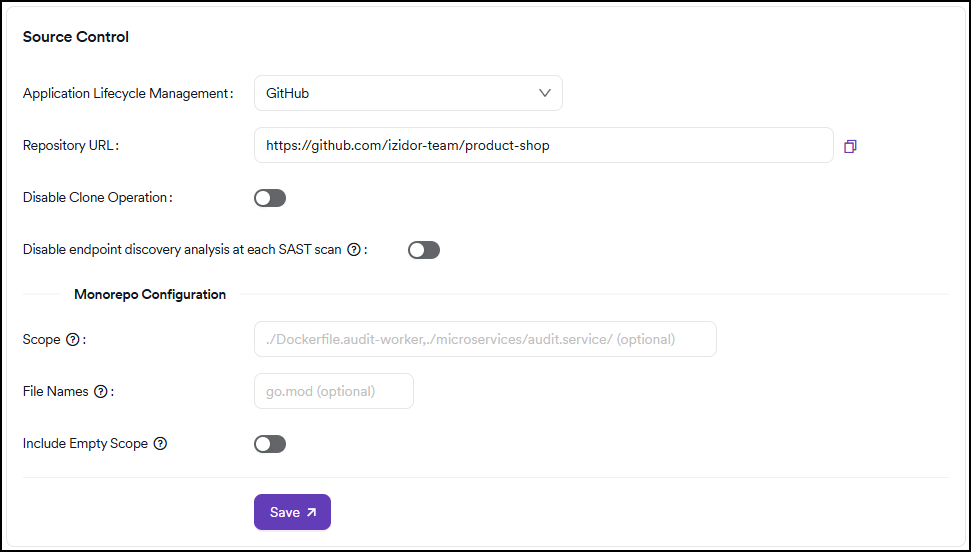
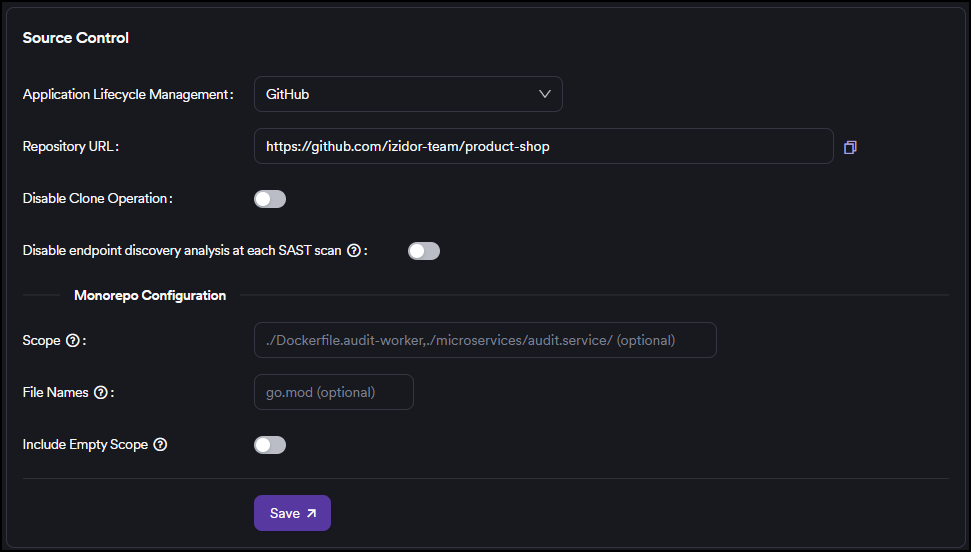
- Click Save to confirm the configuration.
Proper source control configuration enhances the accuracy of vulnerability correlation and provides better context for security findings. Ensure your repository URL is accessible and your ALM tool permissions are correctly set up.
Need help?
Invicti Support team is ready to provide you with technical help. Go to Help Center