Configuring Agent Selection
This document provides instructions on how to enable the selection of a specific agent when launching a scan.
Configuring agent selection is available in the Invicti Enterprise On-Premises Edition only.
How to configure agent selection
- Log in to Invicti Enterprise with an Administrator account.
- Select Settings > General from the left-side menu.
- Enable the Agent selection enabled checkbox and select Save.
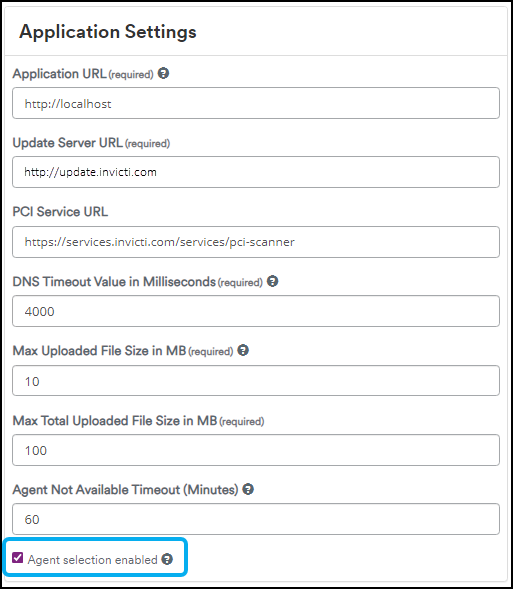
- Select Scans > New Scan from the left-side menu.
- In the General tab, select the Preferred Agent drop-down and select an option.
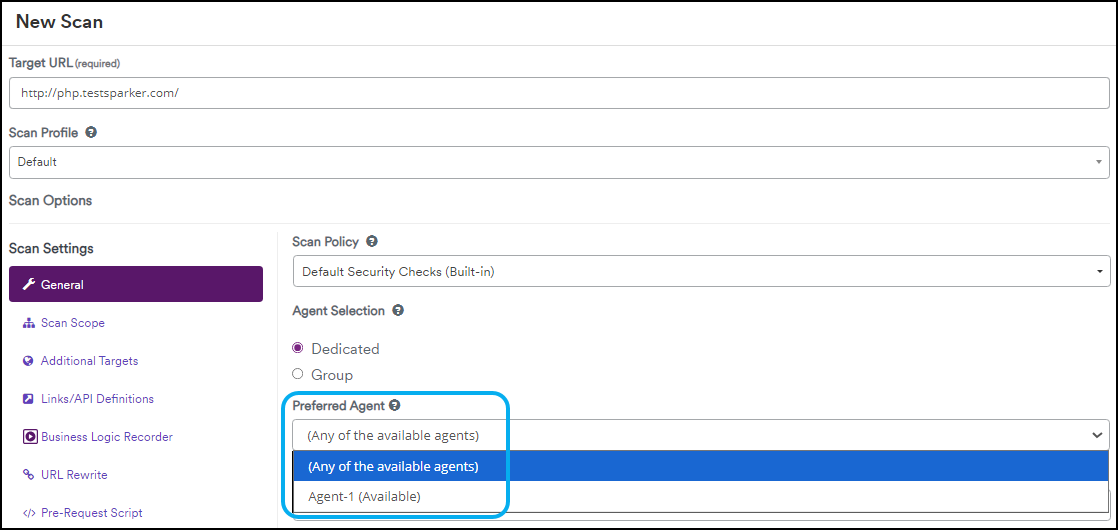
- Complete the remaining fields as needed.
Need help?
Invicti Support team is ready to provide you with technical help. Go to Help Center
Was this page useful?