Accessing Continuous Integration Details in the Scan Report
You can access CI details in the scan's Report window to view build information and continuous integration metadata associated with your security scans.
For further information, see Integrating Invicti Into Your Existing SDLC external documentation.
How to view Continuous Integration Details in the scan report
Follow these steps to access continuous integration information in your scan reports:
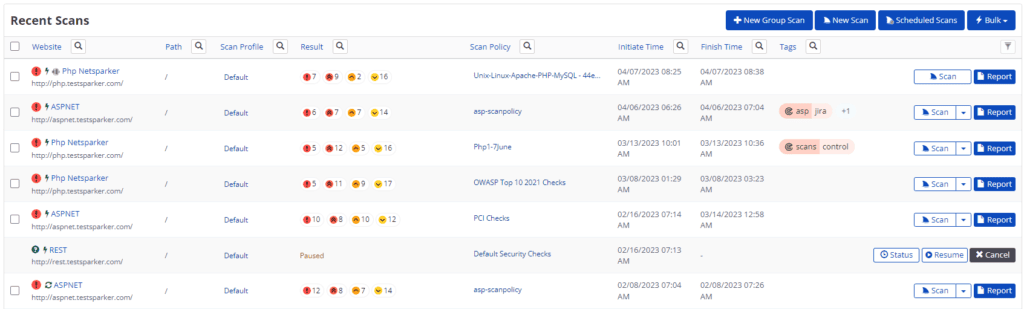
- From the main menu, select Scans > Recent Scans.
- For the relevant completed scan, select Report.
-
Scroll down to the Technical Report section.
-
From the Scan Summary tab, in the Continuous Integration Details section, you can view build information.
-
In the Build ID field, click the Build ID. The TeamCity application opens at the Build Log tab.
-
Click Commit/Changeset. The TeamCity application opens at the Changes tab.
-
Click the Netsparker Scan Result tab to view the scan result.

If the scan is queued or ongoing, the following message is displayed: 'The scan report is not available yet because the scan is not finished. Please try again later.'
Need help?
Invicti Support team is ready to provide you with technical help. Go to Help Center