Viewing Continuous Integration Information in the Issues Window
You can access CI information from Invicti Enterprise's Issues window to view build details and continuous integration metadata associated with your security scans.
info
For further information, see Integrating Invicti Enterprise into Your Existing SDLC external documentation.
How to View CI Build Information Details in the Issues Window
Follow these steps to access continuous integration information for your security issues:
- Log in to Invicti Enterprise.
- From the main menu, select Issues > All Issues.
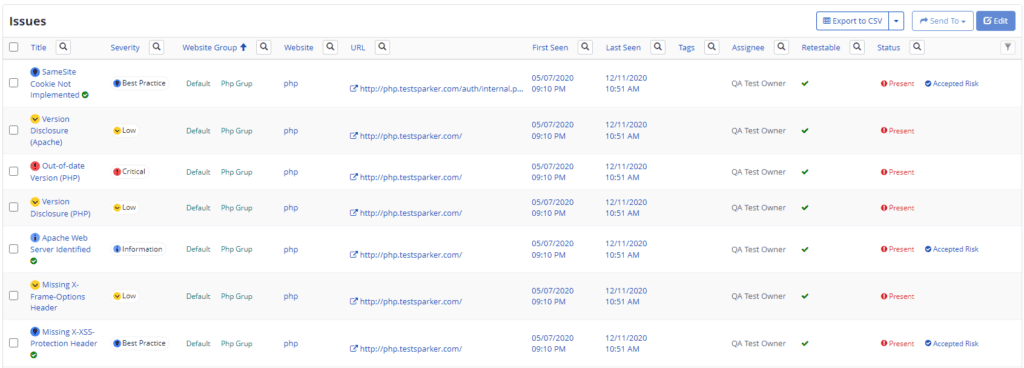
- Select the issue.
- Select the Continuous Integration Details drop-down. The CI Build Information details are displayed.
Need help?
Invicti Support team is ready to provide you with technical help. Go to Help Center
Was this page useful?