Package: Invicti AppSec Core (on-demand)
Business criticality thresholds
The Business Criticality Thresholds section allows you to define four different levels of business criticality and adjust their corresponding threshold values.
These threshold values are associated with the risk values in the labels assigned to a project.
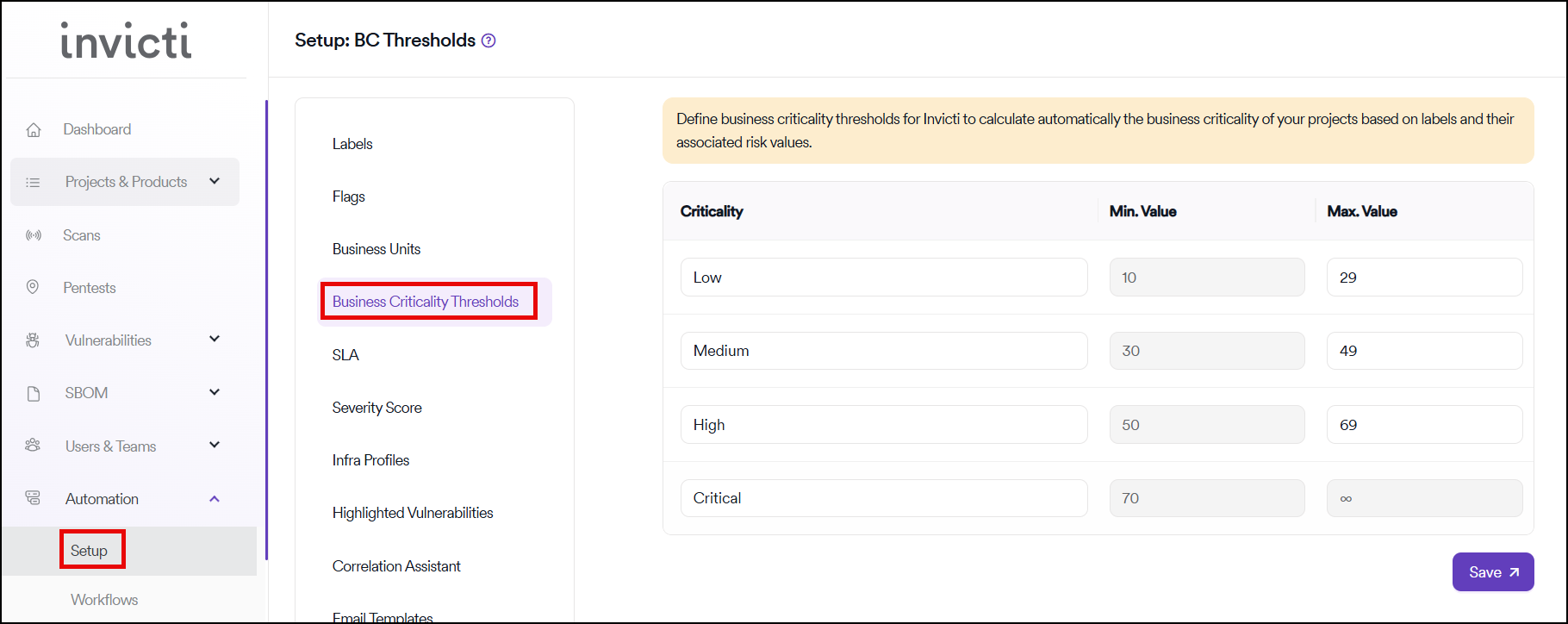
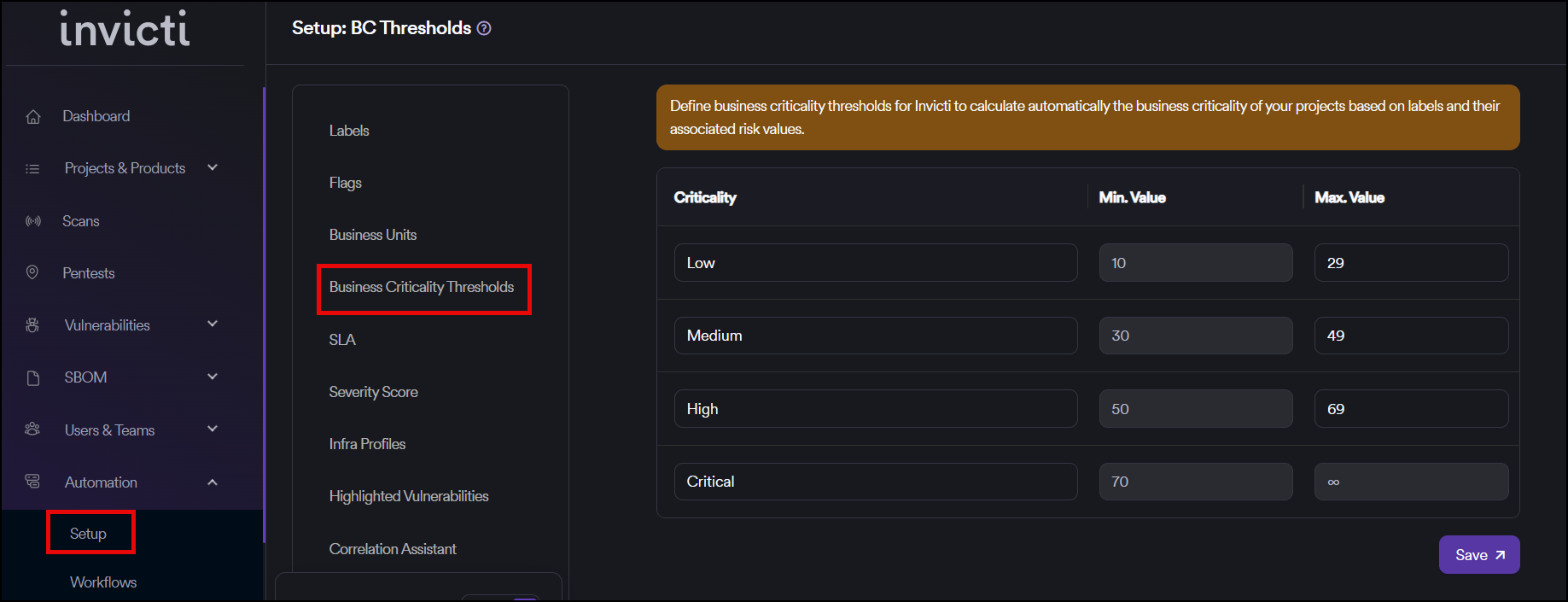
How business criticality works
The sum of the risk values in the assigned labels determines the level of business criticality for the project. If it falls within the defined threshold values, the project is assigned to that level.
Assign business criticality to projects
To assign the relevant business criticality to your projects, you can:
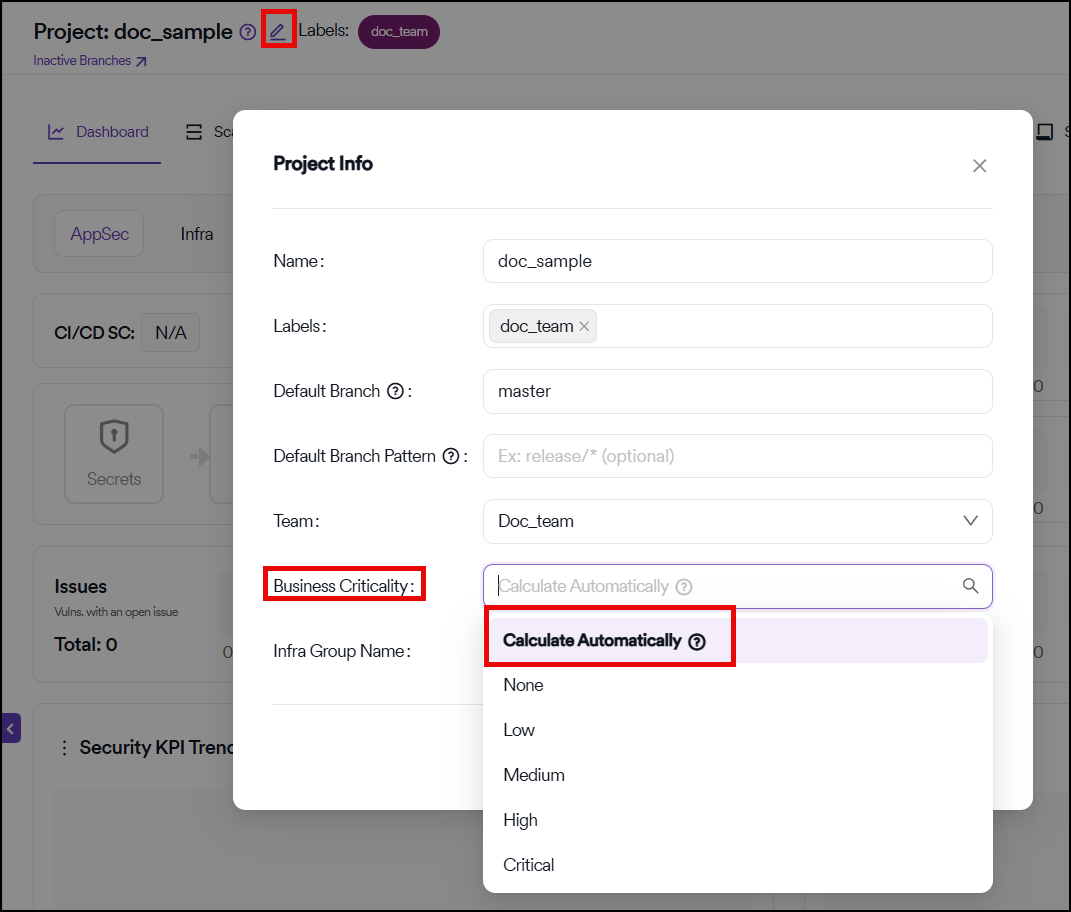
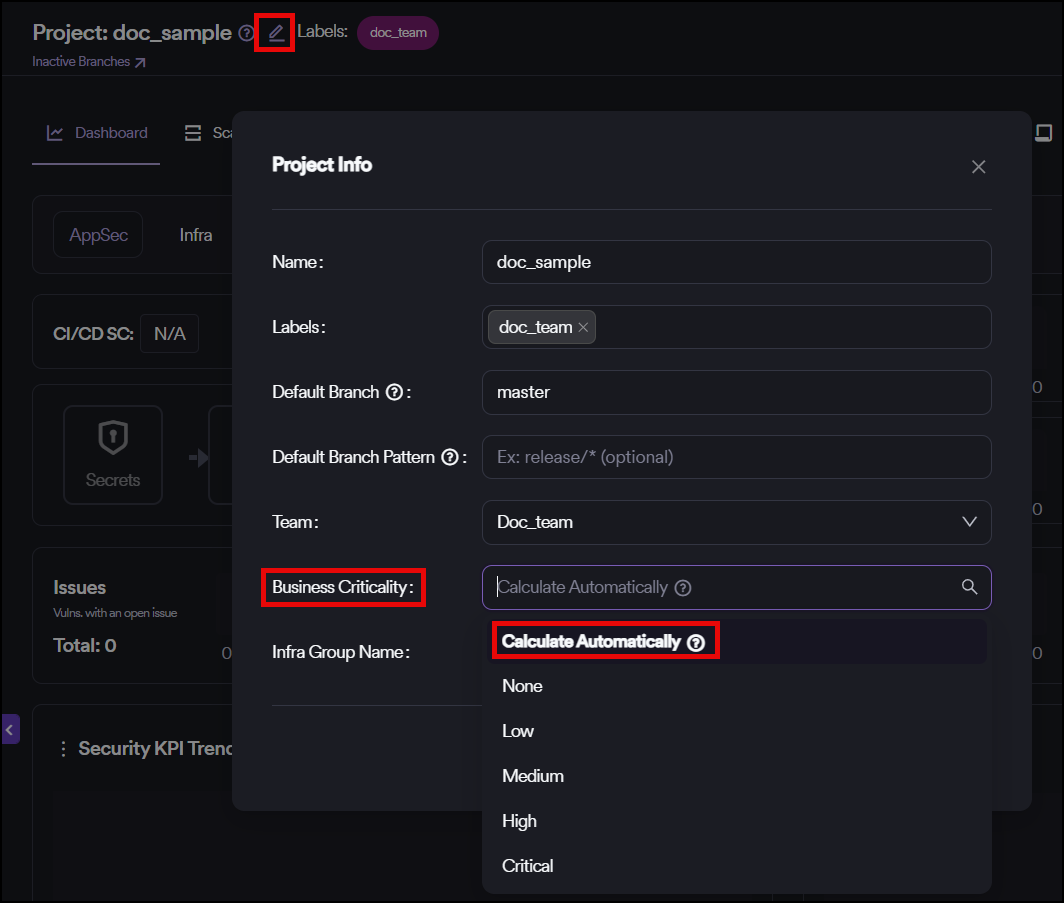
- Automatic assignment: While creating your projects or in the edit section of a project, click the Calculate Automatically button in the Business Criticality field.
- Bulk action: Use the bulk action feature for multiple projects on the Assets Management page.
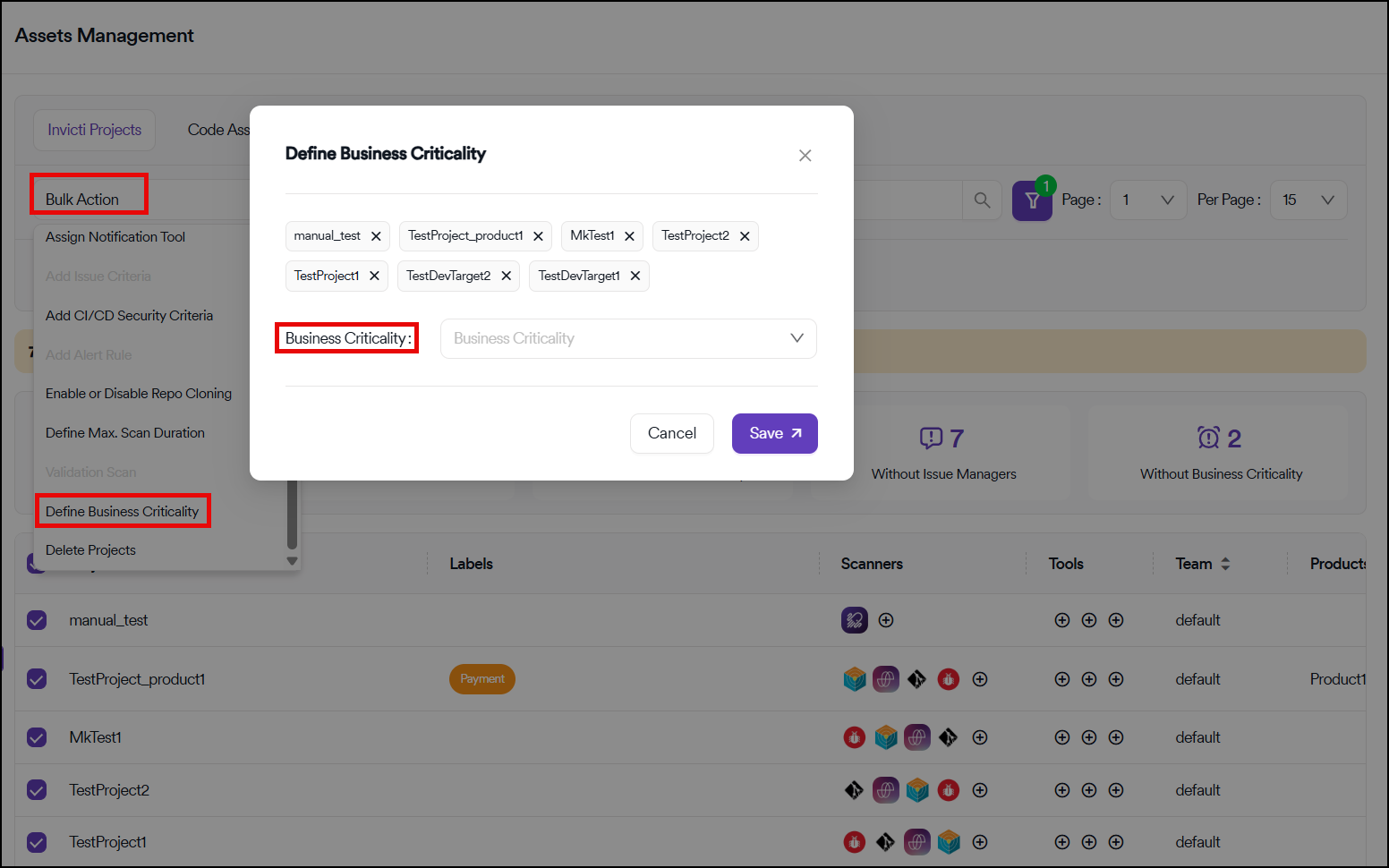
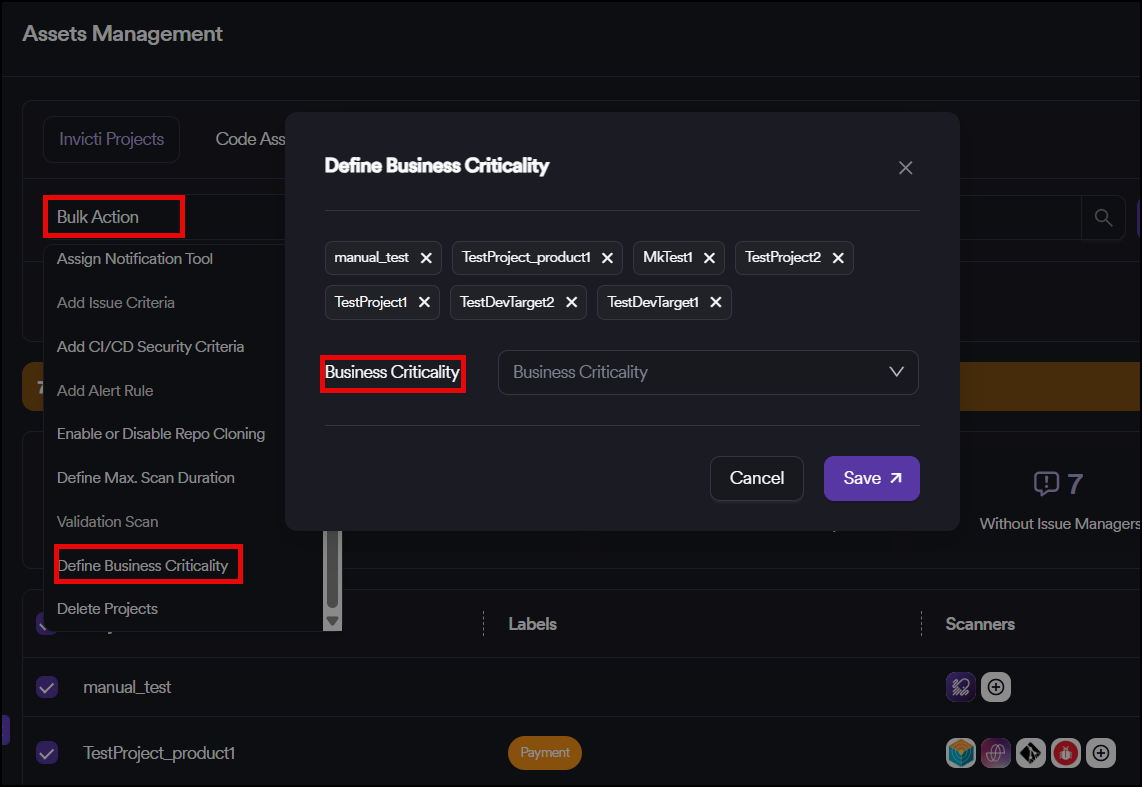
This automated approach ensures consistent classification of projects based on their associated risk factors through labels.
Need help?
Invicti Support team is ready to provide you with technical help. Go to Help Center