Package: Invicti AppSec Core (on-demand)
Infrastructure profiles and groups
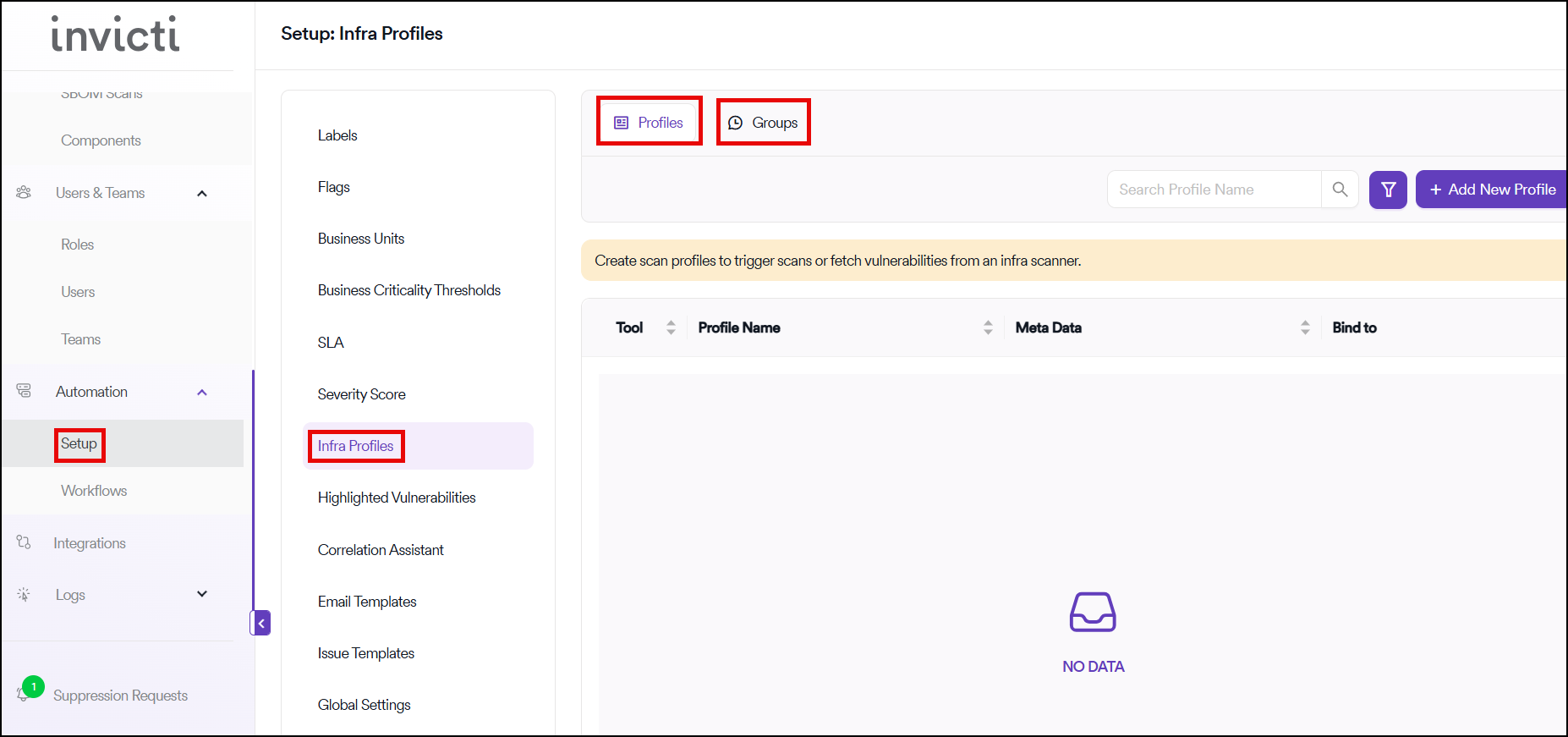
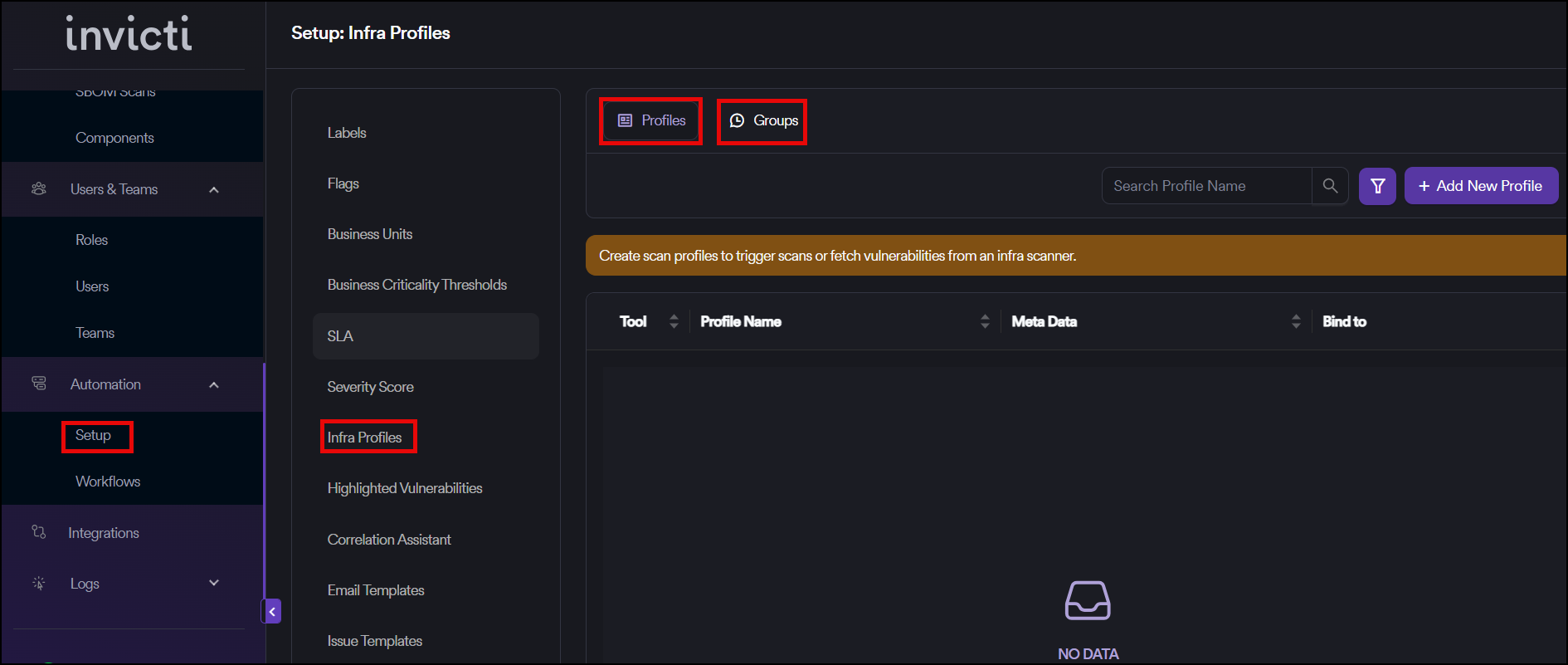
Infra scans are run at a global level in Invicti AppSec and vulnerabilities related to infra are associated with projects through the use of Infra Groups. Any infra scans that are intended for use in Invicti AppSec are integrated as an Infra Profile, a process which mirrors the Add Scanner section of projects.
Infra vulnerabilities are gathered from all included Infra Profiles and amassed into a collective pool.
Global level scanning
If the infra scanner management toggle under global settings is turned on, infra scans can also be triggered under project settings. In this case, even if the scan is triggered under a project, it still runs at a global level and vulnerabilities are also stored at a global level.
Vulnerability distribution with Infra Groups
After adding profiles, all vulnerabilities accumulated in the pool can be distributed to projects using Infra Groups. In this stage, filters such as Meta Data, IP CIDR, and Vulnerability Names can be used to create different categories of vulnerabilities.
Issue assignment and scoring
While creating an infra group, an issue responsible can be assigned to an infra group along with an issue score. Since the same vulnerability can exist in multiple infra groups, the issue responsible in the infra group with the higher issue score will be assigned a ticket when raising a ticket on the issue manager.
Project association
The created Infra Profile Names can be associated with projects under the settings of projects. All the added vulnerabilities can be seen in the Infra tab of the Vulnerabilities page of the projects.
Key characteristics
- Multi-project support: An infra profile can be added to more than one project
- Vulnerability separation: The vulnerabilities of a scan can be separated into different projects with this structure
- Centralized management: All infra scanning is managed globally while allowing project-specific vulnerability assignment
Workflow overview
- Set up profiles: Integrate infra scans as Infra Profiles (similar to adding scanners to projects)
- Enable management: Turn on the infra scanner management toggle in global settings if needed
- Create groups: Use Infra Groups to categorize vulnerabilities with filters
- Assign responsibility: Set issue responsible and issue scores for each group
- Associate with projects: Link Infra Profile Names to specific projects
- View vulnerabilities: Access infra vulnerabilities through the Infra tab in project vulnerability pages
Need help?
Invicti Support team is ready to provide you with technical help. Go to Help Center