Package: Invicti AppSec Core (on-demand)
Business units
Business units are label-like elements associated with products to create custom hierarchies within the organization. Multiple products can be grouped under a business unit. Business units are related to products in the product editing section.
Steps to add business units
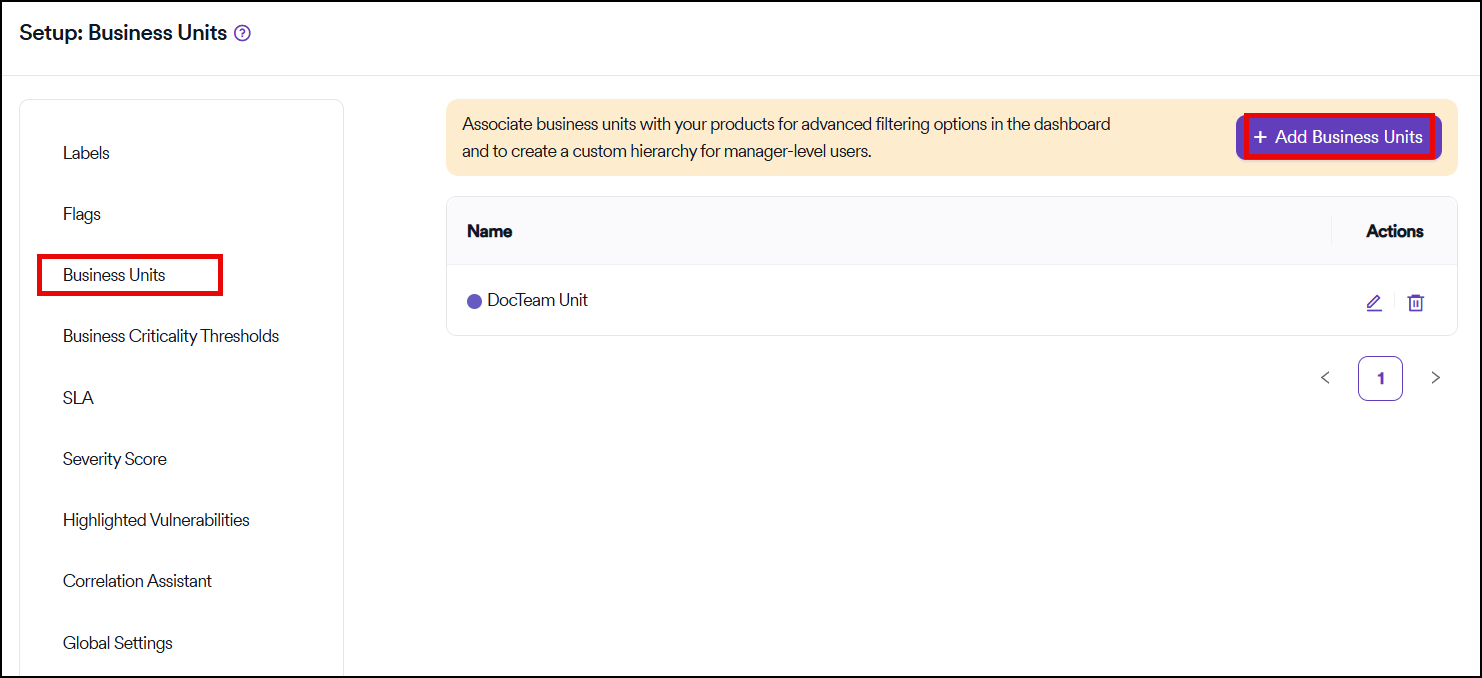
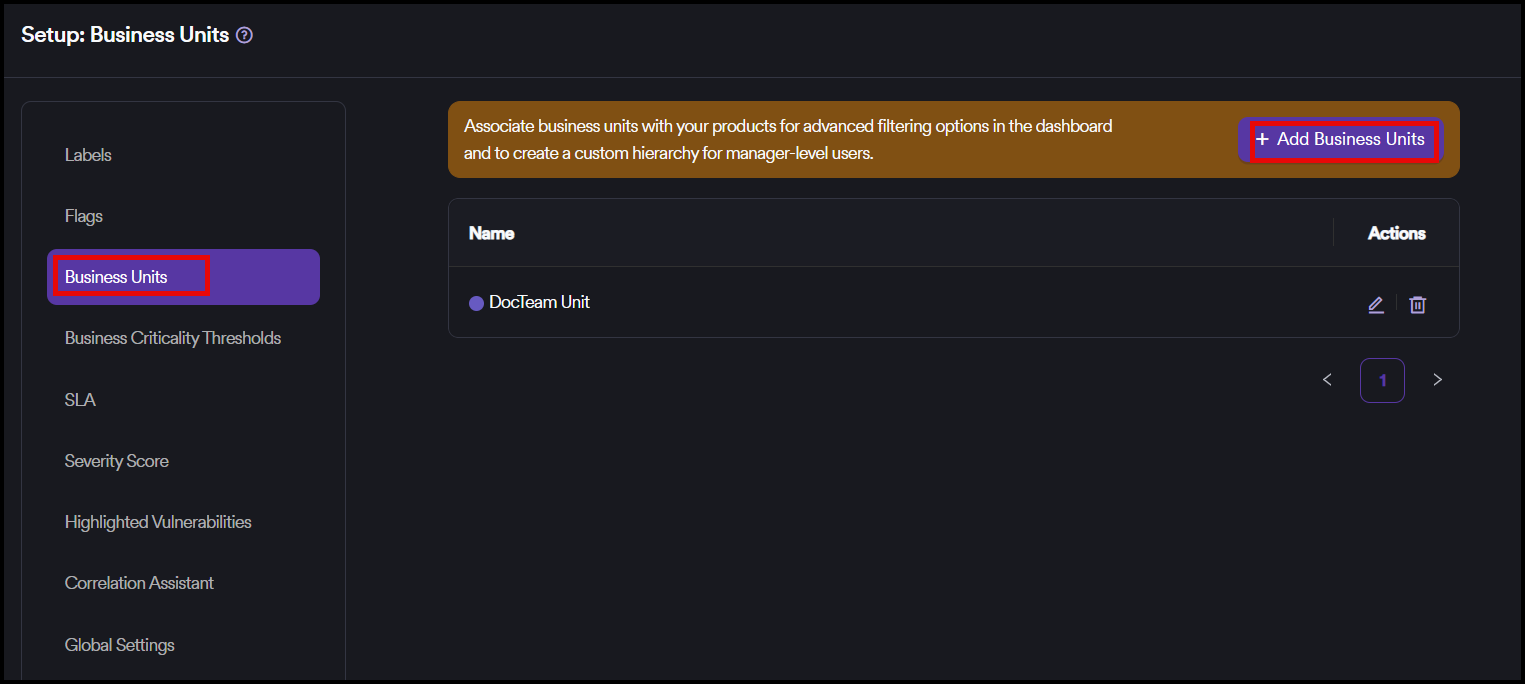
- Select Automation > Setup from the left-side menu.
- Select Business Units.
- Select Add Business Units
Only products and manager accounts can have business units.
Add business units
You can add business units to products and manager accounts in the Info step when adding or editing a product and a manager account.
Use cases
There are two prominent use cases for business units:
Dashboard filtering
You can use them to filter the organization dashboard based on business units, allowing for targeted views of security metrics across different organizational divisions.
Manager custom views
They can be associated with manager-level users to create a custom view for managers who want to track the progress of respective business units. This action occurs when:
- A new user with the manager role is created manually
- A user is fetched from a single-sign-on tool
A user can be associated with multiple business units to provide flexibility in organizational management.
Need help?
Invicti Support team is ready to provide you with technical help. Go to Help Center